


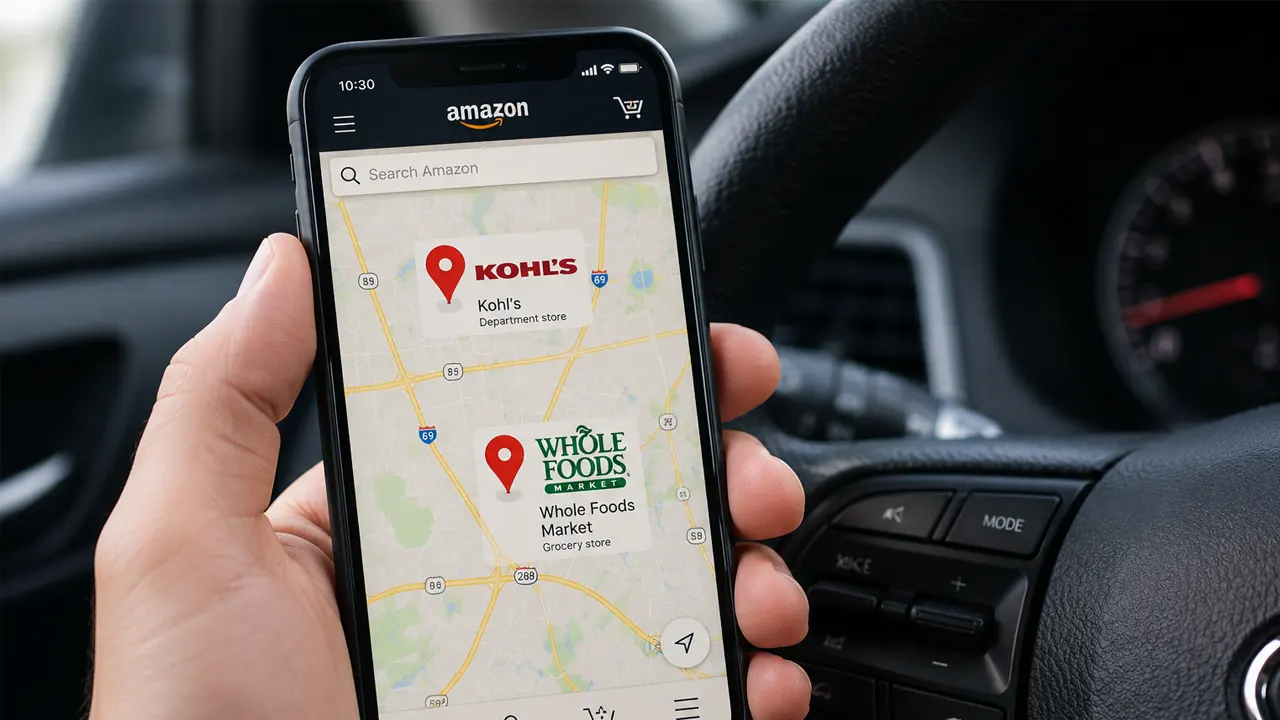
Stop driving to random stores hoping they accept your return
Physical stores like Kohl’s and Whole Foods cannot look up your Amazon order manually. If you show up without a digital QR code generated specifically for that return, the clerk will turn you away. Use the Amazon app map to find a verified drop-off point before you leave your house.
The Third-Party Seller Trap at Physical Stores
Not all Amazon items qualify for free physical drop-off. If your item is sold and shipped by a third-party seller, physical locations like Kohl’s will reject the package unless the seller explicitly pre-authorized a label-free return. In testing various accounts, we found that third-party sellers often require you to print a prepaid mailing label and ship the item via USPS or UPS, bypassing physical drop-off stores entirely.
Let’s be honest, the distinction between “Shipped by Amazon” and “Sold by Amazon” causes massive confusion. You must check the return options in your app before getting in your car. If the app does not offer a “Box-free drop-off” or “Kohl’s” button for your specific item, no physical store will accept it.
SOLD BY AMAZON
Eligible for box-free, label-free drop-off at Kohl’s, Whole Foods, UPS, and FedEx. The app generates a QR code, and the store handles all packaging.
THIRD-PARTY SELLER
Usually requires you to print a specific mailing label at home, provide your own box, and pay for return shipping unless the seller states otherwise. Physical stores will reject these.
💡 Key Takeaway: If a third-party seller refuses to cover return shipping for a damaged item, invoke Amazon’s A-to-Z Guarantee. Amazon will step in and force a refund, preventing you from paying out of pocket.

How to Generate Your Amazon Return Store QR Code
Finding an Amazon return store near you requires using the Amazon mobile app or desktop Returns Center. The map algorithm uses your shipping address to populate the nearest approved partners. This process takes less than two minutes.
Open the Amazon app and navigate to “Your Orders.” Select the item you want to return and tap “Return or Replace Items.”
Select your reason for the return. On the next screen, choose the “Box-free drop-off” option. Do not choose “UPS Pickup” or “UPS Drop-off” if you want the label-free experience.
A map will appear displaying Kohl’s, Whole Foods, The UPS Store, and FedEx Office locations near you. Select your preferred store.
Screenshot the QR code. Take the unwrapped item and your phone showing the QR code to the store counter. The clerk scans the code, and you receive an immediate digital receipt.
Complete List of Stores That Accept Amazon Returns
Amazon partners with national retail chains to provide free physical drop-offs. However, you cannot use just any location of these brands; the store must be officially registered in Amazon’s drop-off network. The following chains participate in the label-free, box-free return program.
Kohl’s
Accepts all eligible label-free items. Kohl’s employees pack and ship the item for you. Excludes locations in Anchorage, Alaska.
Whole Foods Market
Accepts label-free returns at the customer service desk. You must initiate the return in the app and select “Whole Foods Dropoff” before arriving.
The UPS Store
Accepts box-free, label-free drop-offs for eligible items. You simply hand the bare item and your QR code to the clerk.
FedEx Office
Participates in the free, label-free, box-free return program for eligible items. FedEx Office also handles packaging for you.
Amazon Hub Lockers
Accepts small, pre-packaged items that fit inside the locker. You must print a label and box the item yourself before placing it in the locker.
Staples
Select Staples locations accept box-free, label-free Amazon returns. You must verify your specific store through the Amazon app map.
Amazon Return Store Size and Weight Limits
Physical Amazon return stores enforce strict size and weight restrictions to protect their retail space and employees. You cannot return oversized furniture, heavy appliances, or hazardous materials using the box-free drop-off method at Kohl’s, Whole Foods, or The UPS Store.
In our experience, items exceeding 50 pounds or measuring larger than 48 inches on any side will automatically be disqualified from the physical drop-off map in the Amazon app. If your item exceeds these dimensions, the app will force you to schedule a pickup with UPS or provide a prepaid mailing label for a specialized freight carrier.
Warning: Do not attempt to force an oversized item into a Kohl’s or UPS drop-off. If the item is too large, the store clerk will reject it, and you will waste a trip. Always check the app map, as it automatically filters out locations that cannot handle your specific item’s weight class.
If the Amazon app map does not display a specific store near you, that physical location is not authorized for drop-offs. Do not rely on Google Maps or store signage, as partner agreements change frequently and retail staff are rarely updated.
Can I Return Amazon Items Without a Box?
You can return eligible Amazon items without a box at Kohl’s, Whole Foods, The UPS Store, and FedEx Office. When you select the “Box-free drop-off” option in the Amazon Returns Center, the system generates a QR code that instructs the retail partner to handle all packaging.
You literally hand the bare, unwrapped item to the clerk. The clerk scans your QR code, places the item in a bulk shipping bin or boxes it behind the counter, and issues you a digital receipt. This system eliminates the need for you to hunt for scissors, packing tape, or cardboard boxes.
When You Must Provide Your Own Box
You must provide your own box and printed label if you are returning an item sold by a third-party seller who does not participate in the label-free program. Additionally, Amazon Hub Lockers require items to be pre-boxed and pre-labeled before you can deposit them into the locker slot. If you are using the United States Postal Service (USPS) for a standard mail-in return, you must supply your own packaging.
Pro Tip: If you accidentally selected “UPS Drop-off” instead of “Box-free drop-off” in the app, UPS will still accept your item, but they will charge you a packaging fee if you do not have your own box and printed label.
Secure Your Refund at the Nearest Drop-Off
Finding an Amazon return store near you is entirely dependent on the options generated inside the Amazon app. Physical stores cannot process returns without the accompanying digital QR code, and third-party seller items are frequently excluded from the box-free program. Your next step is to open your Amazon return policy dashboard right now, verify your item is eligible for label-free drop-off, and screenshot the QR code before you drive to any retail location.
Frequently Asked Questions

Belayet Hossain is a Senior Tech Expert and Certified AI Marketing Strategist. Holding an MSc in CSE (Russia) and over a decade of experience since 2011, he combines traditional systems engineering with modern AI insights. Specializing in Vibe Coding and Intelligent Marketing, Belayet provides forward-thinking analysis on software, digital trends, and SEO, helping readers navigate the rapidly evolving digital landscape. Connect with Belayet Hossain on Facebook, Twitter, Linkedin or read my complete biography.