
Published on: 04/09/2025 | Updated on: September 4, 2025
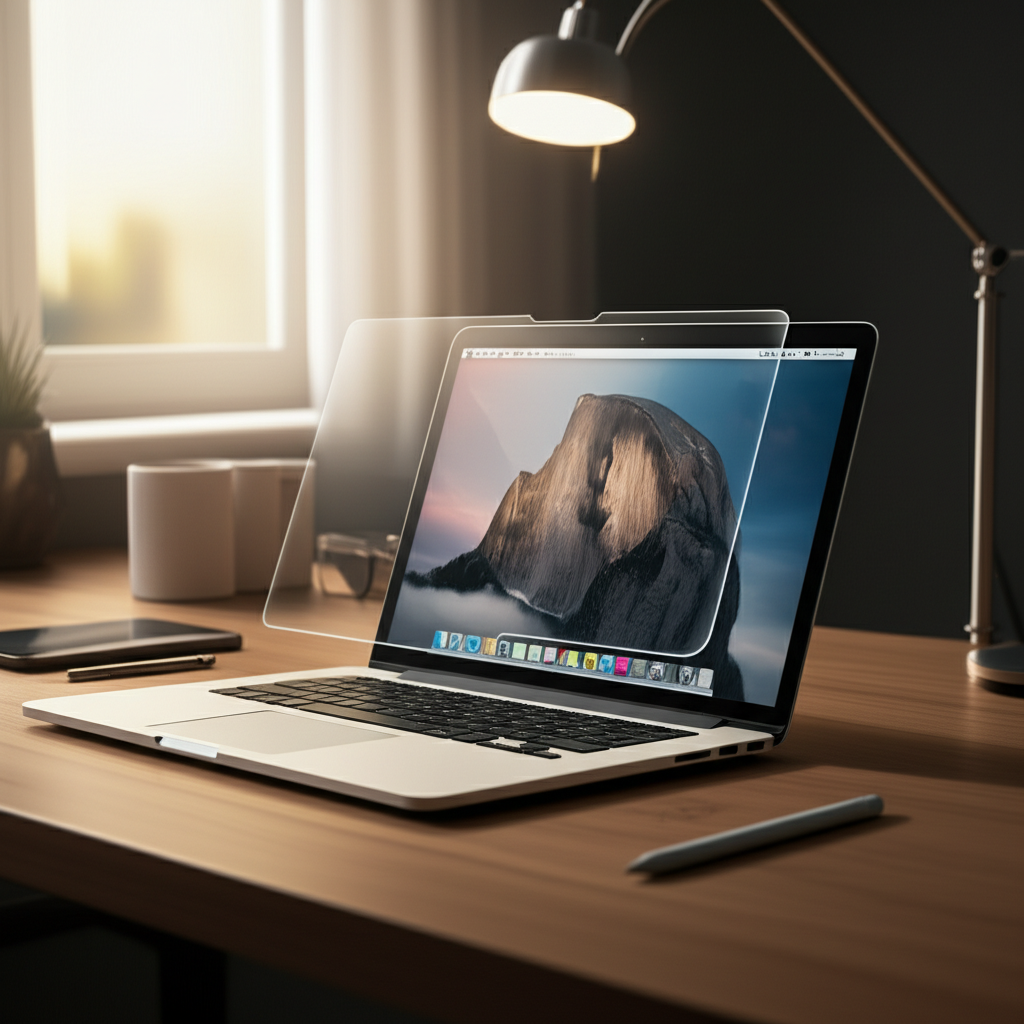
MOSISO Anti-Glare Screen Protector delivers essential clarity for effortless viewing, reducing glare and enhancing your device’s usability in any lighting condition, making it a smart investment for screen protection and visual comfort.
Staring at your screen in bright sunlight or under harsh office lights can be a real pain. That annoying glare not only makes it tough to see what you’re doing but can also lead to eye strain. You’ve tried angling your device, moving to different spots, but the reflection just keeps coming back. It’s a common frustration that can really disrupt your workflow and enjoyment. But what if there was a simple, effective solution to banish those distracting reflections and bring back crystal-clear visibility? This guide will show you how the MOSISO Anti-Glare Screen Protector can transform your viewing experience, offering essential clarity and effortless viewing for all your devices.
Why Screen Glare is a Silent Productivity Killer
Glare, the unwanted reflection of light off your screen, is more than just a visual annoyance. It forces your eyes to work harder, constantly trying to decipher images through a shimmering veil. This struggle can lead to significant eye fatigue, headaches, and a noticeable dip in concentration. For professionals and students who spend hours glued to their screens, this can drastically reduce productivity and overall well-being. Understanding the impact of glare is the first step towards finding a solution that enhances your daily digital interactions.
The Science Behind Eye Strain and Glare

When light reflects off your screen, it creates a contrast issue for your eyes. Your pupils have to constantly adjust to the bright reflected light and the dimmer content on the screen. This constant fluctuation is what causes eye strain, also known as digital eye strain or computer vision syndrome. The American Optometric Association highlights that prolonged exposure to screen glare can contribute to dry eyes, blurred vision, and even neck and shoulder pain due to poor posture adopted to avoid the glare.
How Glare Impacts Your Device Experience
Beyond the physical discomfort, glare significantly degrades the visual quality of your device. Colors appear washed out, details become indistinct, and the overall viewing experience is diminished. Whether you’re trying to enjoy a movie, work on a presentation, or simply browse the web, glare creates a barrier to fully appreciating your device’s capabilities. It turns a potentially enjoyable interaction into a frustrating battle against reflections.
Introducing the MOSISO Anti-Glare Screen Protector
This is where the MOSISO Anti-Glare Screen Protector steps in as a crucial accessory for anyone who uses a digital device. Designed with advanced technology, it aims to diffuse incoming light, scattering reflections and providing a clear, matte finish to your screen. This transformation allows you to use your device comfortably in a wider range of lighting conditions without the visual interruption of glare. It’s an investment in both your device’s longevity and your personal visual comfort.
Key Features of MOSISO Anti-Glare Protection
The MOSISO Anti-Glare Screen Protector boasts several features that make it a standout choice. Its primary function is glare reduction, achieved through a sophisticated matte surface. It also provides a layer of protection against everyday scratches and minor impacts, preserving your device’s pristine screen. Installation is typically designed to be user-friendly, minimizing bubbles and ensuring a smooth application.
The Technology Behind the Matte Finish
The effectiveness of the MOSISO Anti-Glare Screen Protector lies in its material science. The protector is manufactured with a fine matte texture that diffuses light rather than reflecting it directly. This process breaks up harsh reflections into softer, less intrusive patterns, making the screen appear clearer. This diffusion technology is key to achieving that “effortless viewing” experience the product promises.
Enhancing Clarity: How MOSISO Tackles Glare
The core promise of the MOSISO Anti-Glare Screen Protector is to deliver “essential clarity.” It achieves this by actively combating screen glare, a common nemesis for device users. By reducing the intensity and distraction of reflections, the protector allows the true colors and details of your screen to shine through, even in challenging environments. This makes it an invaluable tool for maintaining focus and enjoying your digital content.
The “Matte Effect”: Diffusing Light for Better Visibility
The magic of the MOSISO Anti-Glare Screen Protector lies in its matte surface. Unlike glossy protectors that mirror your surroundings, the matte finish scatters light. This means that instead of seeing a sharp, bright reflection of a window or overhead light, you see a softer, more diffused light that doesn’t overpower your screen content. This diffusion is what creates the enhanced clarity and effortless viewing experience.
Impact on Screen Brightness and Color Accuracy
A common concern with anti-glare protectors is whether they reduce screen brightness or alter color accuracy. High-quality protectors like the MOSISO variant are engineered to minimize these effects. While there might be a slight, almost imperceptible reduction in brightness, the trade-off for significantly reduced glare is usually well worth it. Color accuracy is also generally preserved, ensuring your visuals remain vibrant and true to life.
Effortless Viewing: MOSISO’s Contribution to User Experience
Beyond clarity, the MOSISO Anti-Glare Screen Protector aims to make your interaction with your device truly “effortless.” This means reducing the physical and mental strain associated with viewing a reflective screen. By creating a smoother, more consistent visual experience, it allows you to use your device for longer periods without discomfort, whether for work, study, or entertainment.
Reducing Eye Strain for Extended Use
When glare is minimized, your eyes don’t have to struggle as much. This directly translates to less eye strain, fewer headaches, and a more comfortable user experience, especially during long sessions. The MOSISO Anti-Glare Screen Protector acts as a buffer, creating a more stable visual field that is easier for your eyes to process. This is particularly beneficial for professionals, students, and anyone who spends significant time on their devices.
Comfort in Various Lighting Conditions
From bright outdoor sunlight to the harsh fluorescent lights of an office, the MOSISO Anti-Glare Screen Protector adapts your screen to these environments. You can comfortably use your laptop by a sunny window or your tablet on a bright patio without constantly shifting your position to avoid glare. This adaptability significantly enhances the portability and usability of your devices in real-world scenarios.
MOSISO Anti-Glare Screen Protector: A Comparison
To truly appreciate the MOSISO Anti-Glare Screen Protector, it’s helpful to see how it stacks up against other screen protection options. Understanding the different types of protectors available allows you to make an informed decision based on your specific needs and priorities. While glossy protectors offer maximum clarity and vibrancy, they are prone to glare, whereas tempered glass offers superior impact protection but can also be reflective.
Glossy vs. Matte vs. Tempered Glass Protectors
Glossy Protectors: Offer the most vibrant colors and sharpest images but are highly susceptible to glare and fingerprints.
Matte (Anti-Glare) Protectors: Significantly reduce glare and smudges but may slightly reduce screen clarity or brightness.
Tempered Glass Protectors: Provide excellent scratch and impact resistance, often with oleophobic coatings to resist fingerprints. They can still be prone to glare unless specifically designed with an anti-glare layer.
The MOSISO Anti-Glare Screen Protector falls into the matte category, prioritizing visual comfort and glare reduction.
MOSISO vs. Other Anti-Glare Brands
When comparing MOSISO to other anti-glare brands, several factors come into play: ease of installation, durability, and the effectiveness of the anti-glare treatment. MOSISO generally receives positive reviews for its balance of these attributes. Many users find their protectors easy to apply without excessive bubbles and appreciate the noticeable reduction in glare. Other brands might offer different levels of matte finish or additional features, but MOSISO often provides a reliable and cost-effective solution.
Installation Guide: Achieving a Bubble-Free Finish
Applying a screen protector can sometimes be a daunting task, often leading to frustrating bubbles. However, with careful preparation and following a few simple steps, you can achieve a smooth, professional-looking finish with your MOSISO Anti-Glare Screen Protector. The key is cleanliness and precision.
Step-by-Step Application Process
1. Prepare Your Workspace: Find a clean, dust-free environment. Dim lighting can help you spot dust particles more easily.
2. Clean Your Device Screen: Use the microfiber cloth provided (or a clean one) to thoroughly clean your device’s screen. Ensure all fingerprints, dust, and smudges are removed. If necessary, use a screen cleaner solution, but ensure it’s safe for electronic screens.
3. Align the Protector: Carefully peel back a small portion of the backing from the MOSISO protector. Align the protector precisely with the edges and cutouts of your device screen.
4. Apply Gradually: Slowly adhere the protector to the screen, using the included applicator card or a credit card to smooth out any air bubbles as you go. Work from the center outwards.
5. Remove Remaining Backing: Once aligned and partially applied, carefully peel off the rest of the backing while continuing to smooth the protector onto the screen.
6. Final Smoothing: If any small bubbles remain, try gently pushing them towards the edge of the screen. For stubborn bubbles, you might be able to lift a corner of the protector slightly and reapply, or sometimes small air pockets disappear on their own within 24-48 hours.
Troubleshooting Common Application Issues
Dust Particles: If you notice dust trapped under the protector, carefully lift the edge with a piece of tape, use another piece of tape to dab and lift the dust particle, then gently reapply.
Bubbles: Small bubbles can often be pushed to the edge. Larger ones might require slightly lifting and reapplying, but be gentle to avoid stretching the protector.
Misalignment: If you’ve significantly misaligned it, it’s best to peel it off entirely and start again with a clean screen.
Maintaining Your MOSISO Anti-Glare Screen Protector
Once applied, proper maintenance will ensure your MOSISO Anti-Glare Screen Protector continues to provide optimal performance and clarity. Keeping it clean not only enhances its anti-glare properties but also maintains the tactile feel and overall appearance of your device.
Cleaning and Care Tips
Regular Wiping: Use the provided microfiber cloth or another clean, soft cloth to gently wipe the screen regularly. This removes fingerprints and light smudges.
Deeper Cleaning: For tougher marks, slightly dampen the microfiber cloth with water or an approved electronic screen cleaner. Never spray liquid directly onto the screen or protector. Wipe gently.
Avoid Harsh Chemicals: Do not use ammonia-based cleaners, alcohol, or abrasive materials, as these can damage the anti-glare coating.
Durability and Longevity
The MOSISO Anti-Glare Screen Protector is designed to withstand daily wear and tear, including scratches from keys or coins. However, it is not indestructible. Avoid dropping your device or exposing the screen to sharp objects. With careful handling and regular cleaning, the protector can maintain its effectiveness and appearance for the lifespan of your device.
Who Benefits Most from the MOSISO Anti-Glare Screen Protector?
While almost anyone can appreciate reduced glare, certain user groups experience a significantly greater benefit from the MOSISO Anti-Glare Screen Protector. Identifying these groups helps underscore the product’s value proposition and its ability to solve specific user pain points.
Professionals and Students
For those who spend extended hours working or studying on laptops, tablets, or even smartphones, the reduction in eye strain is paramount. Professionals in bright office environments or students in well-lit lecture halls will find the MOSISO protector indispensable for maintaining focus and comfort. The ability to work without constantly battling reflections enhances concentration and productivity.
Outdoor and Mobile Users
Anyone who frequently uses their devices outdoors or in environments with variable lighting will benefit immensely. This includes travelers, field workers, or even casual users who enjoy reading or browsing on their devices in parks or cafes. The MOSISO Anti-Glare Screen Protector ensures your screen remains readable and enjoyable, regardless of the ambient light conditions.
Anyone Sensitive to Light
Some individuals are naturally more sensitive to bright lights and glare. For these users, the MOSISO Anti-Glare Screen Protector can make a significant difference in their daily experience with technology, reducing discomfort and making device usage a more pleasant activity.
MOSISO Anti-Glare Screen Protector: Key Advantages
The MOSISO Anti-Glare Screen Protector offers a compelling set of advantages that make it a worthwhile addition to your tech arsenal. These benefits directly address common frustrations users have with their digital devices, focusing on visual comfort and screen preservation.
Summary of Benefits
Significant Glare Reduction: Transforms viewing experience in bright light.
Reduced Eye Strain: Minimizes visual fatigue during prolonged use.
Enhanced Screen Clarity: Allows for clearer visibility of content.
Scratch and Minor Impact Protection: Safeguards your device’s screen.
Easy Installation: Designed for a smooth, bubble-free application.
* Maintains Touch Sensitivity: Does not hinder device responsiveness.
Addressing Common User Concerns
Users often worry about protectors affecting touch sensitivity or clarity. MOSISO products are typically engineered to maintain high touch responsiveness and preserve color vibrancy as much as possible while delivering anti-glare benefits. The installation process is also frequently praised for its simplicity, addressing another common user anxiety.
Frequently Asked Questions
Q1: Will the MOSISO Anti-Glare Screen Protector reduce the brightness of my screen?
A: While high-quality anti-glare protectors, including MOSISO’s, are designed to minimize impact, there might be a very slight reduction in perceived brightness due to the light-diffusing properties of the matte finish. However, this is generally a small trade-off for the significant reduction in glare and improved viewing comfort.
Q2: Is the MOSISO Anti-Glare Screen Protector difficult to install?
A: No, MOSISO protectors are generally designed for easy installation. They often come with all the necessary tools and clear instructions to help you achieve a bubble-free application. Following the steps carefully is key.
Q3: Can I remove and reapply the MOSISO Anti-Glare Screen Protector if I misalign it?
A: Yes, typically you can carefully lift and reapply the protector if you make a mistake during installation, especially if done quickly. However, try to minimize reapplication, as repeated lifting can sometimes attract dust or affect adhesion.
Q4: How do I clean the MOSISO Anti-Glare Screen Protector?
A: Clean it with a soft, lint-free microfiber cloth. For tougher smudges, slightly dampen the cloth with water or an approved screen cleaner. Avoid harsh chemicals.
Q5: Does the MOSISO Anti-Glare Screen Protector protect against drops?
A: The MOSISO Anti-Glare Screen Protector primarily protects against scratches and minor scuffs. For significant drop protection, a tempered glass screen protector or a protective case might be more suitable. However, the anti-glare layer itself is a valuable feature for visual comfort.
Q6: Will fingerprints show on the MOSISO Anti-Glare Screen Protector?
A: The matte finish of the MOSISO Anti-Glare Screen Protector is generally more resistant to showing fingerprints and smudges compared to glossy protectors. However, like any screen surface, it can still accumulate fingerprints with use, but they are typically easier to wipe away.
Conclusion: Invest in Your Visual Comfort with MOSISO
In a world where our digital devices are extensions of ourselves, ensuring a comfortable and clear viewing experience is not a luxury, but a necessity. The MOSISO Anti-Glare Screen Protector stands out as an excellent solution for combating the persistent problem of screen glare. By effectively diffusing light and reducing distracting reflections, it provides essential clarity that makes prolonged use of your devices significantly more comfortable.
Choosing the MOSISO Anti-Glare Screen Protector is an investment in your visual well-being and the longevity of your device’s screen. It transforms frustrating glare into effortless viewing, allowing you to be more productive, enjoy your entertainment more fully, and simply interact with your technology without strain. For anyone seeking to improve their daily digital experience, the MOSISO Anti-Glare Screen Protector is a highly recommended accessory that delivers on its promise of essential clarity and effortless viewing.

Belayet Hossain is a Senior Tech Expert and Certified AI Marketing Strategist. Holding an MSc in CSE (Russia) and over a decade of experience since 2011, he combines traditional systems engineering with modern AI insights. Specializing in Vibe Coding and Intelligent Marketing, Belayet provides forward-thinking analysis on software, digital trends, and SEO, helping readers navigate the rapidly evolving digital landscape. Connect with Belayet Hossain on Facebook, Twitter, Linkedin or read my complete biography.