

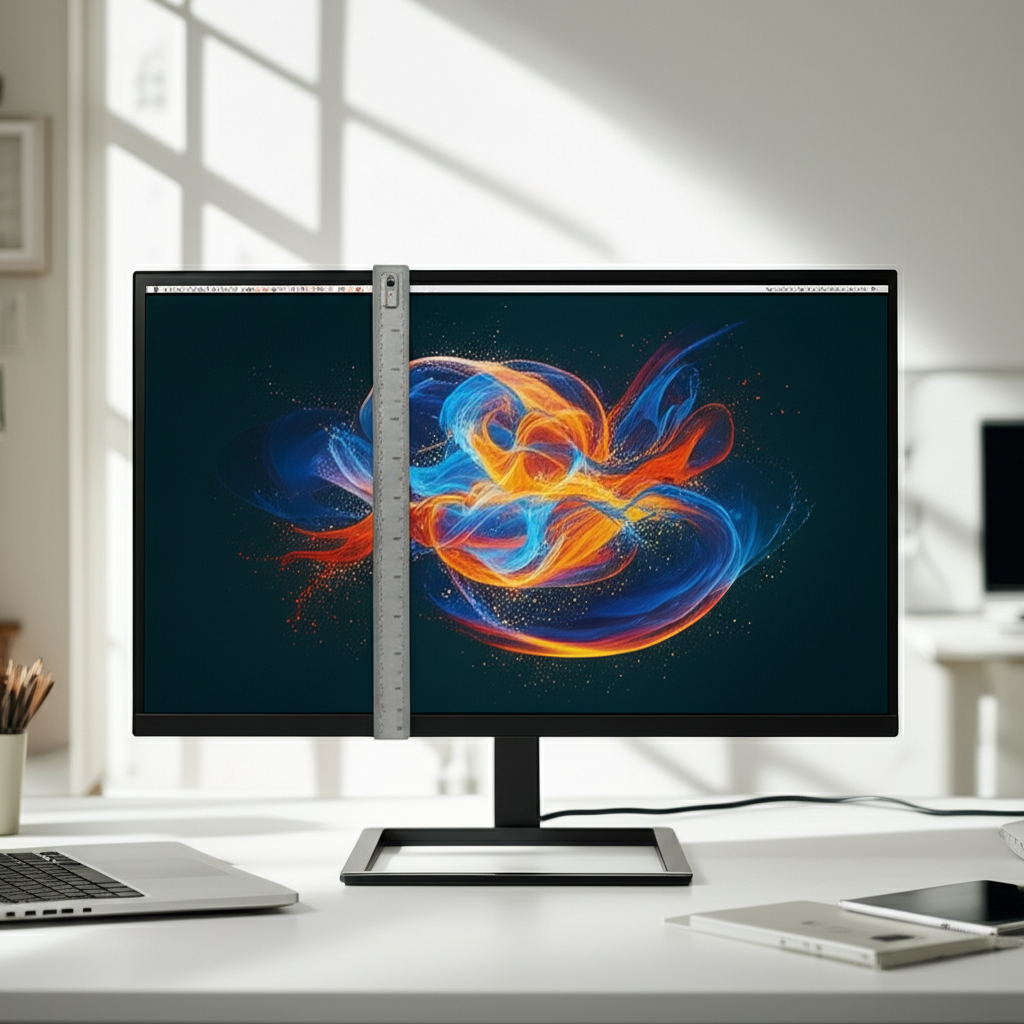
Published on: 26/09/2025 | Updated on: September 26, 2025
How Big Is A 21 Inch Monitor: Your Essential Visual Space Guide
A 21-inch monitor is larger than a standard laptop screen but smaller than a large desktop display, offering a balanced viewing experience for productivity and entertainment. Its physical dimensions, including bezel, are typically around 18-19 inches wide and 12-14 inches tall, providing ample screen real estate without dominating your desk.
Choosing the right monitor size can feel like navigating a maze of technical jargon and conflicting advice. Many of us have experienced the frustration of a screen that’s either too small to be productive or too large to fit comfortably in our workspace. If you’re wondering “how big is a 21 inch monitor” and whether it’s the perfect fit for your needs, you’re in the right place. I’m here to demystify monitor dimensions and help you visualize exactly what a 21-inch display entails. We’ll break down what “21 inches” actually means, explore its practical implications, and help you decide if this popular size hits the sweet spot for your digital life.
Understanding Monitor Size: Beyond the Diagonal Number
When we talk about monitor size, like a 21-inch monitor, we’re referring to the diagonal measurement of the viewable screen area. This measurement is taken from one corner of the screen to the opposite corner, typically in inches. It’s crucial to remember that this number doesn’t account for the monitor’s bezel or stand, which add to its overall footprint.
This diagonal measurement is a standard in the industry, allowing for quick comparisons between different models and brands. Understanding this fundamental aspect is the first step in grasping how big a 21-inch monitor truly is in your physical space. It sets the stage for understanding the practical implications of this screen size.
The Diagonal Measurement Explained

The 21 inches refers solely to the active display area, not the entire physical monitor. Think of it like measuring a picture frame; you measure the glass inside, not the wood surrounding it. This is why two monitors with the same diagonal size might appear slightly different in their overall dimensions due to varying bezel widths.
This standardized measurement simplifies shopping, but it’s essential to look beyond it for a complete picture. Knowing this distinction helps avoid surprises when the monitor arrives at your doorstep.
Aspect Ratio’s Role in Perceived Size
The aspect ratio, most commonly 16:9 (widescreen) or sometimes 16:10, also influences how a 21-inch monitor feels. A 16:9 aspect ratio is wider, making it great for movies and multitasking. A 16:10 ratio offers a bit more vertical space, which can be beneficial for productivity tasks like coding or document editing.
While the diagonal measurement remains constant, the aspect ratio dictates the height and width of the screen. This subtly affects how much content you can comfortably view at once.
How Big Is A 21 Inch Monitor: Physical Dimensions and Footprint
So, “how big is a 21 inch monitor” in terms of its actual physical size on your desk? While the screen itself is 21 inches diagonally, the entire unit, including bezels and stand, will occupy more space. Expect the width to be around 18-19 inches and the height to be about 12-14 inches for the screen itself.
The stand can add several inches to the height and depth, so always check the manufacturer’s specifications for the total dimensions. This is where you’ll get the most accurate picture of its desk presence.
Screen Dimensions: Width and Height
For a typical 21-inch monitor with a 16:9 aspect ratio, the viewable screen area itself measures approximately 18.3 inches wide and 10.3 inches high. This provides a significant amount of usable space for applications and content.
These dimensions offer a good balance, providing more room than a laptop but remaining manageable for most desk setups. It’s a size that many find comfortable for extended use.
Bezels and Stand: The Full Picture
The bezels, the frames around the screen, can add an inch or more to the total width and height. Modern monitors often feature slim or “bezel-less” designs, minimizing this extra space. The stand also contributes to the overall footprint, with some being more compact than others.
When considering your desk space, it’s wise to measure the intended area and compare it with the monitor’s total specifications, including the stand. This ensures a perfect fit.
The 21-Inch Monitor in Practical Use: Productivity and Multitasking
A 21-inch monitor strikes an excellent balance for many users. It’s large enough to comfortably display multiple windows side-by-side for efficient multitasking, a significant upgrade from smaller laptop screens. This makes it ideal for professionals who juggle various applications or students managing research papers and online classes.
The increased screen real estate can genuinely boost your workflow and reduce the need to constantly switch between applications. It’s a size that many find hits the sweet spot for daily productivity.
Multitasking Capabilities
With a 21-inch screen, you can easily have your email open on one side and a document on the other, or browse the web while referencing notes. This capability significantly enhances efficiency, allowing you to see more information at a glance without feeling cramped.
This makes it a popular choice for office environments and home setups where productivity is key. You can truly organize your digital workspace in a more effective manner.
Eye Strain and Viewing Distance
A 21-inch monitor is generally comfortable for viewing at typical desk distances (around 2-3 feet). The larger screen size means you don’t have to lean in as much, which can help reduce eye strain and improve posture over long work sessions.
Positioning the monitor at the correct distance and height is still crucial for optimal comfort and reduced fatigue. This size generally accommodates standard desk setups well.
Gaming and Entertainment on a 21-Inch Monitor
For gaming and entertainment, a 21-inch monitor offers an immersive experience without requiring a massive desk or an extremely long viewing distance. While larger displays might offer more cinematic immersion, a 21-inch monitor provides a focused and engaging visual field. It’s particularly well-suited for competitive gaming where screen real estate needs to be efficiently utilized.
It’s a size that delivers excellent visual impact for movies and games, making it a versatile choice for both work and play. The visual experience is quite engaging.
Gaming Performance Considerations
When choosing a 21-inch monitor for gaming, look for features like high refresh rates (e.g., 144Hz or higher) and low response times (e.g., 1ms) for smooth, fluid gameplay. Resolution, such as 1080p (Full HD) or 1440p (QHD), will also impact visual clarity and performance demands.
These specifications are critical for ensuring your games look and play their best on the 21-inch screen. They directly translate to your gaming enjoyment.
Movie Watching and Media Consumption
A 21-inch monitor, especially one with good color accuracy and contrast, can provide a very enjoyable experience for watching movies and videos. The 16:9 aspect ratio is standard for most modern media, ensuring a widescreen viewing format without significant black bars.
While not as grand as a massive TV, it offers a personal, high-quality viewing experience perfect for your desk. It’s a great personal cinema.
21-Inch Monitors vs. Other Common Sizes
To truly understand “how big is a 21 inch monitor,” it’s helpful to compare it to other popular sizes. A 21-inch monitor sits comfortably between smaller 17-19 inch displays and larger 24-27 inch options. It offers more screen real estate than most laptops but is less imposing than a very large desktop monitor.
This middle-ground positioning makes it a compelling choice for many who want an upgrade without a complete overhaul of their setup. It’s a popular sweet spot for a reason.
Comparison with Smaller Monitors (e.g., 19-inch)
Compared to a 19-inch monitor, a 21-inch display provides noticeably more screen space. This extra diagonal real estate translates to a wider and slightly taller viewing area, which is beneficial for multitasking and viewing detailed content. The difference might seem small on paper, but it’s quite apparent in daily use.
The upgrade from a 19-inch to a 21-inch monitor offers a tangible improvement in usability for many tasks. It’s a worthwhile step up for many.
Comparison with Larger Monitors (e.g., 24-inch, 27-inch)
A 21-inch monitor is smaller and less desk-intensive than 24-inch or 27-inch monitors. While larger monitors offer greater immersion and more room for extensive multitasking, they require a larger desk and a greater viewing distance. The 21-inch option is often a more practical choice for smaller workspaces or those who prefer a more focused viewing experience.
Choosing between these sizes often comes down to desk space and personal preference for screen real estate. Each size has its distinct advantages.
Key Features to Look For in a 21-Inch Monitor
When purchasing a 21-inch monitor, several key features can enhance your experience. Resolution is paramount; 1080p (1920×1080) is standard, but 1440p (2560×1440) offers sharper visuals. Panel type (IPS, VA, TN) affects color reproduction and viewing angles, while refresh rate and response time are crucial for gaming.
Don’t forget about connectivity options like HDMI, DisplayPort, and USB-C, as well as ergonomic adjustments such as tilt, swivel, and height adjustment. These elements collectively define the monitor’s performance and usability.
Resolution: Full HD vs. QHD and Beyond
For a 21-inch monitor, Full HD (1920×1080) is common and provides decent clarity. However, if your budget allows and your computer can handle it, QHD (2560×1440) resolution will offer significantly sharper images and text. This higher pixel density makes a noticeable difference in detail and reduces the appearance of pixels.
The choice of resolution should align with your primary use case and the graphics capabilities of your computer. Higher resolution generally means a better visual experience.
Panel Technology: IPS, VA, and TN Explained
IPS (In-Plane Switching): Offers excellent color accuracy and wide viewing angles, making it ideal for content creation and general use. Colors remain consistent even when viewed from the side.
VA (Vertical Alignment): Provides better contrast ratios than IPS, resulting in deeper blacks and more vibrant colors. This is great for media consumption and gaming where contrast is important.
* TN (Twisted Nematic): Known for the fastest response times and highest refresh rates, making it a favorite for competitive gamers. However, they typically have weaker color reproduction and narrower viewing angles.
Understanding these panel types will help you select a monitor that best suits your needs. Each offers a distinct set of visual characteristics.
Refresh Rate and Response Time
A higher refresh rate (measured in Hz) means the screen updates more times per second, resulting in smoother motion. For general use, 60Hz or 75Hz is sufficient. For gaming, 120Hz, 144Hz, or even higher is desirable for fluid visuals.
Response time (measured in ms) refers to how quickly a pixel can change color. Lower is better, especially for gaming, to prevent motion blur. Aim for 5ms or lower, with 1ms being ideal for fast-paced games.
Connectivity Options and Ergonomics
A 21-inch monitor should offer a variety of ports to connect your devices seamlessly. HDMI and DisplayPort are standard for video output. USB-C is increasingly popular, often supporting power delivery and data transfer alongside video, simplifying desk setups.
Ergonomics are also key for comfort. Look for monitors with adjustable stands that allow tilt, swivel, and height adjustments. VESA mount compatibility is a bonus, letting you attach the monitor to a wall or a monitor arm for maximum flexibility.
Essential Ports: HDMI, DisplayPort, USB-C
Ensure the monitor has the ports you need for your current and future devices. HDMI is ubiquitous, while DisplayPort often offers higher bandwidth for higher resolutions and refresh rates. USB-C is a versatile option that can replace multiple cables with a single connection, ideal for modern laptops.
Having the right ports simplifies setup and ensures compatibility with your entire tech ecosystem. This is often overlooked but critically important.
Ergonomic Adjustments for Comfort
A monitor that can be easily adjusted to your eye level and preferred angle significantly reduces neck and eye strain. Look for tilt, swivel, and height adjustment capabilities. Some monitors also offer pivot functionality, allowing you to rotate the screen to a vertical orientation, which is great for reading long documents or coding.
Investing in an ergonomic monitor setup promotes better posture and long-term comfort. Your body will thank you for it.
AI’s Role in Modern Monitor Technology
Artificial intelligence is starting to play a more significant role in monitor technology, enhancing user experience and optimizing performance. AI-powered features can automatically adjust brightness and color temperature based on ambient light and content, reducing eye strain. Some monitors use AI to improve image upscaling, making lower-resolution content look better.
These intelligent features are making monitors smarter and more adaptive to individual user needs and environments. AI is quietly revolutionizing how we interact with our displays.
AI-Enhanced Image Processing
Some advanced monitors incorporate AI algorithms to analyze and enhance image quality in real-time. This can include optimizing contrast, sharpening details, and improving color vibrancy, especially for dynamic content like videos and games. AI can intelligently adapt settings to provide the best possible visual output.
This intelligent processing ensures that you get the most visually appealing experience, regardless of the source material. It’s about optimizing every pixel.
Adaptive Brightness and Color Features
AI can enable monitors to automatically adjust brightness and color temperature based on the surrounding environment and the type of content being displayed. This adaptive technology helps maintain optimal viewing conditions, reduce eye strain, and improve power efficiency. It ensures a comfortable and consistent visual experience throughout the day.
These smart adjustments make the monitor more user-friendly and contribute to a healthier digital workspace. It’s technology working for your comfort.
Choosing the Right 21-Inch Monitor for Your Needs
When deciding if a 21-inch monitor is right for you, consider your primary use cases. For general productivity, web browsing, and office tasks, a standard 1080p IPS monitor is often a great choice. If you’re a gamer, prioritize a higher refresh rate and faster response time, potentially with a VA or TN panel.
For creative professionals who need accurate colors, an IPS panel with good color gamut coverage (like 99% sRGB or Adobe RGB) is essential. Think about how you’ll use the monitor most often to guide your selection.
For Students and Office Workers
A 21-inch monitor is an excellent choice for students and office workers who need to multitask and view documents clearly. A 1080p resolution on an IPS panel offers a good balance of clarity, color accuracy, and viewing angles for everyday tasks. Look for ergonomic adjustments to ensure comfort during long study or work sessions.
This size provides a significant productivity boost over smaller screens without overwhelming a typical desk. It’s a practical upgrade for enhanced efficiency.
For Gamers and Multimedia Enthusiasts
Gamers will benefit from a 21-inch monitor with a high refresh rate (144Hz+) and low response time (1ms-5ms). While 1080p is common, a 1440p resolution can offer a sharper gaming experience if your system can support it. For multimedia, consider a VA panel for better contrast or an IPS for color accuracy.
The focused screen size can be ideal for competitive gaming, offering a clear view of the action without excessive head movement. It provides an engaging visual experience.
For Creative Professionals
Creative professionals, such as graphic designers, photographers, and video editors, should prioritize color accuracy and wide color gamut coverage. An IPS panel is almost always recommended for its superior color reproduction and consistent viewing angles. Look for monitors that cover at least 99% of the sRGB color space, and ideally more for professional work.
High resolution, like 1440p or even 4K on slightly larger screens, is also beneficial for detailed visual work. Accurate color representation is paramount.
FAQ: Your Questions About 21-Inch Monitors Answered
What are the actual physical dimensions of a 21-inch monitor?
A 21-inch monitor’s screen is 21 inches diagonally. The viewable screen itself is typically around 18.3 inches wide and 10.3 inches high (for a 16:9 aspect ratio). The overall dimensions, including bezels and stand, will be larger, often around 20-22 inches wide and 15-18 inches tall.
Is a 21-inch monitor good for gaming?
Yes, a 21-inch monitor can be excellent for gaming, especially if it features a high refresh rate (144Hz+) and low response time (1ms-5ms). This size offers an immersive experience without requiring excessive desk space or viewing distance, making it ideal for competitive play.
How does a 21-inch monitor compare to a laptop screen?
A 21-inch monitor offers significantly more screen real estate than most laptop screens, which typically range from 13 to 17 inches. This larger size is much better for multitasking, detailed work, and general viewing comfort, reducing eye strain and improving productivity.
What is the best resolution for a 21-inch monitor?
For a 21-inch monitor, 1080p (1920×1080) resolution is standard and provides good clarity. However, 1440p (2560×1440) resolution offers a sharper, more detailed image and is highly recommended if your budget and graphics card can support it.
How far away should I sit from a 21-inch monitor?
A comfortable viewing distance for a 21-inch monitor is typically between 2 to 3 feet (approximately 60-90 cm). This distance allows you to see the entire screen without excessive eye or neck movement, promoting better ergonomics.
Are 21-inch monitors still being made?
While larger sizes like 24 and 27 inches have become more popular, 21-inch monitors are still available, often in specialized categories like professional displays or specific gaming models. They remain a viable option for those seeking a balance between screen size and desk footprint.
Conclusion: Finding Your Perfect Visual Fit with a 21-Inch Monitor
So, “how big is a 21 inch monitor?” It’s a size that elegantly bridges the gap between compact laptop displays and expansive desktop screens, offering a versatile and practical solution for a wide range of users. With its screen dimensions providing ample space for productivity and an engaging experience for entertainment and gaming, a 21-inch monitor is a compelling choice. By understanding the nuances of diagonal measurements, aspect ratios, and key features like resolution and panel technology, you can confidently select a 21-inch monitor that perfectly complements your workspace and enhances your digital life. It’s a size that proves you don’t always need the biggest to get the best experience.
