


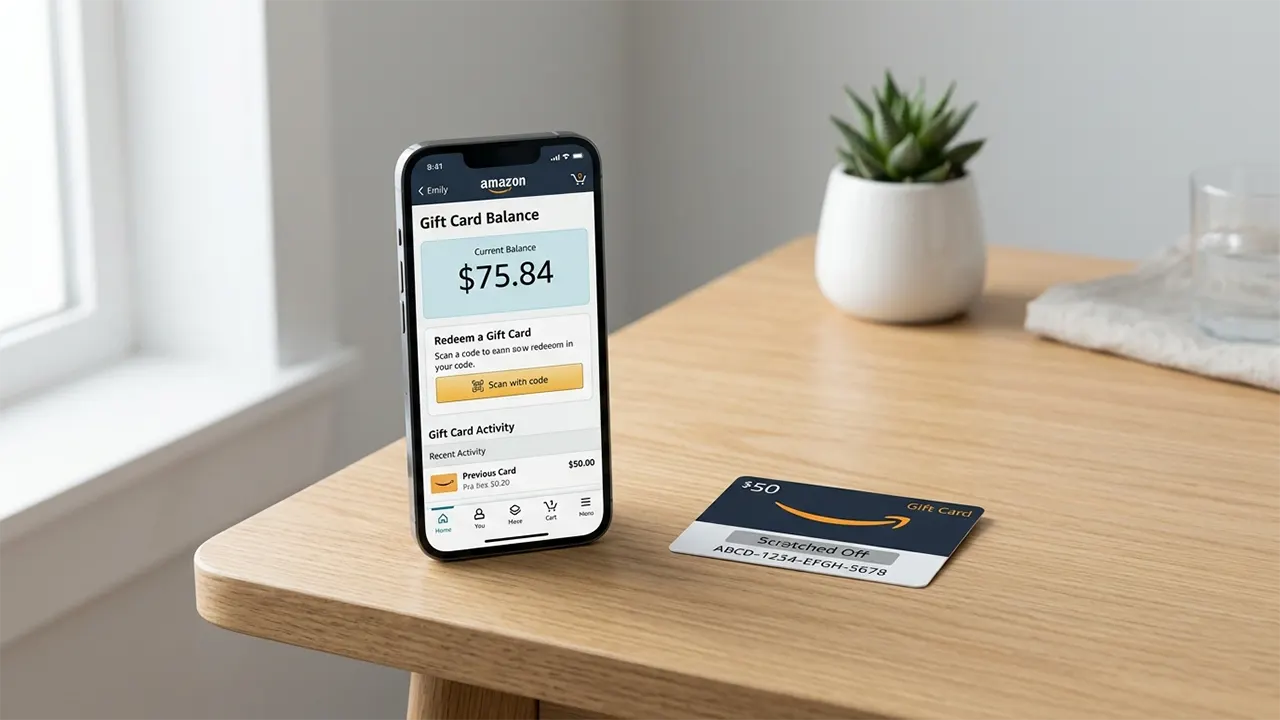
You get an Amazon Gift Card… and then pause.
Do you use it now or save it? Where do you even check the balance? And what if the code does not work?
These small doubts stop many people. The truth is simple. Amazon gift cards are easy to use once you know the system.
This guide shows you everything step by step. You will learn how to choose the right type, where to buy safely, and how to check your balance without confusion.
What Are Amazon Gift Cards?
Amazon Gift Cards are prepaid balances you add to your Amazon account. You can spend that balance on almost anything Amazon sells, from electronics to books.
Each card comes with a claim code. Once you enter this code, the money moves into your account wallet.
In real use, most people redeem the card once and forget about it. The balance stays ready and applies automatically when you check out.

“
Most people treat gift cards like one-time cash. Smart users treat them like a flexible budget they can control anytime.
Types of Amazon Gift Cards (Choose the Right One)
Amazon offers different types of gift cards based on how you want to send or receive them. Each type fits a specific situation, so choosing the right one matters.

1. eGift Cards (Digital)
⚡ Delivered by email or text ⚡ Arrives instantly or scheduled 💡 Best for last-minute gifts2. Physical Gift Cards
📦 Delivered by mail or bought in stores 📦 Comes in boxes or envelopes 💡 Best for personal gifting3. Printable Gift Cards
🖨️ Print at home ⚡ Quick backup option 💡 Best for emergenciesWhere to Buy Amazon Gift Cards (Online & In Stores)
You can buy Amazon Gift Cards both online and in physical stores across the USA. The safest option is always official or trusted retailers. Learn detail here about where to buy amazon gift cards.
Buy Online
✅ Amazon website (fastest) ⚡ Instant delivery options 💡 Full customization availableBuy In Stores
🏪 CVS 🏪 Walgreens 🏪 Walmart 🏪 Dollar General 🏪 Best Buy
Typical Amazon Gift Card value range
How to Check Amazon Gift Card Balance (Step-by-Step)
You can check your Amazon gift card balance in less than one minute from your account dashboard. The process is simple and works the same on mobile and desktop.
-
1
Go to your Amazon account
Open Amazon and sign in. Then go to “Your Account”. -
2
Click “Gift Cards”
Find the Gift Cards section inside your account menu. -
3
View your balance
Your current balance appears at the top of the page instantly. -
4
Redeem a new card (optional)
Enter your claim code and click “Apply”. The balance updates immediately.
How to Use an Amazon Gift Card
Using an Amazon gift card is automatic once you redeem it. The balance applies during checkout without extra steps.
In real use, this feels seamless. You do not need to select the gift card every time.
“ The smartest way to use a gift card is to combine it with deals. That way, you stretch its value further.
Common Mistakes to Avoid
Most problems with Amazon gift cards happen due to simple mistakes. Avoid these and you stay safe.
- Buying from unknown websites
- Sharing your claim code with others
- Scratching physical cards before purchase
- Falling for “discounted gift card” scams
Why Amazon Gift Cards Are So Popular
Amazon gift cards are popular because they remove the risk of choosing the wrong gift. The receiver decides what they want.
Frequently Asked Questions
Where can I buy Amazon gift cards in person? +
Do Amazon gift cards have fees? +
How do I check my balance? +
Do Amazon gift cards expire? +
Your Next Step
Now you know how Amazon gift cards work from start to finish.
You know where to buy them safely. You know how to check your balance. And you know how to avoid common mistakes.
The next step is simple. Use this knowledge once.
Buy a small card. Redeem it. Watch how the balance works. That one action removes all confusion.
“ Clarity comes from doing, not just reading.

Belayet Hossain is a Senior Tech Expert and Certified AI Marketing Strategist. Holding an MSc in CSE (Russia) and over a decade of experience since 2011, he combines traditional systems engineering with modern AI insights. Specializing in Vibe Coding and Intelligent Marketing, Belayet provides forward-thinking analysis on software, digital trends, and SEO, helping readers navigate the rapidly evolving digital landscape. Connect with Belayet Hossain on Facebook, Twitter, Linkedin or read my complete biography.