

Published on: 26/09/2025 | Updated on: September 26, 2025
Effortlessly return your Amazon book rentals with this essential guide, covering every step from packing to shipping, ensuring a smooth and stress-free process.
Renting books from Amazon can be a fantastic way to save money, especially for textbooks or leisure reading you might only need temporarily. But what happens when your rental period is up? The thought of returning a book, especially a physical copy, can sometimes feel like a chore, conjuring images of complicated shipping labels and confusing drop-off points. Don’t worry, though! Amazon has streamlined this process to make it as simple as possible. This guide will walk you through every step of how to return an Amazon book rental, ensuring you avoid late fees and keep your account in good standing. We’ll cover everything from finding your rental, preparing the book, and understanding your return options, making this a truly effortless experience.
Understanding Amazon Book Rentals
Amazon book rentals offer a flexible and cost-effective way to access books without the commitment of purchasing them outright. These rentals are typically for physical books and come with a set rental period, after which you have the option to purchase the book or return it. Understanding the terms of your rental, including the return deadline, is the first crucial step in ensuring a smooth process. Knowing these details upfront prevents any last-minute panic.
What Are Amazon Book Rentals?

Amazon book rentals allow customers to borrow physical books for a specified period, usually ranging from 30 to 180 days. This service is particularly popular for students needing textbooks for a semester or individuals wanting to read a book without a long-term investment. The convenience of having books delivered to your door and the significant cost savings make this an attractive option.
Key Features and Benefits
The primary benefit of Amazon book rentals is affordability; you get access to books at a fraction of the purchase price. Rentals often come with the option to extend the rental period or buy the book if you decide you want to keep it. This flexibility adds significant value for many users.
Preparing for Your Amazon Book Rental Return
Before you even think about the shipping label, a little preparation goes a long way. This ensures that your book arrives safely and that Amazon receives it in good condition, preventing any potential issues or unexpected charges. Taking a few moments to properly prepare your rental is key to a successful return.
Locating Your Rental Information
The first step in returning your Amazon book rental is to find all the necessary information. This includes confirming the book you need to return, its due date, and any specific return instructions provided by Amazon. Having this information readily available makes the entire process much smoother.
Checking the Return Deadline
Missing the return deadline for an Amazon book rental can result in additional charges, sometimes equivalent to the full purchase price of the book. Therefore, it’s crucial to know your exact return date and plan accordingly. Mark this date on your calendar or set a reminder to avoid any surprises.
How to Initiate the Return Process
Initiating the return process for your Amazon book rental is straightforward and can be done entirely online. Amazon provides a clear pathway through your account to manage your rentals and generate the necessary return authorization. Following these steps will guide you through the initial setup for sending your book back.
Navigating Your Amazon Account
Log in to your Amazon account and navigate to “Your Orders.” From there, you’ll need to find the specific book rental you wish to return. Amazon usually categorizes these rentals under a dedicated section, making them easy to identify.
Finding the “Return or Replace Items” Option
Once you’ve located your book rental in “Your Orders,” look for an option like “Return or Replace Items.” Clicking this will take you to a series of prompts designed to guide you through the return authorization. This is where Amazon begins to set up your return shipment.
Understanding Your Return Options and Shipping Labels
Amazon offers various ways to handle the return of your book rental, and understanding these options will help you choose the most convenient method. This includes how you’ll receive and use your shipping label. Making the right choice here ensures your book gets back to Amazon without hassle.
Generating and Printing Your Shipping Label
After initiating the return, Amazon will provide you with a return shipping label. You will likely need to print this label yourself. Ensure your printer is working and that you have sufficient ink before you begin.
Choosing Your Return Location
Amazon typically offers several return locations. This might include dropping off your package at a UPS Store, a designated Amazon Hub, or sometimes even arranging for a pickup. Each option has its own benefits and requirements.
Packing Your Amazon Book Rental for Shipment
Proper packing is essential to ensure your book rental arrives back at Amazon in the same condition it was rented. This protects the book from damage during transit and helps avoid any disputes about its condition upon return. Taking a few extra minutes to pack carefully is a worthwhile investment.
Gathering Necessary Packing Materials
You’ll need a sturdy box or mailer, packing tape, and potentially some cushioning material like bubble wrap or packing paper. If Amazon provided a box for the original delivery, reusing it can be a convenient option, provided it’s still in good condition.
Securing the Book and Labeling the Package
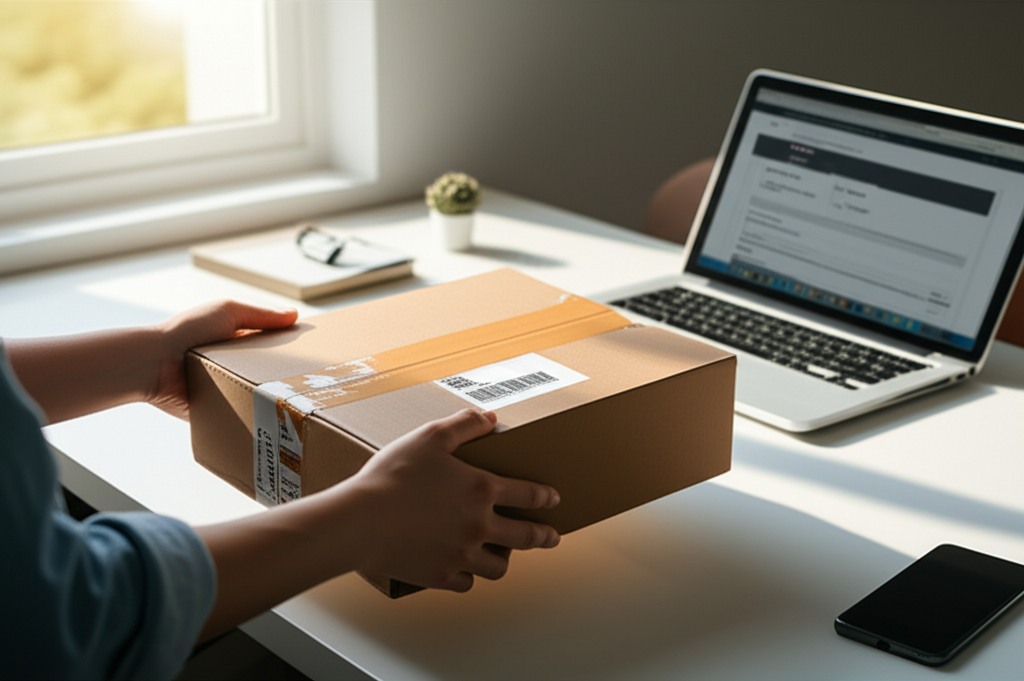
Place the book securely inside the box, using cushioning material to prevent it from shifting. Once the book is packed, seal the box with strong packing tape. Affix the printed shipping label clearly to the outside of the package, ensuring it’s not covered by tape.
Dropping Off Your Return and Tracking Shipment
The final physical step in returning your Amazon book rental is dropping it off at the designated location. Once it’s in transit, you can track its progress to confirm delivery. This provides peace of mind and documentation that you’ve completed your part of the return process.
Selecting the Best Drop-off Point
Consider the convenience of the drop-off location. If you’re using a UPS Store, you can often drop it off during their business hours. Some Amazon Hub locations might offer 24/7 access, which can be very helpful for busy schedules.
Tracking Your Return Shipment
After dropping off your package, you can usually track its journey back to Amazon. This tracking information is typically available in your Amazon account under “Your Orders” and the specific rental return. It’s a good idea to keep the tracking number handy until the return is confirmed.
What to Do If You Encounter Issues
While Amazon’s return process is generally smooth, occasional issues can arise. Whether it’s a problem with the shipping label, a damaged book, or a question about charges, knowing how to get support is crucial. Don’t hesitate to reach out to Amazon customer service if you face any difficulties.
Troubleshooting Common Problems
Common issues might include a damaged return label, a lost package, or questions about return status. For these, reviewing Amazon’s help pages or contacting customer support directly are the best courses of action. They can often provide quick solutions.
Contacting Amazon Customer Service
If you can’t resolve an issue through the self-service options, Amazon’s customer service is readily available. You can usually reach them via chat, phone, or email. Be prepared to provide your order number and details about the problem.
Alternatives to Returning: Extending or Purchasing
Sometimes, you might find yourself wanting to keep the book longer or even purchase it outright. Amazon typically provides these options, allowing you to adjust your rental agreement if needed. Understanding these alternatives can save you from unnecessary returns.
Extending Your Rental Period
If you need more time with your book, Amazon often allows you to extend your rental period. This usually involves an additional fee, but it can be a cost-effective solution if you’re not ready to part with the book yet. You can typically do this through your account settings.
Purchasing Your Rented Book
If you’ve fallen in love with the book and want to keep it permanently, Amazon makes it easy to purchase. The option to buy is usually presented when you initiate the return process or can be found within your rental details. The price often reflects a discount from the new book price.
Tips for a Hassle-Free Return Experience
To ensure your Amazon book rental return is as seamless as possible, a few proactive tips can make all the difference. These small steps can prevent common frustrations and ensure your experience is positive from start to finish. By following these recommendations, you’ll master how to return an Amazon book rental with ease.
Start the Return Early
Don’t wait until the last minute to initiate your return. Starting the process a few days before the deadline gives you ample time to print the label, pack the book, and drop it off without rushing. This reduces stress significantly.
Keep Proof of Return
Once you drop off your package, try to get a receipt or confirmation from the shipping carrier. This serves as proof that you’ve returned the item and can be invaluable if any disputes arise later. Digital confirmations are also helpful.
Frequently Asked Questions About Returning Amazon Book Rentals
Q1: What happens if I forget to return my Amazon book rental on time?
If you forget to return your book rental by the due date, Amazon will typically automatically charge you the retail price of the book. It’s essential to check your rental agreement for specific details, as policies can vary slightly. This emphasizes the importance of noting your return deadline.
Q2: Can I return a damaged Amazon book rental?
While Amazon expects books to be returned in good condition, minor wear and tear from normal use is usually acceptable. However, significant damage like water damage, torn pages, or heavy highlighting might result in additional charges. It’s always best to handle rented books with care.
Q3: Do I have to pay for return shipping for Amazon book rentals?
Generally, Amazon provides a prepaid shipping label for book rentals, meaning you do not have to pay for return shipping. This is a significant benefit of the rental service. Always ensure you use the provided Amazon return label to avoid shipping costs.
Q4: How long does it take for Amazon to process my book rental return?
Once Amazon receives the returned book, it can take a few business days to process the return and update your account. You should receive a confirmation email once the return is successfully processed.
Q5: Can I return an Amazon book rental to any UPS Store?
Yes, you can typically return Amazon book rentals to any UPS Store when using the provided UPS shipping label. However, always double-check the specific return instructions Amazon provides, as some options might have specific drop-off requirements.
Q6: What if I accidentally returned the wrong book?
If you accidentally return the wrong book, contact Amazon customer service immediately. They can investigate the situation and advise on the best course of action, which may involve retrieving the correct book if possible or settling any associated charges.
Conclusion: Effortless Returns for Your Amazon Book Rentals
Mastering how to return an Amazon book rental is a key skill for anyone utilizing this cost-saving service. By following the straightforward steps outlined in this guide—from locating your rental details and initiating the return online to properly packing and shipping your book—you can ensure a completely hassle-free experience. Remember to check your deadlines, use the provided shipping labels, and pack your book securely to avoid any issues. Amazon’s rental return process is designed for convenience, and with a little preparation, you can send your books back with confidence, leaving you free to explore your next literary adventure.
