
Published on: 30/09/2025 | Updated on: September 30, 2025
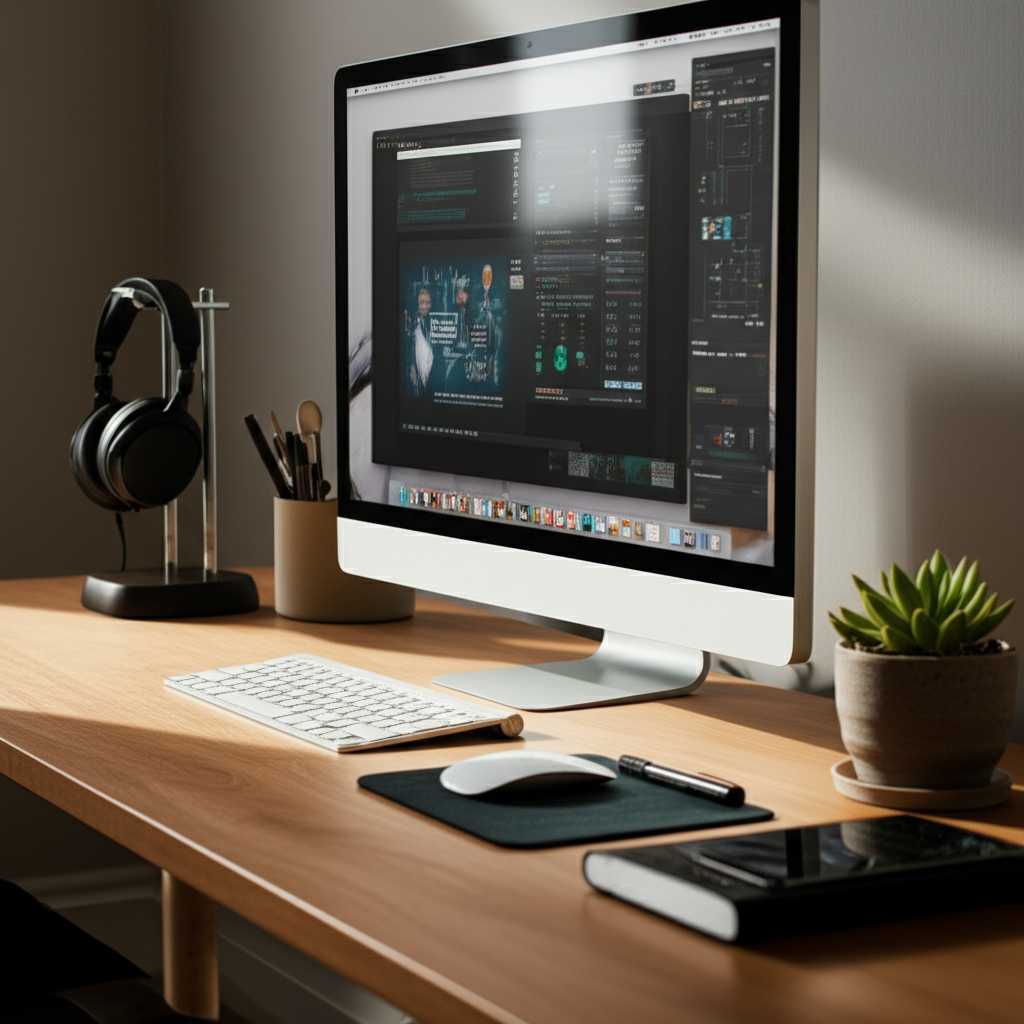
Ultimate Productivity Desk Setup: Essential Hacks for Peak Performance
Unlock your potential with an ultimate productivity desk setup. Discover essential hacks to optimize your workspace, integrate smart tech, and conquer your to-do list with AI-powered tools and ergonomic insights for unparalleled efficiency.
Feeling overwhelmed by distractions and a cluttered workspace? You’re not alone. Many of us struggle to find that sweet spot where our desk transforms from a place of chaos into a hub of focused energy. The good news is that creating an ultimate productivity desk setup isn’t about expensive gadgets; it’s about smart choices and intentional organization. I’ll guide you through transforming your workspace into a high-performance zone, ensuring every element works for you. Get ready to boost your focus and achieve more than you ever thought possible.
Why Your Desk Setup Matters More Than You Think
Your desk is more than just a surface; it’s the command center for your professional and personal projects. A well-designed setup directly impacts your focus, creativity, and overall well-being. Poor ergonomics can lead to physical discomfort, while a cluttered environment can drain your mental energy, making it harder to concentrate. Investing time in your desk setup is an investment in your productivity and health.
A truly effective desk setup minimizes friction, allowing your ideas to flow and tasks to be completed with ease. It’s about creating a personalized ecosystem that supports your workflow, whether you’re a remote worker, a student, or a creative professional. Let’s dive into how we can achieve this.
The Foundation: Ergonomics for Long-Term Productivity
Before we even think about gadgets, the most crucial aspect of your ultimate productivity desk setup is ergonomics. This is about designing your workspace to fit you, not the other way around, preventing strain and promoting comfort. Correct posture and comfortable positioning are paramount for sustained focus and avoiding physical issues.
The Perfect Chair: Your Throne of Productivity

A supportive chair is non-negotiable. Look for adjustable lumbar support, armrests, and seat height. Your feet should be flat on the floor, and your knees at about a 90-degree angle.
Adjustable Lumbar Support: Crucial for maintaining the natural curve of your spine.
Height Adjustment: Allows you to achieve the ideal desk height for your arms.
Armrests: Should be at a height that allows your shoulders to relax.
Investing in a good ergonomic chair can significantly reduce back pain and fatigue, allowing you to work longer and more comfortably. This is the bedrock of any productive workspace.
Desk Height: Finding Your Sweet Spot
Your desk height should allow your elbows to be bent at approximately 90 degrees when typing, with your wrists straight. If your desk is too high, you’ll hunch; too low, and you’ll strain your back.
Standing Desks: Offer the flexibility to switch between sitting and standing, which can boost circulation and energy levels.
Manual vs. Electric: Electric standing desks are more convenient for frequent adjustments.
A desk that’s the right height for you is fundamental to preventing repetitive strain injuries. It ensures your arms and wrists are in a neutral position during prolonged computer use.
Monitor Placement: Eye-Level Focus
Position your monitor directly in front of you, about an arm’s length away. The top of the screen should be at or slightly below eye level. This prevents neck strain and eye fatigue.
Monitor Arms: These adjustable arms offer great flexibility in positioning your screen.
Dual Monitors: If using two, position them symmetrically to avoid constant head turning.
Proper monitor placement is key to reducing neck and eye strain, common culprits of reduced focus. It ensures your visual attention is directed comfortably.
The Tech Ecosystem: Smart Devices for Seamless Workflow
Once the ergonomic foundation is set, we can layer in technology that enhances your workflow. The goal is to create a harmonious tech ecosystem where devices communicate and support your tasks effortlessly. This is where AI tools and smart devices truly shine.
The Central Hub: Your Computer and Peripherals
Your computer is the heart of your setup. Whether it’s a powerful desktop or a nimble laptop, ensure it meets your needs. Consider peripherals that boost efficiency.
Mechanical Keyboard: Offers tactile feedback and a satisfying typing experience, often leading to faster and more accurate typing.
Ergonomic Mouse: Designed to fit the natural contour of your hand, reducing wrist strain and improving comfort.
High-Resolution Monitor(s): A good monitor provides ample screen real estate and sharp visuals, reducing eye strain and improving multitasking.
Choosing the right computer and peripherals is crucial for smooth operation and comfort. These tools directly impact how efficiently you interact with your digital world.
Connectivity: The Unsung Hero
A reliable internet connection and seamless device connectivity are vital. Invest in a good router and consider accessories that simplify your connections.
Docking Station/USB Hub: Consolidates all your peripheral connections into a single point, reducing cable clutter.
Wi-Fi 6 Router: Ensures faster, more stable internet speeds for all your connected devices.
Bluetooth Peripherals: Minimize wires and offer a cleaner aesthetic.
Stable and efficient connectivity eliminates frustrating tech bottlenecks. It ensures your devices work together without interruption, keeping your workflow fluid.
The Power of AI: Smart Tools to Automate and Assist
AI is no longer science fiction; it’s a powerful productivity booster. Integrating AI tools can automate mundane tasks, offer insights, and personalize your workflow.
AI-Powered Writing Assistants (e.g., Grammarly, Jasper): Help refine your writing, check for errors, and even generate content ideas.
Smart Note-Taking Apps (e.g., Notion AI, Obsidian): Can summarize meeting notes, extract action items, and organize information intelligently.
AI Calendar Assistants: Help schedule meetings, manage your time, and optimize your daily agenda.
AI tools can take over repetitive tasks, freeing up your cognitive load for more complex problem-solving. They offer intelligent suggestions and automation that significantly boost efficiency.
Decluttering Your Digital and Physical Space
A cluttered desk leads to a cluttered mind. Organization is key to an ultimate productivity desk setup, both physically and digitally. Streamlining your environment reduces distractions and improves focus.
Physical Organization: Tidy Space, Tidy Mind
Cable Management: Use ties, sleeves, or raceways to keep cables neat and out of sight. This not only looks better but also prevents tangles and tripping hazards.
Desk Organizers: Trays, pen holders, and drawer dividers help keep essential items within reach but neatly stored.
Minimalist Approach: Only keep items on your desk that you use daily. Store less frequently used items elsewhere.
A well-organized physical space reduces visual noise and makes it easier to find what you need. This simple step can have a profound impact on your mental clarity.
Digital Organization: Streamlining Your Software and Files
Desktop Cleanup: Regularly clear your computer’s desktop. Use folders and cloud storage to keep files organized.
Task Management Apps: Utilize tools like Todoist, Asana, or Trello to manage your projects and tasks efficiently.
Browser Tab Management: Use extensions or mindful browsing habits to avoid overwhelming yourself with open tabs.
A tidy digital space mirrors a tidy physical one, reducing mental clutter and improving task management. Effective digital organization is as vital as physical tidiness for peak productivity.
Lighting and Ambiance: Setting the Mood for Focus
The right lighting and ambiance can significantly impact your mood, energy levels, and ability to concentrate. It’s an often-overlooked element of the ultimate productivity desk setup. Consider how your environment makes you feel.
Natural Light: The Ultimate Mood Booster
Position your desk to maximize natural light without direct glare on your screen. Natural light is known to improve mood and reduce eye strain. If direct sunlight is an issue, use blinds or curtains.
Desk Placement: Face a window if possible, or position your desk perpendicular to it.
Anti-Glare Screen Protectors: Can help reduce reflections from windows.
Leveraging natural light is a simple yet powerful way to enhance your workspace’s feel and your well-being. It connects you to the outside world while you work.
Artificial Lighting: Task and Ambient
Supplement natural light with good artificial lighting. A desk lamp for focused task lighting and ambient room lighting are ideal.
Adjustable Desk Lamp: Allows you to direct light where you need it most.
Smart Bulbs: Can be controlled via app or voice command to adjust brightness and color temperature. Consider warmer tones for relaxation and cooler tones for focus.
Thoughtful artificial lighting can combat eye fatigue and create a more comfortable working atmosphere. It allows you to maintain focus regardless of the time of day.
Sensory Elements: Sound and Scent for Enhanced Concentration
Beyond visual and ergonomic factors, sound and scent can play a surprisingly large role in your productivity. These sensory inputs can either be distracting or incredibly beneficial.
The Power of Sound: From Silence to Soundscapes
Some people thrive in silence, while others benefit from ambient noise or focused soundscapes. Experiment to find what works best for you.
Noise-Cancelling Headphones: Essential for blocking out distractions in noisy environments.
Ambient Sound Apps/Websites: Offer nature sounds, white noise, or lo-fi beats designed for focus.
Smart Speakers: Can play music, podcasts, or ambient sounds on command.
Controlling your auditory environment is crucial for maintaining deep focus. Whether it’s silence or curated sound, find what helps you concentrate best.
Aromatherapy for Productivity
Certain scents are believed to enhance focus and reduce stress. Consider subtle additions to your desk space.
Essential Oils: Scents like peppermint, rosemary, or citrus are often associated with alertness and concentration. Use a diffuser for a subtle aroma.
Scented Candles: Choose subtle, non-overpowering scents.
Subtle aromatherapy can create a more pleasant and focused working atmosphere. It’s a small detail that can contribute to overall well-being and concentration.
Smart Integration: Connecting Your Devices with AI
The true “ultimate productivity desk setup” leverages the interconnectedness of smart devices and AI. Imagine a workspace that anticipates your needs and automates routine actions.
Voice Control and Smart Assistants
Integrate smart assistants like Google Assistant or Amazon Alexa. You can control lights, play music, set reminders, or even ask for quick information without interrupting your flow.
Smart Plugs: Turn regular lamps or devices into voice-controlled ones.
Voice-Activated Search: Get quick answers to questions without typing.
Voice assistants streamline many small tasks, allowing you to stay focused on your primary work. They act as a helpful, hands-free assistant.
Automated Workflows with IFTTT/Zapier
Services like IFTTT (If This Then That) and Zapier allow you to create custom automated workflows between different apps and devices. For example, automatically saving email attachments to cloud storage or creating a calendar event from a Slack message.
Automate Social Media Posting: Schedule content across platforms.
Streamline Data Entry: Automatically move data between spreadsheets and CRM systems.
These automation tools are powerful for reducing repetitive manual tasks across your digital life. They ensure that your various apps and services work together seamlessly.
Personalization: Making Your Desk Truly Yours
While there are general principles for an ultimate productivity desk setup, personalization is key. Your setup should reflect your unique working style, preferences, and goals.
Customizing Your Digital Tools
Choose Software that Fits: Don’t force yourself to use a tool that doesn’t align with your thinking process. Explore different note-taking apps, project managers, or communication platforms.
Personalize Dashboards: Many productivity apps allow you to customize dashboards and views to show you exactly what you need to see.
Your digital tools should feel like an extension of your mind, not a burden. Tailor them to your specific needs and workflows.
Adding Personal Touches
Plants: Bring life and a sense of calm to your space.
Inspirational Decor: A piece of art or a motivational quote can boost your mood.
Comfort Items: A cozy blanket or a favorite mug can make your workspace more inviting.
Personal touches make your desk a more enjoyable place to be. This psychological comfort can translate into sustained motivation and focus.
Case Study: The AI-Enhanced Remote Workstation
Let’s look at a practical example. Sarah, a freelance graphic designer, revamped her home office with an AI-first approach.
Ergonomics: Invested in an ergonomic chair and a standing desk. Her monitor is on an adjustable arm, perfectly at eye level.
Tech: Uses a powerful laptop connected to a large, high-resolution monitor via a docking station. She has a wireless ergonomic keyboard and mouse.
AI Integration:
Uses Notion AI to summarize client briefs and meeting notes.
Employs Grammarly Premium for all client communications.
Uses an AI calendar assistant to schedule client calls, automatically finding slots that work for both parties.
Her smart speaker plays curated focus playlists when she says, “Hey Google, start work mode.”
Organization: Implemented a strict cable management system and uses digital folders with consistent naming conventions. Her desktop is always clear.
* Ambiance: Positioned her desk to get natural light, supplemented by a dimmable smart desk lamp. A small desk plant adds a touch of green.
Sarah reports a 30% increase in project completion speed and a significant reduction in perceived stress since implementing these changes. Her setup is a testament to how intentional design, powered by AI, can transform productivity.
The Future of the Productivity Desk: AI and Beyond
The ultimate productivity desk setup is an evolving concept. As AI and smart technology advance, our workspaces will become even more intuitive and personalized. We’re moving towards environments that not only support us but actively anticipate our needs.
Imagine desks that adjust their height based on your energy levels, lighting that adapts to your circadian rhythm, and AI assistants that proactively manage your schedule and tasks before you even realize they need attention. The future promises a truly symbiotic relationship between humans and their workspace.
The key is to stay adaptable and embrace new tools and technologies as they emerge, always with the goal of enhancing your focus, creativity, and overall well-being. The journey to the ultimate productivity desk setup is ongoing.
Frequently Asked Questions
What is the most important element of a productivity desk setup?
The most important element is ergonomics. Ensuring your chair, desk, and monitor are set up correctly prevents physical strain and fatigue, allowing for sustained focus.
How can AI improve my desk setup?
AI can automate repetitive tasks, summarize information, assist with writing and scheduling, and even personalize your digital environment. Tools like AI writing assistants or smart note-takers significantly boost efficiency.
Is a standing desk necessary for productivity?
Not strictly necessary, but highly beneficial. Standing desks allow you to alternate between sitting and standing, improving circulation, energy levels, and reducing sedentary time, which can enhance focus.
How much should I spend on a productivity desk setup?
There’s no fixed budget. Start with essential ergonomic adjustments. Prioritize a good chair and proper monitor height. Then, gradually incorporate technology and organizational tools that fit your needs and budget.
What are the best apps for digital organization?
For task management, consider Todoist, Asana, or Trello. For note-taking and knowledge management, explore Notion, Evernote, or Obsidian. For file organization, cloud storage like Google Drive or Dropbox is essential.
How can I reduce distractions at my desk?
Minimize physical clutter, use noise-cancelling headphones, manage digital notifications aggressively, and consider techniques like the Pomodoro Technique to structure focused work intervals.
Can lighting really impact productivity?
Absolutely. Natural light is ideal. Supplement with task lighting that’s adjustable and ambient lighting that creates a comfortable atmosphere. Proper lighting reduces eye strain and can improve mood and alertness.
Conclusion: Building Your Ultimate Productivity Desk Setup
Creating your ultimate productivity desk setup is a journey, not a destination. It’s about making conscious choices to optimize your physical and digital environment for peak performance and well-being. By prioritizing ergonomics, integrating smart technology and AI tools, decluttering your space, and personalizing your setup, you can transform your desk into a powerful engine for achievement. Remember, the goal is to create a workspace that feels natural, supportive, and inspiring, allowing you to do your best work with greater ease and less friction. Start small, iterate, and enjoy the process of building a space that truly empowers you.

Belayet Hossain is a Senior Tech Expert and Certified AI Marketing Strategist. Holding an MSc in CSE (Russia) and over a decade of experience since 2011, he combines traditional systems engineering with modern AI insights. Specializing in Vibe Coding and Intelligent Marketing, Belayet provides forward-thinking analysis on software, digital trends, and SEO, helping readers navigate the rapidly evolving digital landscape. Connect with Belayet Hossain on Facebook, Twitter, Linkedin or read my complete biography.