
Published on: 30/09/2025 | Updated on: September 30, 2025
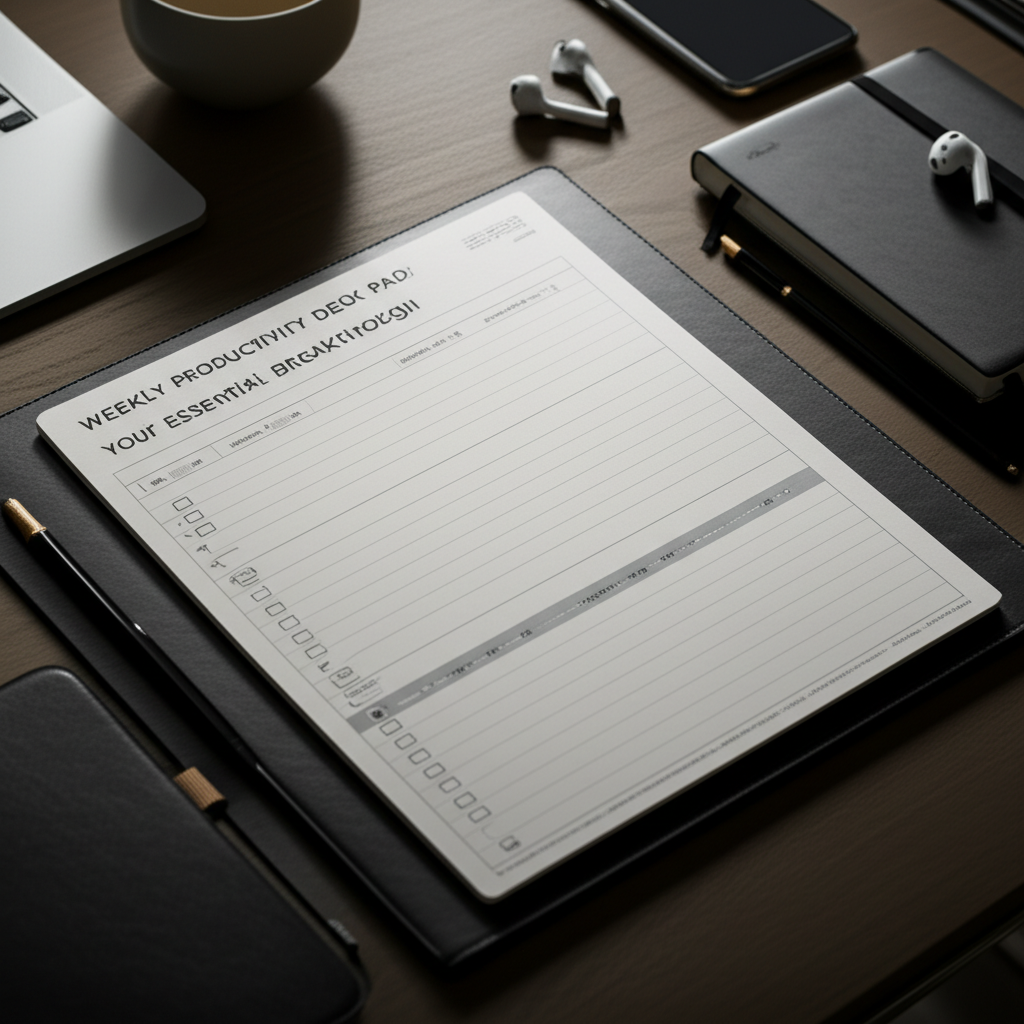
Unlock peak performance with the Weekly Productivity Desk Pad, your all-in-one command center for focused work, strategic planning, and seamless task management, designed to transform your chaotic workflow into a streamlined success.
Feeling overwhelmed by a never-ending to-do list and a cluttered workspace? You’re not alone. Many of us struggle to maintain focus and organization in our daily grind. This often leads to missed deadlines, decreased efficiency, and unnecessary stress. But what if a simple, tangible tool could be your secret weapon? Get ready to discover how a Weekly Productivity Desk Pad can be your essential breakthrough to a more organized and productive life.
What is a Weekly Productivity Desk Pad and Why Do You Need One?
A Weekly Productivity Desk Pad is more than just a planner; it’s a physical anchor for your digital life, designed to bring clarity and focus to your week. It provides a dedicated space to map out your priorities, schedule tasks, and track your progress at a glance. In our increasingly digital world, the tactile nature of a desk pad offers a refreshing counterpoint, grounding you in your goals and helping you resist digital distractions.
Think of it as your personal command center, right on your desk. It’s where you can visually lay out your week, ensuring nothing falls through the cracks. This isn’t just about writing things down; it’s about intentional planning and proactive management of your time and energy.
The Science Behind Visual Planning and Productivity
Our brains are wired to process visual information more effectively. When you see your week laid out on paper, your mind can better grasp the scope of your commitments and identify potential conflicts or opportunities. This visual representation taps into cognitive principles that enhance memory and decision-making. By externalizing your plans, you free up mental bandwidth, allowing you to focus on execution rather than constantly trying to remember what’s next.
This visual cue acts as a constant reminder of your goals, subtly guiding your actions throughout the day. It’s a powerful psychological tool that leverages how we naturally organize and process information, making it an intuitive and effective productivity hack.
Key Features to Look for in a Weekly Productivity Desk Pad
Not all desk pads are created equal. To maximize your productivity, seek out a pad with specific features tailored to effective planning. Look for ample space for daily tasks, clear sections for priorities, and perhaps even a dedicated area for notes or reflection. The paper quality and size are also important for a comfortable writing experience.
Consider layouts that offer flexibility, allowing you to adapt the pad to your unique workflow. Some pads include motivational quotes, habit trackers, or goal-setting sections, which can further enhance their utility. Ultimately, the best desk pad is one that resonates with your personal style and planning needs.
Ample Space for Daily Tasks

Each day needs enough room to jot down appointments, to-dos, and important reminders without feeling cramped. Overlapping entries or illegible scribbles defeat the purpose.
Dedicated Priority Sections
The ability to highlight your top 1-3 most important tasks for the day is crucial for focused execution. This helps ensure you tackle what truly matters.
Notes and Ideas Area
A dedicated space for brainstorming, jotting down fleeting thoughts, or capturing meeting notes keeps your main schedule clean and organized.
Durable Paper Quality
Thick, bleed-resistant paper ensures a pleasant writing experience and prevents ink from showing through to the other side.
Convenient Size and Layout
The pad should fit comfortably on your desk without overwhelming your workspace, and the layout should be intuitive and easy to navigate.
How to Effectively Use Your Weekly Productivity Desk Pad
Simply owning a desk pad isn’t enough; the magic lies in how you use it. Start by dedicating a few minutes each Sunday evening or Monday morning to plan your week. Break down larger projects into smaller, manageable tasks and assign them to specific days.
Throughout the week, make it a habit to review your pad daily, checking off completed tasks and adjusting your plan as needed. This consistent engagement is key to transforming your desk pad from a passive document into an active productivity tool. Don’t be afraid to experiment with different methods until you find what works best for you.
Sunday/Monday Planning Ritual
Set aside time at the beginning of the week to overview your commitments and map out your key objectives and tasks. This proactive step sets a positive tone for the entire week.
Daily Review and Adjustment
Take a few minutes each morning to review your plan for the day and make any necessary adjustments based on new information or shifting priorities. This keeps your plan relevant and actionable.
Task Completion and Tracking
Actively check off completed tasks. This provides a satisfying sense of accomplishment and helps you visualize your progress, boosting motivation.
End-of-Week Reflection
Spend a few minutes at the end of the week reflecting on what went well, what challenges you faced, and what you learned. This insight is invaluable for improving future planning.
Integrating Your Desk Pad with Digital Productivity Tools
While a physical desk pad offers unique benefits, it can also complement your digital tools beautifully. Use it to outline your week, and then transfer specific appointments and deadlines into your digital calendar. Jot down ideas or complex tasks on your pad, and then use a project management app like Asana or Trello to manage the finer details and collaboration.
Think of the desk pad as your high-level dashboard and your digital tools as your granular execution platforms. This hybrid approach leverages the strengths of both, creating a robust productivity ecosystem. This integration ensures you don’t miss crucial digital reminders while still benefiting from the focused clarity of a physical planner.
AI’s Role in Enhancing Your Desk Pad Experience
The future of productivity is increasingly intertwined with artificial intelligence. While your desk pad is a physical tool, AI can indirectly enhance its effectiveness. For example, AI-powered apps can help you break down large goals into smaller steps, which you can then meticulously plan onto your desk pad. AI assistants can also help you schedule meetings, ensuring your desk pad accurately reflects your commitments.
Furthermore, AI can analyze your work patterns and suggest optimal times for deep work or breaks, information you can then strategically implement into your weekly plan. As AI tools become more sophisticated, they will offer even more personalized insights to supercharge your productivity, making your desk pad a more informed planning tool.
Overcoming Common Productivity Challenges with Your Desk Pad
One of the most common productivity challenges is the feeling of being overwhelmed. A Weekly Productivity Desk Pad combats this by forcing you to prioritize and break down your workload into manageable chunks. Another challenge is procrastination; seeing your tasks visually laid out can create a sense of accountability and urgency.
Distractions are also a major hurdle. By having a physical plan in front of you, you’re less likely to get lost in endless digital notifications or social media scrolling. The desk pad serves as a constant, gentle reminder of your intended focus, helping you steer back on course.
Choosing the Right Weekly Productivity Desk Pad for You
The “best” desk pad is subjective and depends on your personal preferences and workflow. Do you prefer a minimalist design or something more feature-rich? Do you need a large space for extensive notes, or is a concise layout sufficient? Consider the paper type, binding (e.g., tear-off sheets, bound pad), and overall aesthetic.
Many excellent options are available from stationery brands, office supply stores, and online retailers. Reading reviews and comparing different layouts can help you make an informed decision. Ultimately, the goal is to find a tool that you’ll genuinely enjoy using every day.
Popular Desk Pad Styles
Minimalist: Clean design with ample writing space, focusing on core planning elements.
Goal-Oriented: Includes sections for setting weekly goals, habit tracking, and gratitude journaling.
Project-Focused: Features structured layouts for breaking down and managing specific projects.
Time-Blocking: Designed to facilitate detailed scheduling of activities throughout the day.
Maximizing Your Desk Pad: Advanced Tips and Tricks
Once you’ve mastered the basics, consider these advanced techniques. Use color-coding to categorize tasks (e.g., urgent, important, personal). Experiment with different note-taking methods like the Cornell Note-Taking System for meeting summaries. Integrate your desk pad with your physical workspace organization – keep pens and highlighters nearby.
Consider using stickers or stamps for recurring tasks or to add a visual flair that boosts motivation. The key is continuous experimentation and adaptation. Your desk pad should evolve with your needs and become an indispensable part of your workflow.
The Long-Term Impact: Building Sustainable Productivity Habits
Consistently using a Weekly Productivity Desk Pad cultivates discipline and reinforces good planning habits. Over time, you’ll become more adept at estimating task durations, identifying your peak productivity times, and proactively managing your energy. This leads to not just increased output, but also a greater sense of control and reduced stress.
It’s about building a sustainable system that supports your long-term goals. The tangible act of planning and reviewing fosters a deeper commitment to your objectives, transforming aspirations into consistent action and lasting achievement.
Frequently Asked Questions About Weekly Productivity Desk Pads
What is the primary benefit of a Weekly Productivity Desk Pad?
The main benefit is enhanced focus and organization by providing a visual, tangible plan for your week, helping you prioritize tasks and manage your time effectively.
Can a physical desk pad replace digital calendars and task managers?
It can complement them by offering a high-level overview and a different mode of interaction, but it’s often best used in conjunction with digital tools for comprehensive management.
How often should I update my desk pad?
It’s ideal to plan your week at the beginning of the week and review/update it daily to keep it relevant and actionable.
What if I miss a day of planning?
Don’t worry! Just pick up where you left off. The goal is progress, not perfection. You can catch up or adjust your plan as needed.
Are there eco-friendly Weekly Productivity Desk Pad options?
Yes, many brands offer pads made from recycled paper or sustainable materials. Look for certifications or product descriptions indicating eco-friendly practices.
How can I prevent my desk pad from becoming cluttered?
Be concise in your entries, use abbreviations you understand, and dedicate a separate section for notes or brainstorming rather than mixing them with your schedule.
Conclusion: Your Weekly Productivity Desk Pad – A Catalyst for Success
The Weekly Productivity Desk Pad is a remarkably simple yet profoundly effective tool for anyone seeking to bring order to chaos and elevate their productivity. It serves as a tangible reminder of your goals, a visual guide for your week, and a catalyst for focused action. By integrating this humble yet powerful artifact into your daily routine, you unlock a new level of clarity, control, and accomplishment. Embrace the power of a well-planned week and watch your productivity soar.

Belayet Hossain is a Senior Tech Expert and Certified AI Marketing Strategist. Holding an MSc in CSE (Russia) and over a decade of experience since 2011, he combines traditional systems engineering with modern AI insights. Specializing in Vibe Coding and Intelligent Marketing, Belayet provides forward-thinking analysis on software, digital trends, and SEO, helping readers navigate the rapidly evolving digital landscape. Connect with Belayet Hossain on Facebook, Twitter, Linkedin or read my complete biography.