
Published on: 11/10/2025 | Updated on: October 11, 2025
The 6 Monitor Stand: Your Essential, Proven Setup for Ultimate Productivity
Elevate your workspace with a 6 monitor stand! This guide covers essential setup tips and proven strategies to optimize your multi-monitor arrangement for peak productivity and comfort. Discover why a robust 6 monitor stand is key to a seamless, ergonomic, and efficient digital environment.
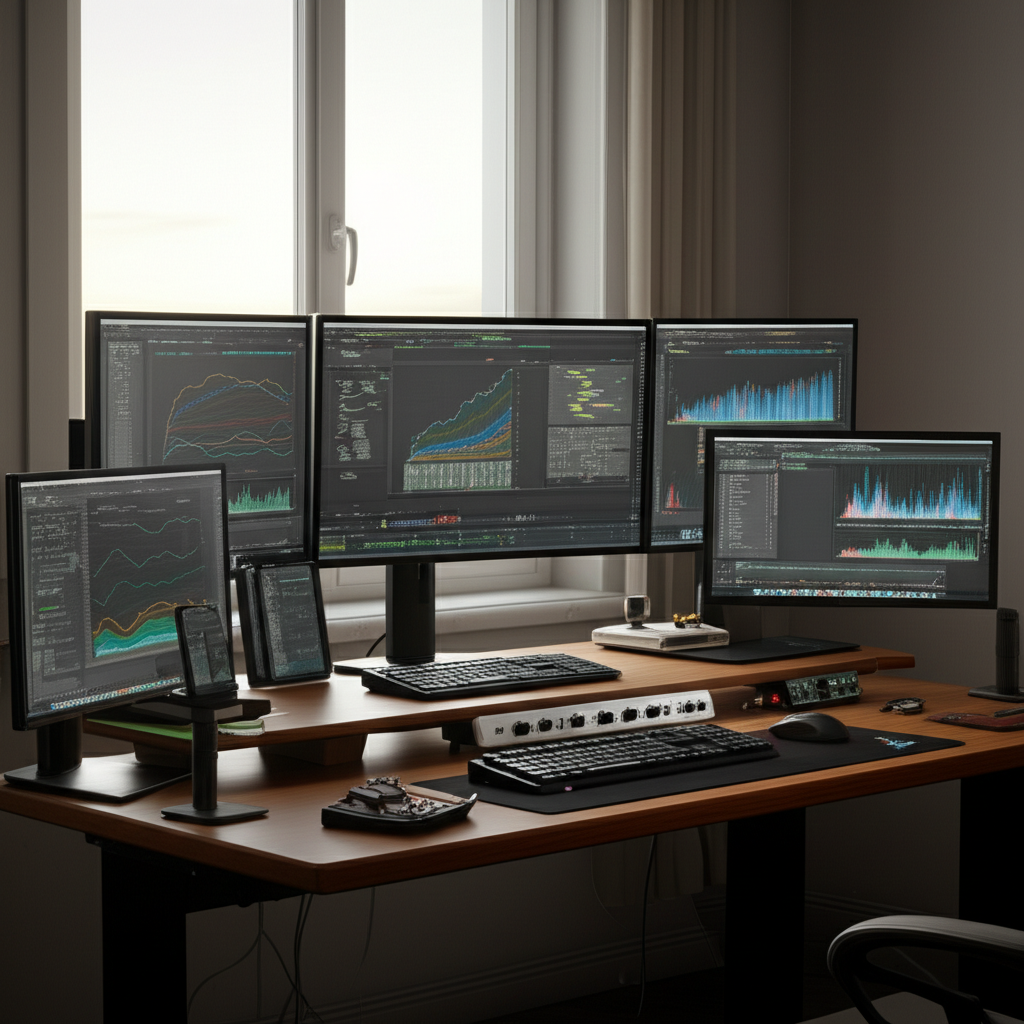
Are you drowning in a sea of screens? A cluttered desk with multiple monitors can feel overwhelming, impacting your workflow and even your well-being. It’s a common problem for professionals, gamers, and content creators alike. But what if there was a simple, effective solution to tame the chaos and unlock the true potential of your multi-monitor setup? This article will guide you through everything you need to know about choosing and setting up the perfect 6 monitor stand. We’ll explore the benefits, essential features, and proven methods to create an ergonomic and highly productive workstation. Get ready to transform your desk into a command center.
Why You Need a 6 Monitor Stand for Peak Performance
A 6 monitor stand is more than just a desk accessory; it’s a strategic investment in your productivity and health. It provides a stable, organized platform for multiple displays, freeing up valuable desk space and reducing clutter. This setup can significantly boost efficiency by allowing you to view more information at once, minimizing the need to constantly switch between applications. Furthermore, proper monitor positioning is crucial for preventing neck and eye strain, contributing to a healthier work experience.
A well-designed 6 monitor stand can dramatically improve your workflow. Imagine having all your essential applications, research materials, and communication tools visible simultaneously. This reduces context switching, a known productivity killer, allowing you to stay in your flow state longer. Studies have shown that multi-monitor setups can increase productivity by as much as 30% for certain tasks.
Key Features to Look for in a 6 Monitor Stand
When selecting a 6 monitor stand, several critical features ensure it meets your needs. Stability is paramount; you need a stand that can securely hold all six monitors without wobbling. Adjustability is also key, allowing you to fine-tune the height, tilt, and swivel of each display for optimal viewing angles and ergonomics. Consider the weight capacity and the VESA mounting compatibility to ensure it works with your specific monitors.
Look for robust materials like heavy-duty steel or aluminum for durability and stability. The stand should offer ample adjustment range, including height adjustment, tilt, and swivel capabilities for each monitor. Ensure it supports the VESA patterns (e.g., 75x75mm, 100x100mm) and the total weight of your monitors. Cable management features are also a huge plus for keeping your setup tidy.
Types of 6 Monitor Stands: Finding Your Perfect Fit
There are several types of 6 monitor stands available, each with its advantages. Desk-mounted stands attach to the edge of your desk, offering flexibility and freeing up surface area. Freestanding stands sit directly on your desk, requiring no attachment but taking up more space. Some advanced options include integrated features like USB hubs or wireless charging.
Freestanding stands are often the simplest to set up and move. Desk-mounted clamps offer a more secure attachment and can support heavier setups. Some professional setups might even consider wall-mounted options for maximum space-saving, though these are less common for a six-monitor configuration due to complexity. The best choice depends on your desk type, available space, and aesthetic preferences.
The Ergonomic Advantage: Setting Up for Health and Comfort
Proper ergonomics is non-negotiable when using a 6 monitor stand. Each monitor should be positioned at eye level to prevent neck strain. The top of the screen should be roughly level with your eyes. Ensure sufficient distance between you and the monitors to reduce eye fatigue. Adjusting tilt and swivel can further optimize viewing angles and minimize glare.
Your setup should encourage good posture. Aim to keep your head and neck in a neutral position. Your elbows should be bent at roughly 90 degrees when typing. A 6 monitor stand that allows for significant vertical and horizontal adjustment is crucial for achieving this ideal ergonomic setup. Investing in an adjustable chair and desk can further enhance your ergonomic experience.
Step-by-Step Guide: Assembling and Installing Your 6 Monitor Stand
Assembling a 6 monitor stand typically involves a few straightforward steps. First, unpack all components and identify them against the instruction manual. Next, assemble the base or clamp according to the manufacturer’s guide. Attach the vertical arms and monitor brackets to the main pole or arm structure.
Once the stand is assembled, secure it to your desk or position it as a freestanding unit. Then, carefully mount your monitors onto the VESA brackets, ensuring they are securely fastened. Finally, adjust each monitor to your preferred height, angle, and position. Take your time to ensure all connections are tight and the stand is stable before powering on your monitors.
Optimizing Your Workflow with a 6 Monitor Configuration
A 6 monitor stand opens up a world of workflow possibilities. For programmers, you can dedicate screens to code, documentation, and the application output. For designers, one screen can show your design software, another reference images, and a third your portfolio. Gamers can expand their field of view or dedicate screens to streaming software and chat.
Consider dedicating specific monitors to specific tasks. For instance, keep your primary work application on the central monitor, reference materials on one side, communication tools on another, and system monitoring or entertainment on the remaining displays. This spatial organization can significantly reduce mental load and improve task switching efficiency. Experiment to find the arrangement that best suits your personal workflow.
Beyond the Basics: Advanced Tips for Your 6 Monitor Setup
To truly maximize your 6 monitor stand setup, consider advanced tips. Invest in monitor arms that offer greater flexibility and movement, allowing for easy repositioning without compromising stability. Utilize software like DisplayFusion or Actual Multiple Monitors to manage window snapping, taskbars, and hotkeys across all displays. Proper lighting is also essential to reduce glare and eye strain.
Ensure your graphics card can support six monitors at your desired resolutions and refresh rates. Look into monitor arms with built-in USB hubs for easier peripheral connectivity. Some users even opt for specialized monitor stands that allow for portrait orientation on some displays, which can be highly beneficial for coding or document-heavy tasks.
Troubleshooting Common 6 Monitor Stand Issues
Even with the best 6 monitor stand, you might encounter minor issues. Wobbling can often be fixed by tightening screws or ensuring the stand is on a level surface. If a monitor isn’t displaying, double-check the cable connections and ensure the correct input is selected on the monitor. Weight capacity is another common concern; always adhere to the manufacturer’s specified limits to prevent damage.
If you experience flickering or display problems, it might be related to your graphics card’s output or cable quality. Ensure you are using high-quality cables that support the resolution and refresh rate of your monitors. For persistent stability issues with desk-mounted stands, consider using a desk mat or adding a reinforcement bracket if your desk material allows.
AI and the Future of Monitor Stand Technology
While the core function of a 6 monitor stand remains providing stable support, future innovations will likely integrate more smart technology. Imagine stands with built-in sensors that adjust monitor height based on your posture, or ambient light sensors that optimize screen brightness automatically. AI could even learn your workflow patterns and suggest optimal monitor arrangements.
We might see stands with integrated charging solutions that go beyond simple USB ports, perhaps offering wireless charging pads for devices. The trend towards thinner bezels and higher refresh rates in monitors will also influence stand design, demanding even greater precision and stability. This continued evolution promises even more seamless and intuitive multi-monitor experiences.
FAQ: Your Top 6 Monitor Stand Questions Answered
What is the ideal height for my monitors with a 6 monitor stand?
The top of your screen should be at or slightly below eye level. This helps maintain a neutral neck posture and reduces strain. Adjustability is key here, so ensure your stand allows for precise height customization for each monitor.
Can a single 6 monitor stand support all my displays?
Yes, a well-designed 6 monitor stand is built to handle the weight and size of multiple monitors. Always check the stand’s weight capacity and VESA compatibility against your monitor specifications to ensure a safe and stable setup.
How do I prevent my desk from being damaged by a clamp-on 6 monitor stand?
Most clamp-on stands come with protective pads. If yours doesn’t, or if you have a delicate desk surface, consider adding a thin piece of felt or rubber matting between the clamp and the desk to distribute pressure and prevent scratches.
Is a 6 monitor setup overkill for general use?
For many, a dual or triple monitor setup is sufficient. However, for professionals in fields like coding, graphic design, finance, or extensive multitasking, a 6 monitor stand offers significant advantages in productivity and efficiency by keeping more information readily accessible.
What kind of cables do I need for a 6 monitor setup?
You’ll need six video cables (e.g., HDMI, DisplayPort) connecting your monitors to your graphics card. Ensure the cables are rated for the resolutions and refresh rates you intend to use. Cable management accessories are also highly recommended to keep the setup tidy.
How much desk space does a 6 monitor stand typically require?
Freestanding stands will occupy a significant portion of your desk surface. Desk-mounted stands attach to the edge, requiring less surface area but needing clearance for the clamp mechanism. Always check the dimensions provided by the manufacturer.
Conclusion: Unlock Your Productivity Potential
Investing in a quality 6 monitor stand is a foundational step toward a more productive, organized, and comfortable workstation. By carefully considering features like stability, adjustability, and compatibility, you can find a solution that perfectly suits your needs. An optimized multi-monitor setup, supported by a reliable stand, transforms your desk into a powerful hub for creation, analysis, and engagement. It’s time to elevate your view and unlock your full digital potential.


Belayet Hossain is a Senior Tech Expert and Certified AI Marketing Strategist. Holding an MSc in CSE (Russia) and over a decade of experience since 2011, he combines traditional systems engineering with modern AI insights. Specializing in Vibe Coding and Intelligent Marketing, Belayet provides forward-thinking analysis on software, digital trends, and SEO, helping readers navigate the rapidly evolving digital landscape. Connect with Belayet Hossain on Facebook, Twitter, Linkedin or read my complete biography.