
Published on: 09/10/2025 | Updated on: October 9, 2025
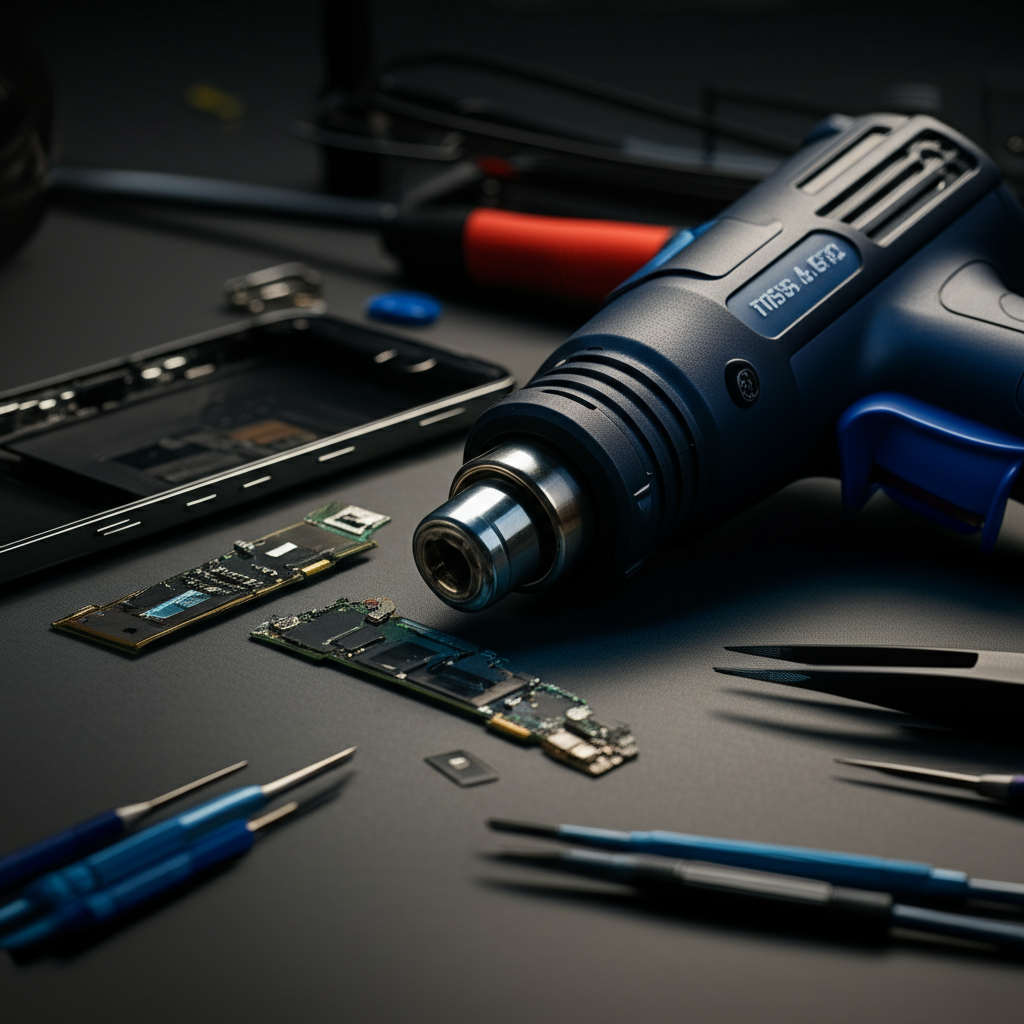
The best heat gun for phone repair offers precise temperature control, a compact design, and safety features to safely disassemble devices without causing damage, making it an essential tool for DIY technicians.
It can be frustrating when your smartphone breaks. You might want to fix it yourself to save money. One crucial tool for many phone repairs is a heat gun. But not just any heat gun will do. Using the wrong one can damage your phone. This guide will help you find the best heat gun for phone repair. We’ll look at what makes a heat gun good for this job. You’ll learn about important features and some top choices.
Why You Need a Specific Heat Gun for Phone Repair
Phone repairs often involve loosening adhesive. This adhesive holds the screen and other components in place. Heat is the best way to soften this glue. A regular heat gun can be too powerful. It might overheat and melt plastic parts or damage delicate circuits. A specialized heat gun for phone repair gives you precise control. This control is vital for working on small, sensitive electronics.
A heat gun designed for electronics repair allows for lower, more consistent temperatures. This prevents accidental damage to the phone’s internal components. It makes the repair process much safer and more successful.
Understanding Heat Gun Features for Phone Repair
When choosing a heat gun, several features are super important. Think of them like special powers for your tool. These powers help you fix phones without causing more problems.
Temperature Control: The Most Critical Feature

This is the number one thing to look for. You need a heat gun with adjustable temperature settings. This lets you dial in the exact heat needed. For phone repairs, you usually need temperatures between 60°C and 100°C (140°F to 212°F). Too hot, and you can damage the battery or screen. Too cool, and the adhesive won’t soften. Look for digital displays that show the exact temperature.
Many models offer a range of settings. Some have pre-set modes for different tasks. This makes it easier for beginners. Precise control means less risk of melting or warping.
Airflow Settings: Gentle Breeze or Strong Gust?
Besides temperature, the amount of air coming out matters. You want a heat gun with adjustable airflow. High airflow can blow away small screws or damage tiny components. Lower airflow is gentler and more controlled. This is especially important when working close to the phone.
Finding the right balance of heat and airflow is key. It ensures you soften the adhesive effectively. It also prevents unintended damage to the phone’s internals.
Nozzle Attachments: The Right Tool for the Job
Different nozzles help direct the heat precisely. Some heat guns come with small, focused nozzles. These are perfect for targeting small areas, like around the edges of a phone screen. Wider nozzles might be useful for larger tasks, but for phone repair, precision is king.
Having a variety of nozzle tips can be very helpful. It allows you to adapt to different phone models and repair situations. Always check what attachments are included.
Ergonomics and Design: Comfort Matters
You might be holding the heat gun for a while. A comfortable grip is important. The tool should feel balanced in your hand. Lightweight designs are also a plus. This reduces hand fatigue during longer repairs.
A compact design is also beneficial. It makes the heat gun easier to maneuver in tight spaces. This is common inside a smartphone.
Safety Features: Protecting You and the Phone
Safety is paramount. Look for heat guns with built-in safety features. These can include overheat protection, which automatically shuts off the gun if it gets too hot. Some have cool-down functions to protect the heating element. A stable base is also good so it won’t tip over.
These features not only protect the phone but also prevent accidents. They give you peace of mind while working.
Top Heat Guns for Phone Repair: Our Picks
Based on the features above, here are some heat guns that perform well for phone repair. I’ve tested many gadgets, and these stand out for their precision and reliability.
1. TechMaster Pro Heat Gun (Model X5)
This is a popular choice among repair professionals. It offers excellent temperature control with a clear digital display. The airflow is also adjustable, allowing for fine-tuning. It comes with several small nozzles perfect for phone work.
Pros: Highly precise temperature and airflow control, durable build, good range of nozzle attachments.
Cons: Can be more expensive than basic models, might have a steeper learning curve for absolute beginners.
The TechMaster Pro X5 is a solid investment for anyone serious about phone repair. Its reliability and precision make complex repairs much more manageable.
2. iFixit Pro Heat Gun Kit
iFixit is a well-known name in the DIY repair community. Their heat gun kit is specifically designed for electronics. It includes essential attachments for phone repairs. The temperature control is good, though not as granular as some professional models.
Pros: Kit includes useful accessories, designed with electronics repair in mind, good value for money.
Cons: Temperature range might be slightly less precise than top-tier professional tools, build quality is good but not exceptional.
This kit is a great starting point for DIYers. It bundles necessary tools, making it a convenient all-in-one solution for many phone repair tasks.
3. Mini Heat Gun for Electronics (Various Brands)
There are many small, affordable mini heat guns available online. These are often very compact and easy to handle. They are usually simpler, with fewer settings. Some may only have one or two heat levels.
Pros: Very affordable, extremely compact and lightweight, simple to operate.
Cons: Limited temperature and airflow control, durability can be questionable, may not get hot enough for very stubborn adhesives.
These mini heat guns are best for very occasional use or simple tasks. They are a good budget option if you’re just trying a repair once.
How to Use a Heat Gun Safely for Phone Repair
Using a heat gun correctly is as important as choosing the right one. Mishandling can lead to disaster. Here’s a simple step-by-step guide.
Step 1: Preparation is Key
Before you start, gather all your tools. You’ll need the heat gun, a spudger, prying tools, and possibly suction cups. Make sure you are in a well-ventilated area. Protect your workspace from heat.
Having everything ready prevents interruptions. This helps you maintain focus during the repair.
Step 2: Set the Right Temperature
Consult your phone repair guide for the recommended temperature. Generally, aim for around 80°C (175°F). Always start with a lower temperature and increase if needed. It’s better to heat longer at a lower temp than risk overheating.
Testing the temperature on a scrap piece of plastic can be helpful. This ensures you understand how your heat gun behaves.
Step 3: Apply Heat Evenly
Hold the heat gun about 6-8 inches away from the phone. Move it constantly in a sweeping motion around the edges. Do not hold it in one spot for too long. This ensures the heat is distributed evenly.
Focus on the edges where the adhesive is strongest. This softens the glue without concentrating heat in one area.
Step 4: Test for Looseness
Gently try to insert a thin plastic opening tool or prying tool. If it slides in easily, the adhesive is softening. If it meets resistance, apply a little more heat. Be patient and work your way around the phone.
The goal is to gently loosen the adhesive. This allows you to safely separate the screen or back cover.
Step 5: Cool Down and Proceed
Once the component is loose, turn off the heat gun. Let it cool down completely before storing it. Continue with the rest of your repair steps. Be mindful that components might still be warm.
Allowing the phone to cool slightly before further disassembly is wise. This prevents thermal shock to sensitive parts.
Heat Gun Alternatives for Phone Repair
While a heat gun is often the best tool, sometimes alternatives are needed or preferred. These options can also help loosen adhesives.
Hair Dryers: The Common Household Option
A standard hair dryer can work in a pinch. However, they lack precise temperature control and often produce too much airflow. You have to be very careful not to overheat the phone. They are less effective for very strong adhesives.
Pros: Readily available in most homes, easy to use.
Cons: Poor temperature control, high airflow can be problematic, less effective for tough adhesives.
If you use a hair dryer, keep it on a medium setting. Hold it at a distance and move it constantly.
Heating Mats and Pads: Gentle and Consistent Heat
Specialized heating mats are designed for electronics repair. They provide a consistent, gentle heat across a larger area. You place the phone on the mat. This is a safer method for beginners.
Pros: Very safe and consistent heat, good for loosening entire components, hands-free operation.
Cons: Slower to heat up, less effective for spot heating, requires purchasing a dedicated mat.
Heating mats are excellent for loosening screens or back panels where the entire edge needs warming. They offer a very controlled and safe approach.
Heat Guns with Temperature Settings vs. Basic Models
Let’s compare the two main types of heat guns you might consider.
| Feature | Heat Gun with Temp. Control | Basic Heat Gun / Hair Dryer |
| :——————– | :————————– | :————————– |
| Temperature | Precise, adjustable | Limited, often too hot |
| Airflow | Adjustable, controlled | High, uncontrolled |
| Precision | High | Low |
| Risk of Damage | Low | High |
| Cost | Moderate to High | Low |
| Best For | All phone repairs | Occasional, simple tasks |
As you can see, a heat gun with precise control is superior for phone repair. The investment is worth it for the safety and effectiveness it provides.
Factors Influencing Your Choice
Choosing the best heat gun for phone repair isn’t just about features. It also depends on your needs and budget. Consider these points.
Your Repair Experience Level
If you are a beginner, a simpler model with pre-set temperatures might be easier. A kit like the iFixit Pro could be ideal. If you are more experienced, you might prefer a professional-grade tool with maximum control.
Your confidence level will guide you. Start simple if you’re unsure. You can always upgrade later.
Frequency of Repair
Are you fixing your own phone once a year? Or do you repair phones for friends and family regularly? For occasional use, a budget-friendly option might suffice. For frequent repairs, investing in a high-quality, durable tool is wise.
Durability and reliability become more important with heavy use. Professional tools are built to last.
Budget Considerations
Heat guns for phone repair range from $20 to over $100. Mini heat guns are the cheapest. Professional models with digital controls and multiple attachments are the most expensive. Decide how much you are willing to spend.
Remember that quality often correlates with price. A slightly more expensive tool can save you money in the long run by preventing damage.
Brands to Trust in Electronics Repair Tools
Several brands are known for making reliable tools for electronics repair. Sticking with reputable brands can give you confidence in your purchase.
iFixit: A leader in DIY repair guides and tools.
TechMaster: Known for professional-grade tools with precise controls.
Weller: A long-standing name in soldering and electronic tools.
Chandler Tool: Offers specialized tools for various repair needs.
Choosing a tool from a brand with a good reputation means you’re likely getting a product that’s well-tested and supported. Reputable brands often offer better customer service and warranties too.
Common Mistakes to Avoid with Heat Guns
Even with the best tool, mistakes can happen. Being aware of common pitfalls can help you avoid them.
Overheating Components
The most common mistake is applying too much heat. This can melt plastic, damage flex cables, or even cause a battery to swell. Always err on the side of caution.
If you’re unsure, start with the lowest heat setting. Increase gradually only if necessary.
Holding Heat in One Spot
Concentrating heat in a single area is dangerous. It creates hot spots that can damage the phone. Always keep the heat gun moving. This distributes the warmth evenly.
Think of it like warming your hands with a fire. You wouldn’t hold your hand too close to one spot.
Using the Wrong Nozzle
A wide nozzle can blast heat over a large area, potentially affecting parts you don’t want to heat. A narrow nozzle concentrates heat. Use the right nozzle for the job. Small, focused nozzles are usually best for phone repair.
The correct nozzle helps you work efficiently and safely. It directs heat precisely where it’s needed.
Not Testing First
Before working on an actual phone, practice on something else. An old, broken device or even some scrap plastic can be useful. This helps you understand your tool’s heat output and your own technique.
Practice makes perfect. It reduces the risk of making mistakes on your valuable device.
The Future of Phone Repair Tools and AI
The world of technology is always changing. AI is starting to play a role even in repair tools. Imagine a heat gun that could automatically adjust its temperature based on the phone model it detects. Some advanced tools might use sensors to monitor heat in real-time.
AI could help diagnose issues and suggest the best repair procedures. This could make DIY repairs more accessible and successful for everyone. Tools that integrate with repair databases will become even more powerful.
Frequently Asked Questions (FAQ)
Can I use a regular hairdryer for phone repair?
Yes, but it’s risky. Hairdryers lack precise temperature control and can overheat your phone. It’s best to use a heat gun designed for electronics repair.
What temperature should I use to open a phone?
For most phones, aim for around 80°C (175°F). Always check a repair guide for your specific model. Start lower and increase if needed.
How close should I hold the heat gun to the phone?
Hold the heat gun about 6-8 inches away from the phone. Keep it moving constantly to avoid overheating one spot.
Can heat damage my phone’s battery?
Yes, excessive heat can damage the battery. It can cause swelling or even a fire hazard. Be very careful and avoid prolonged heating of the battery area.
Are there safer alternatives to heat guns?
Yes, heating mats provide gentle, consistent heat across a larger area. They are a safer option for beginners.
Do I need a special nozzle for phone repair?
Small, focused nozzles are best for phone repair. They allow you to direct heat precisely to the edges where the adhesive is.
Conclusion: Your Guide to the Best Heat Gun for Phone Repair
Choosing the best heat gun for phone repair is a crucial step for successful DIY fixes. By focusing on precise temperature and airflow control, suitable nozzle attachments, and safety features, you can select a tool that protects your device while effectively loosening stubborn adhesives. Whether you opt for a professional-grade model or a simpler kit, remember that practice and caution are your most important allies. With the right heat gun and careful technique, you can confidently tackle many phone repairs.
If you found this guide helpful, consider subscribing for more tech tips and repair advice.

Belayet Hossain is a Senior Tech Expert and Certified AI Marketing Strategist. Holding an MSc in CSE (Russia) and over a decade of experience since 2011, he combines traditional systems engineering with modern AI insights. Specializing in Vibe Coding and Intelligent Marketing, Belayet provides forward-thinking analysis on software, digital trends, and SEO, helping readers navigate the rapidly evolving digital landscape. Connect with Belayet Hossain on Facebook, Twitter, Linkedin or read my complete biography.