


Published on: 04/11/2025 | Updated on: November 4, 2025
Learn how to fix iPhone SOS issues with this essential guide, covering common causes, simple fixes, and when to seek professional help for reliable signal restoration.
Is your iPhone stuck on “SOS” or showing “No Service”? It’s a common problem that can leave you feeling disconnected and frustrated. This guide will help you understand why your iPhone might be showing SOS. We will walk through simple steps you can try yourself. You’ll also learn about advanced solutions and when it’s time to get expert help. Let’s get your iPhone back to full service.
What Does “SOS” Mean on an iPhone?
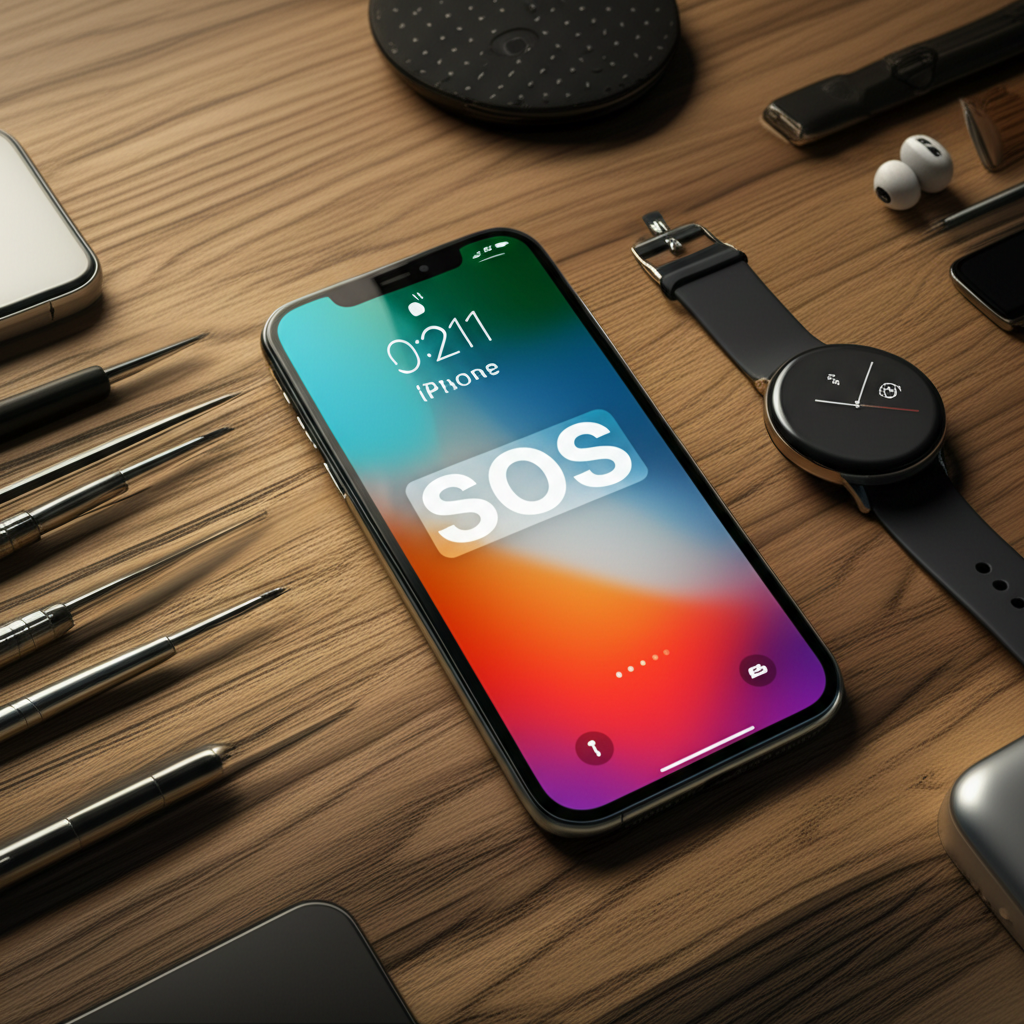
When your iPhone displays “SOS,” it means it cannot connect to your carrier’s normal network. However, it can still make emergency calls. This feature uses available networks, even from different carriers, to contact emergency services. It’s a safety net, but it also signals a problem with your regular connection.
Common Reasons for iPhone SOS Mode
Several factors can cause your iPhone to enter SOS mode. Understanding these reasons is the first step to fixing the issue. Common culprits include software glitches, carrier setting problems, or physical damage to your iPhone. Sometimes, it’s as simple as a temporary network outage in your area.
Software Glitches and Temporary Bugs

Sometimes, your iPhone’s software can have a temporary hiccup. This can confuse the phone about its network connection. A simple restart often clears these minor software issues. This is the easiest problem to solve.
Carrier Settings and Network Updates
Your carrier regularly updates its settings for iPhones. These updates help your phone connect better to their network. If these settings are outdated or corrupted, it can cause connection problems. Checking for and installing these updates is important.
Physical Damage to the iPhone
Dropping your iPhone can damage its internal components. This includes the cellular modem or antenna. Even if your iPhone looks fine, internal damage can prevent it from connecting to your network. Physical damage often requires professional repair.
SIM Card Issues
Your SIM card is crucial for connecting to your carrier. If it’s loose, dirty, or damaged, your iPhone can’t authenticate with the network. Removing and reinserting your SIM card is a quick check. Sometimes, you might need a new SIM card.
Location and Network Coverage
Poor network coverage is a frequent cause of SOS mode. If you are in a remote area or a building with thick walls, your iPhone might struggle to find a signal. Moving to a different location can often resolve this. Check your carrier’s coverage map.
Simple Troubleshooting Steps to Fix iPhone SOS
Before diving into complex fixes, try these straightforward steps. They resolve many SOS issues without needing special tools. These are the first things any technician would check.
Restart Your iPhone
A simple restart can fix many temporary software issues. Turn your iPhone off completely. Wait for 30 seconds. Then, turn it back on. This refreshes the device’s connection to the network.
Toggle Airplane Mode
Airplane mode temporarily disconnects your iPhone from all networks. Turning it on and then off again can force your iPhone to search for a signal. Go to Settings and tap Airplane Mode. Turn it on for 15 seconds. Then, turn it off.
Update iOS Software
Apple regularly releases iOS updates. These updates often include fixes for network connectivity. Go to Settings > General > Software Update. If an update is available, download and install it. Make sure your iPhone is connected to Wi-Fi.
Reset Network Settings
This step resets all network-related settings on your iPhone. It includes Wi-Fi passwords and Bluetooth pairings. It can resolve issues caused by corrupted network configurations. Go to Settings > General > Transfer or Reset iPhone > Reset > Reset Network Settings.
Check for Carrier Settings Updates
Your carrier might have updates for your iPhone. Go to Settings > General > About. If an update is available, you will see a prompt. Tap “Update.” This requires a Wi-Fi connection.
Advanced Solutions for Persistent SOS Issues
If the simple steps don’t work, you might need to try more advanced solutions. These require a bit more care and might involve your SIM card or specific phone settings.
Reinsert or Replace SIM Card
Open the SIM tray on your iPhone. Carefully remove the SIM card. Check it for any visible damage. Wipe it gently with a soft, dry cloth. Reinsert it correctly. If it looks damaged, contact your carrier for a replacement.
Verify Cellular Data is Enabled
Ensure cellular data is turned on for your carrier. Go to Settings > Cellular. Make sure the toggle for Cellular Data is green. If you have multiple SIMs or eSIMs, check the correct one.
Check for iPhone Hardware Issues
If your iPhone has been dropped or exposed to water, there might be internal damage. This can affect the modem or antenna. These components are vital for network connection. Such issues usually need professional repair.
When to Seek Professional iPhone Repair
Sometimes, the SOS issue is beyond simple fixes. It might point to a hardware problem that only a professional can address. Don’t hesitate to seek expert help.
Contact Your Cellular Carrier
Your carrier can check your account status and network provisioning. They can also confirm if there are any outages in your area. They can sometimes remotely reset your connection. This is a crucial step if other methods fail.
Visit an Apple Store or Authorized Repair Center
If your iPhone has physical damage or persistent software issues, Apple support can help. They can diagnose hardware problems. They can also perform advanced software restores. This ensures your device is handled by experts. You can book an appointment on the Apple Support website.
Consider a Reputable Third-Party Repair Shop
For older iPhones or out-of-warranty repairs, a trusted third-party repair shop can be a good option. Look for shops with good reviews and experienced technicians. They can often fix hardware issues like antenna or modem problems. Always ensure they use quality parts.
Essential Tools for iPhone Repair (DIY Enthusiasts)
If you’re a DIY enthusiast, having the right tools makes repairs safer and easier. For SOS issues, tools might be needed for SIM tray access or more in-depth diagnostics. Always prioritize safety.
SIM Ejector Tool
This small tool is used to safely remove the SIM card tray. It prevents damage to the tray slot. Most iPhones come with one. If not, they are very inexpensive to buy.
Precision Screwdriver Set
If you need to open your iPhone for deeper inspection, a precision screwdriver set is essential. Ensure it has small Phillips and Pentalobe bits. These are common in iPhones.
Anti-Static Wrist Strap
Working on electronics can generate static electricity. This can damage sensitive components. An anti-static wrist strap prevents this. It grounds you to the work surface.
Magnifying Glass or Microscope
Sometimes, SIM card slots or antenna connections can have tiny damage. A magnifying tool helps you see these small details clearly. This is useful for detailed inspection.
ESD Safety: Protecting Your iPhone During Repairs
Electrostatic Discharge (ESD) can destroy delicate iPhone components. Taking precautions is vital for any repair. ESD is like a tiny lightning bolt that can fry circuits.
What is ESD?
ESD is the sudden flow of electricity between two objects. It happens when you touch something with static. Your body can store static electricity. This can be harmful to your iPhone’s internal parts.
How to Prevent ESD Damage
Always work on a clean, non-conductive surface. Wear an anti-static wrist strap connected to a grounded object. Avoid working on carpet. Handle components by their edges. This minimizes contact with sensitive circuits.
iPhone SOS: What to Expect from Professional Repair
Professional repair services offer expertise and warranties. They can accurately diagnose the problem. They use specialized tools and genuine parts. This gives you confidence in the repair.
Diagnosis Process
Technicians will first perform a thorough diagnostic. They check software settings. They test hardware components like the antenna and modem. This ensures they address the root cause.
Repair Time and Cost
Repair times vary based on the issue. Simple fixes might take an hour. More complex hardware repairs could take longer. Costs also depend on the problem and parts needed. Always get a quote beforehand.
Warranty on Repairs
Reputable repair services offer a warranty on their work. This typically covers parts and labor for a specific period. It provides peace of mind. Always ask about the warranty details.
Understanding iPhone Hardware for SOS Issues
The “SOS” signal can sometimes point to internal hardware failures. Knowing which parts are involved helps understand the repair process. The modem and antenna are key components.
The Cellular Modem
This is the chip inside your iPhone that handles cellular communication. If it fails, your iPhone cannot connect to any network. This is a complex part to replace.
The Antenna System
Your iPhone uses internal antennas to send and receive signals. If these are damaged or disconnected, signal strength drops. This can lead to SOS mode. Antenna issues can sometimes be repaired without replacing the main logic board.
Frequently Asked Questions About iPhone SOS
Here are answers to common questions about the iPhone SOS issue.
Why does my iPhone say SOS only when I have no service?
Your iPhone shows SOS when it can’t connect to your usual carrier. It still lets you call emergency numbers. This is a safety feature.
Can water damage cause iPhone SOS?
Yes, water damage can harm internal components. This includes the modem and antenna. This can lead to SOS or No Service issues.
How long does it take to fix an iPhone SOS issue?
Simple fixes like restarting take minutes. Software updates take about an hour. Hardware repairs can take several hours or days.
Is it safe to use my iPhone in SOS mode?
Yes, it is safe. You can still make emergency calls. You cannot make regular calls or use cellular data.
* Will replacing the SIM card fix the SOS problem?
It might, if the SIM card is the issue. A damaged or old SIM card can cause connection problems. Trying a new SIM is a good step.
Conclusion
The “SOS” or “No Service” message on your iPhone can be worrying. However, most of the time, it’s a fixable issue. Start with simple steps like restarting your phone or toggling Airplane mode. If those don’t work, check for software and carrier updates. Always ensure your SIM card is properly seated. If hardware damage is suspected, or if the problem persists, don’t hesitate to contact your carrier or seek professional repair. Understanding these steps will help you fix your iPhone SOS and stay connected.
Ready to tackle your iPhone repair? Explore our guides on iPhone repair tools and common iPhone screen issues.

Belayet Hossain is a Senior Tech Expert and Certified AI Marketing Strategist. Holding an MSc in CSE (Russia) and over a decade of experience since 2011, he combines traditional systems engineering with modern AI insights. Specializing in Vibe Coding and Intelligent Marketing, Belayet provides forward-thinking analysis on software, digital trends, and SEO, helping readers navigate the rapidly evolving digital landscape. Connect with Belayet Hossain on Facebook, Twitter, Linkedin or read my complete biography.