


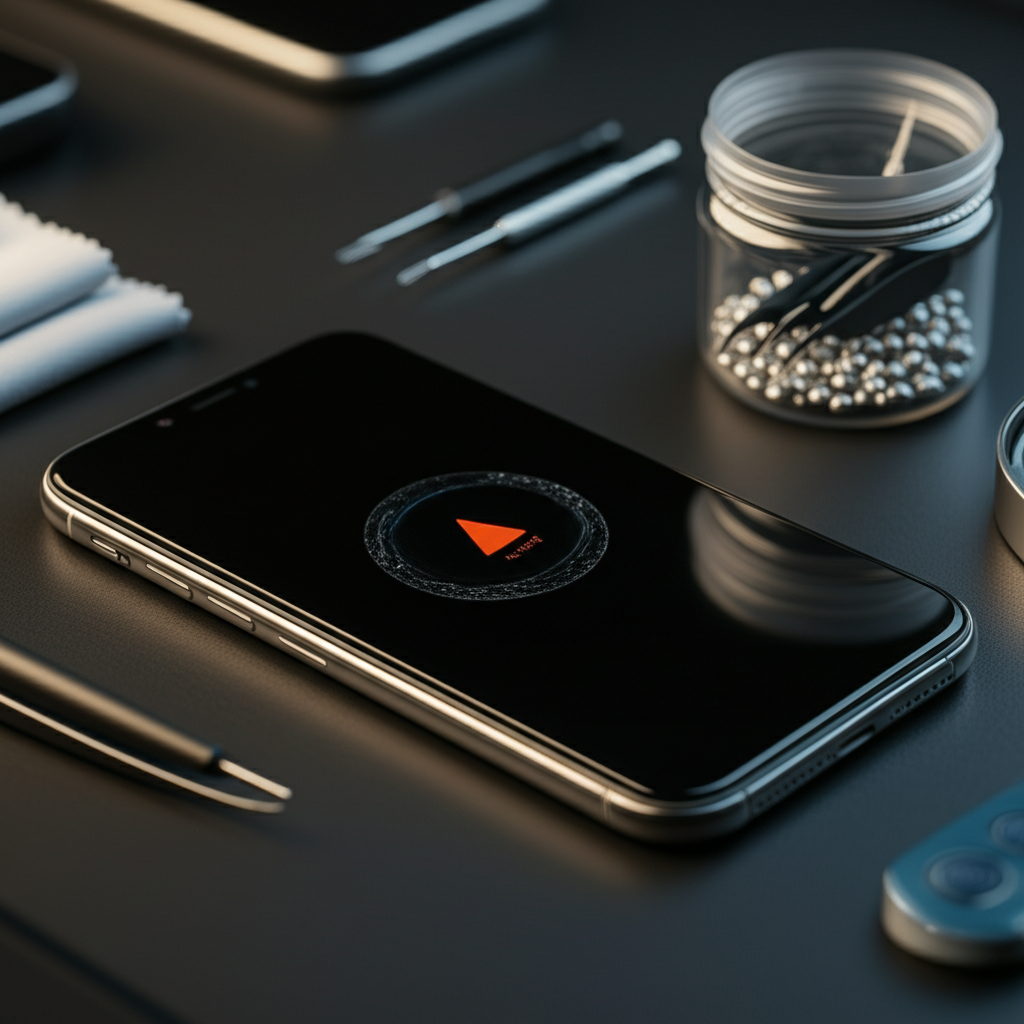
Published on: 04/11/2025 | Updated on: November 4, 2025
Learn how to fix iPhone water damage with our expert guide, covering quick steps, essential tools, and preventative measures to revive your device.
Dropping your iPhone in water is a heart-stopping moment. You might think your phone is ruined forever. But don’t panic! Many iPhones can be saved after a water accident. This guide will show you exactly what to do. We’ll cover immediate actions, drying techniques, and what tools you might need. You’ll learn how to assess the damage and try to fix it yourself.
Signs Your iPhone Has Suffered Water Damage
Your iPhone might show several signs if it got wet inside. Look for these clues to know if water has caused a problem. These symptoms can appear right away or later.
Screen issues: The display might flicker, show strange colors, or become unresponsive. You may see lines or spots.
Sound problems: Speakers could sound muffled or stop working entirely. The microphone might also fail.
Charging failures: Your iPhone might not charge when plugged in. The charging port could look corroded.
Random restarts: The phone might shut down and turn back on by itself. This is a sign of internal shorts.
Touchscreen glitches: The screen might register touches that you didn’t make. Or it might ignore your actual touches.
Overheating: The device can become unusually hot even when not in heavy use. This often points to internal issues.
These are clear indicators that your iPhone needs attention after a water exposure. Acting fast is key to preventing further damage.
Why Water is So Bad for Your iPhone
Modern iPhones are water-resistant, but not waterproof. This means they can handle splashes or brief submersion. However, prolonged exposure or immersion in certain liquids can still cause harm. Water, especially if it contains minerals or is saltwater, can corrode internal components.
Corrosion: Water gets into tiny spaces. It reacts with metal parts. This creates rust and breaks electrical connections.
Short circuits: Water is a conductor. It can create unintended paths for electricity. This can fry delicate circuits on the motherboard.
Component failure: Even small amounts of liquid can damage sensors, speakers, or the battery. These parts are sensitive to moisture.
Understanding this helps you appreciate why immediate and proper drying is so critical. It minimizes the chance of corrosion and short circuits.
Immediate Steps: What to Do Right After Your iPhone Gets Wet
The first few minutes after your iPhone gets wet are the most important. Quick actions can save your device from permanent damage. Don’t delay; start these steps immediately.
1. Remove the iPhone from the liquid: Get it out as fast as possible. The longer it stays submerged, the more water can get inside.
2. Turn it OFF immediately: Do not try to turn it on or check if it works. If it’s already off, leave it that way. This prevents electrical shorts.
3. Remove the case and any accessories: Take off the protective case. Remove headphones or chargers. This allows air to circulate better.
4. Remove the SIM card: Open the SIM tray and take out the SIM card. This also opens a small port for air to get in.
5. Wipe it down: Gently dry the exterior of the iPhone with a soft, lint-free cloth. Pay attention to ports and seams.
These initial steps are crucial for limiting the spread of moisture within the device. They are the foundation of how to fix iPhone water damage.
Drying Your iPhone: Safe and Effective Methods
After the initial wipe-down, you need to thoroughly dry your iPhone. Avoid methods that could push water further inside or damage components. Patience is key here.
Air drying: This is the safest method. Place your iPhone in a well-ventilated area. You can stand it up to allow air to flow around it.
Using a fan: A gentle fan can help speed up evaporation. Use a cool setting, not hot air. Hot air can damage internal parts.
Silica gel packets: These are the small packets found in new shoe boxes or electronics. Place your iPhone in an airtight container with many of these packets. They absorb moisture effectively.
Rice is NOT recommended: While many people suggest rice, it’s not ideal. Rice dust can get into ports and cause more problems. It’s also less effective than silica gel.
Give your iPhone plenty of time to dry. At least 24 to 48 hours is recommended. This allows all internal moisture to evaporate completely.
Assessing the Damage: When to Seek Professional Help
Once your iPhone has had ample time to dry, you can try turning it on. Be prepared for the possibility that it may not work perfectly. If you see any persistent issues, it’s time to consider professional help.
Turn it on cautiously: Press and hold the power button. See if the Apple logo appears.
Test all functions: Check the screen, sound, camera, and touch responsiveness. Try making a call.
Look for corrosion: Open the SIM tray again. Inspect the inside for any signs of white or green residue. This indicates corrosion.
When to call a pro: If the phone doesn’t turn on, has persistent glitches, or shows signs of corrosion, professional repair is likely needed. A qualified technician has specialized tools and knowledge. They can diagnose and fix deeper issues.
Seeking professional help from a reputable repair shop like itphobia.com can save your device when DIY methods fail. They offer diagnostics and can replace damaged parts.
Essential Tools for iPhone Water Damage Repair
If you decide to attempt a repair yourself, having the right tools is crucial. These tools help you open the phone safely and handle delicate components. They ensure you don’t cause further damage.
| Tool Name | Purpose |
| :———————– | :——————————————————————————————————– |
| Pentalobe Screwdriver | To remove the special screws on the bottom of iPhones. |
| Spudger/Pry Tools | To safely separate components and pry open the iPhone casing without scratching. |
| Suction Cup | To lift the screen assembly away from the body. |
| Tweezers | For handling tiny screws and delicate flex cables. |
| Heat Gun or Hair Dryer | To soften adhesive holding the screen and battery in place. Use on a low setting. |
| Isopropyl Alcohol (99%)| To clean corrosion from the logic board and components. |
| Anti-static Wrist Strap| To prevent electrostatic discharge (ESD) from damaging sensitive electronics. |
| Small containers | To organize screws, as they are different sizes and need to go back in the correct place. |
Using these tools correctly minimizes the risk of damaging your iPhone further during the repair process. Always prioritize ESD safety when working with electronics.
Step-by-Step: How to Fix iPhone Water Damage (DIY Approach)
This DIY guide assumes you have basic technical skills and the right tools. If you’re unsure, it’s best to seek professional assistance.
Step 1: Prepare Your Workspace and Yourself

Before opening your iPhone, set up a clean, well-lit workspace. Lay down a magnetic mat or use small containers to keep track of screws. Wear an anti-static wrist strap to protect components from static electricity. This is vital for preventing further damage to your iPhone.
Step 2: Open the iPhone
Using the Pentalobe screwdriver, remove the two screws on either side of the charging port. Then, use a heat gun on a low setting around the edges of the screen. Apply a suction cup to the bottom of the screen. Gently pull up while using a thin pry tool to slice through the adhesive. Work your way around the edges. Carefully lift the screen. Do not pull it all the way off yet, as it is still connected by cables.
Step 3: Disconnect the Battery
This is the most critical step. Before touching any other components, disconnect the battery. Use a spudger to gently pry up the battery connector from its socket on the logic board. This prevents accidental power surges while you work.
Step 4: Disconnect Screen and Other Cables
Carefully remove the metal shields covering the display and other cable connectors. Use a spudger to disconnect the flex cables for the screen, front camera, and other components. Keep track of which screws go where.
Step 5: Inspect and Clean Internal Components
With the logic board accessible, carefully inspect it for signs of corrosion. Look for white, green, or blue powdery residue. If you find any, use a cotton swab dipped in 99% isopropyl alcohol to gently clean the affected areas. You can also use a soft brush. Ensure the alcohol evaporates completely.
Step 6: Dry Any Visible Moisture
If you see any remaining moisture, gently dab it away with a lint-free cloth or a cotton swab. Avoid leaving any residue behind. Allow the isopropyl alcohol to fully evaporate.
Step 7: Reassemble the iPhone
Once everything is clean and dry, begin reassembling. Reconnect all the flex cables in reverse order. Make sure they click into place securely. Reconnect the battery last. Carefully align the screen and press down to reseal the adhesive. Replace the Pentalobe screws.
Step 8: Test Your iPhone
Turn on your iPhone. Test all functions: screen, touch, sound, camera, and charging. If everything works, congratulations! If not, further diagnostics or professional repair might be necessary.
Preventing Future Water Damage: Tips and Tricks
The best way to deal with water damage is to prevent it from happening. Take these precautions to keep your iPhone safe from spills and submersion. Being careful can save you a lot of trouble and money.
Use a waterproof case: Invest in a good quality waterproof case for your iPhone. These offer the best protection against submersion.
Avoid risky situations: Don’t use your phone near pools, bathtubs, or in heavy rain. Be extra careful in kitchens and bathrooms.
Keep it away from moisture sources: Don’t leave your iPhone on damp surfaces. Avoid charging it in humid environments.
Consider water-resistant accessories: If you use accessories like headphones, ensure they are also water-resistant.
Be mindful of liquid types: Saltwater and chlorinated water are more corrosive than fresh water. Avoid exposing your phone to these liquids at all costs.
Following these tips can significantly reduce the chances of experiencing iPhone water damage. Prevention is always easier than repair.
Frequently Asked Questions (FAQ) About iPhone Water Damage
Q1: How long does it take for iPhone water damage to show up?
Sometimes, water damage is immediate. Other times, it can take days or weeks for corrosion to set in and cause problems. It’s best to monitor your phone closely after any water exposure.
Q2: Can I use my iPhone after it gets wet?
No, you should not use your iPhone if it has been exposed to water. Turn it off immediately and leave it off until it is completely dry. Using it can cause short circuits and permanent damage.
Q3: What is the best way to dry an iPhone?
The best method is to air dry it in a well-ventilated area for at least 24-48 hours. Using a fan on a cool setting can help. Silica gel packets in an airtight container are also very effective at absorbing moisture.
Q4: Will Apple repair my water-damaged iPhone?
Apple’s standard warranty does not cover accidental damage, including water damage. They offer out-of-warranty repairs, but these can be expensive. Sometimes, buying a new device might be more cost-effective.
Q5: Is it safe to put my iPhone in rice?
No, putting your iPhone in rice is not recommended. Rice dust can enter ports and cause more damage. It’s also less effective than air drying or using silica gel.
Q6: What does “water damage” mean for an iPhone?
It means liquid has entered the internal components of your iPhone. This can cause corrosion, short circuits, and lead to various malfunctions or complete failure.
Q7: How can I tell if my iPhone has water damage if it still works?
Look for subtle signs like reduced speaker volume, screen flickering, or charging issues. Some iPhones have a Liquid Contact Indicator (LCI) that changes color if exposed to moisture, but this isn’t always visible without disassembly.
Conclusion: Your iPhone Can Be Saved
Experiencing water damage with your iPhone is stressful, but it doesn’t always mean the end of your device. By following the immediate steps to power it off and dry it thoroughly, you significantly increase its chances of survival. While professional repair might be necessary for severe cases, many minor issues can be addressed with careful DIY intervention and the right tools. Remember, prevention is always better than cure. Protect your iPhone from liquids, and if an accident happens, act fast and correctly. For complex issues, trusted repair services offer the best path to recovery.
If you found this guide helpful, be sure to subscribe to itphobia.com for more expert repair tips and guides.

Belayet Hossain is a Senior Tech Expert and Certified AI Marketing Strategist. Holding an MSc in CSE (Russia) and over a decade of experience since 2011, he combines traditional systems engineering with modern AI insights. Specializing in Vibe Coding and Intelligent Marketing, Belayet provides forward-thinking analysis on software, digital trends, and SEO, helping readers navigate the rapidly evolving digital landscape. Connect with Belayet Hossain on Facebook, Twitter, Linkedin or read my complete biography.