


Published on: 04/11/2025 | Updated on: November 4, 2025
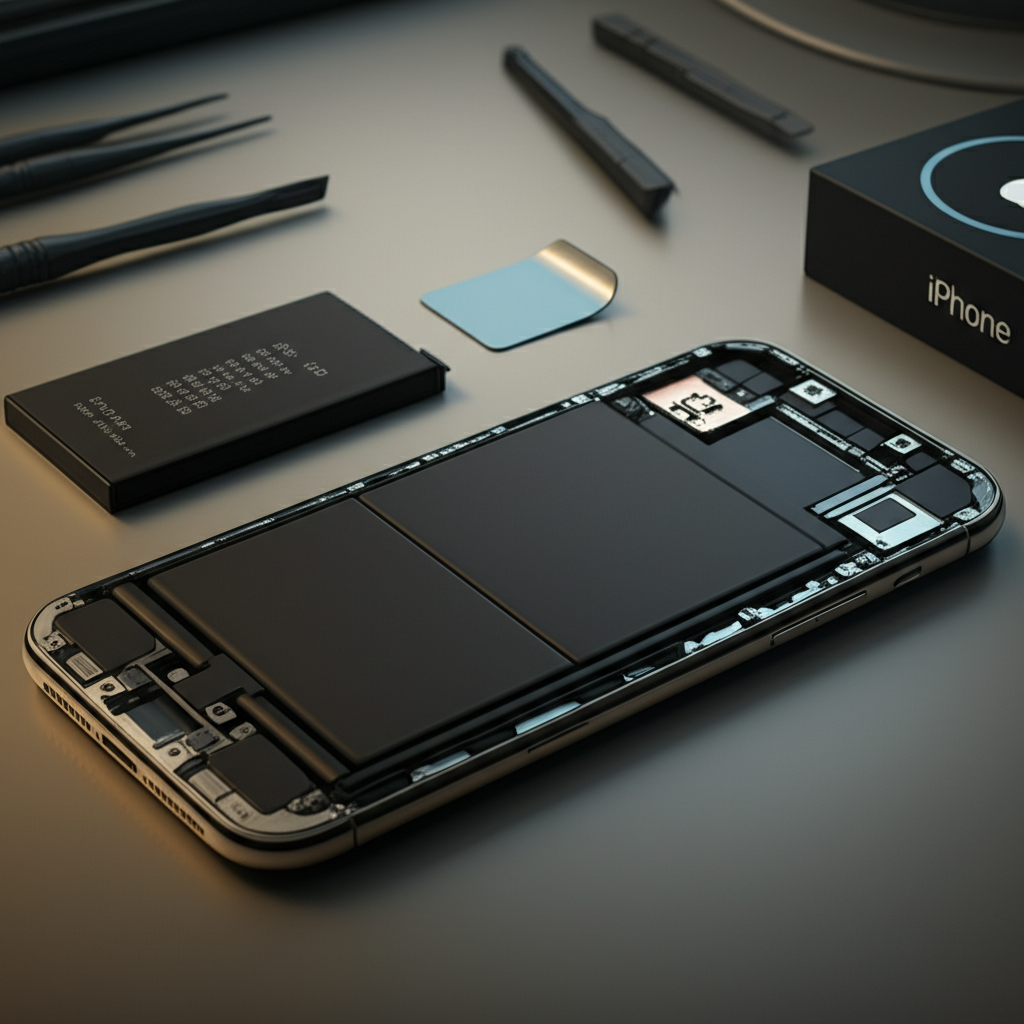
iPhone battery repair involves precise diagnostics and component replacement, often focusing on battery health checks and safe physical swap-outs to restore device power and longevity.
When your iPhone battery starts to fade, it’s frustrating. You might get unexpected shutdowns. Charging might become slow. This is a common problem for many iPhone users. It can feel like your phone is dying. But there’s good news. iPhone repair experts have developed great ways to fix this. They can bring your iPhone back to life. This guide will explain how iPhone repair handles battery issues. We will look at the tools, the steps, and the breakthroughs. You’ll learn what makes a good battery repair.
Understanding iPhone Battery Health
iPhone batteries degrade over time. This is normal. Apple uses a system to track this. It’s called Battery Health. This feature tells you how much capacity your battery has left. A new battery is at 100%. As you use your phone, this percentage goes down. When it drops below 80%, Apple recommends replacement. This is because the battery won’t hold much charge. It might also affect your phone’s performance.
What is Battery Health?

Battery Health shows the maximum capacity of your battery. It also shows peak performance capability. This helps you understand if your battery is wearing out. It’s a key diagnostic tool for repair. It gives a clear picture of the battery’s condition. This helps decide if a repair is needed.
Why Batteries Degrade
Batteries are made of chemicals. These chemicals change over time. Charging and discharging them causes wear. Heat also speeds up this process. So, using your phone a lot or in hot places can reduce battery life faster. It’s like a muscle that gets tired with use.
Common iPhone Battery Problems
Several issues can make you think your iPhone battery needs repair. These problems range from minor annoyances to major performance issues. Recognizing these symptoms is the first step to a solution. Knowing the cause helps in finding the right fix.
Signs of a Failing Battery
Your iPhone might shut down suddenly. This often happens when the battery is low. It can also happen even if it shows charge. The battery might drain very quickly. You might notice your phone getting hot. The battery percentage might drop very fast. Sometimes, the phone won’t charge at all.
Causes of Battery Issues
Besides normal wear, other things can cause battery problems. Using non-certified chargers can damage the battery. Physical damage to the phone can also affect the battery. Software glitches can sometimes cause rapid draining. Extreme temperatures are also a major factor. Water damage can ruin the battery and other components.
The iPhone Battery Repair Process: An Overview
Repairing an iPhone battery is a common service. It involves careful steps to ensure safety. The goal is to replace the old battery with a new, working one. This process requires specific tools and knowledge. It’s not something to do without proper preparation.
Diagnosing the Battery Problem
Before replacing a battery, technicians diagnose the issue. They check the Battery Health percentage. They also run diagnostic tests. These tests can reveal other issues. Sometimes, the problem isn’t the battery itself. It could be a software bug or another hardware fault. This initial check is crucial.
The Importance of Quality Replacement Parts
Using high-quality replacement batteries is vital. Cheap batteries might not perform well. They could also be unsafe. Reputable repair shops use reliable parts. These parts are tested for performance and safety. They often come with a warranty. This ensures you get a lasting repair.
Essential Tools for iPhone Battery Repair
Repairing an iPhone battery requires specialized tools. These tools help open the phone safely. They also help handle tiny components. Using the right tools prevents damage. It makes the repair process smoother and safer.
Prying and Opening Tools
To open an iPhone, you need special tools. A suction cup is used to lift the screen. Thin prying tools, like plastic opening picks or spudgers, separate the screen from the body. These tools are designed to fit into small gaps. They avoid scratching or damaging the phone’s casing.
Screwdrivers and Fastener Handling
iPhones use very small screws. You need a precision screwdriver set. These sets have different tips for various screw types. A magnetic tip helps pick up and hold tiny screws. This prevents them from getting lost. ESD-safe tools are also important. They prevent static electricity from damaging the phone’s sensitive parts.
Battery Removal Tools
Special tools help remove the old battery. iPhones often use adhesive strips to hold the battery in place. Special tools or heat might be needed to loosen this adhesive. A plastic card or pry tool can then be used to gently lift the battery. It’s important to be gentle. Puncturing a battery can be dangerous.
The Step-by-Step iPhone Battery Replacement
This is a general outline of how an iPhone battery is replaced. Specific steps can vary slightly by iPhone model. Always follow manufacturer guidelines or trusted repair guides. Safety should be your top priority.
Step 1: Power Down and Prepare
First, turn off your iPhone completely. This prevents short circuits. You should also ground yourself. This is to prevent electrostatic discharge (ESD). Wear an anti-static wrist strap. Work on a clean, well-lit surface. Have all your tools ready.
Step 2: Open the iPhone
Using a suction cup, lift the screen slightly. Then, use a thin plastic tool to carefully separate the screen from the frame. You will need to disconnect several cables. These cables connect the screen to the logic board. Be very gentle here. These cables are fragile.
Step 3: Disconnect the Battery
Once the screen is open, you’ll see the battery. It’s usually held down by a metal bracket. You need to remove this bracket. Then, carefully disconnect the battery connector from the logic board. Use a plastic spudger for this. Never use metal tools on connectors.
Step 4: Remove the Old Battery
The battery is often secured with adhesive strips. These strips are usually at the bottom of the battery. You can gently pull these strips to remove the battery. Sometimes, they break. In that case, you might need to carefully pry the battery out. A little heat can also help loosen the adhesive. Do not bend or puncture the battery.
Step 5: Install the New Battery
Clean any old adhesive residue from the phone. Apply new adhesive strips to the new battery. Carefully place the new battery into its spot. Make sure it sits flat. Connect the new battery connector to the logic board. Reinstall the bracket.
Step 6: Reassemble the iPhone
Reconnect all the screen cables. Carefully close the screen back onto the frame. You might need to reapply water-resistant seals if your model had them. Ensure the screen is seated correctly. Turn on your iPhone to test the new battery.
Safety Precautions in Battery Repair
Working with lithium-ion batteries requires caution. They can be hazardous if mishandled. Following safety guidelines protects you and the device. Always prioritize safety over speed.
Electrostatic Discharge (ESD) Protection
Static electricity can fry delicate iPhone components. Always use an ESD-safe mat and wrist strap. Ground yourself frequently. This prevents accidental damage. It’s a simple step that saves expensive repairs.
Handling Lithium-Ion Batteries
Lithium-ion batteries can catch fire or explode if punctured. Never use sharp metal objects to pry out a battery. If a battery looks swollen or damaged, handle it with extreme care. Dispose of old batteries properly. Never throw them in regular trash.
Importance of Proper Tools
Using the wrong tools can cause damage. Cheap tools might strip screws or crack components. Invest in good quality repair tools. They will last longer. They also make the repair process safer and easier. iFixit offers excellent guides and tools for this.
The Breakthroughs in iPhone Battery Repair
Modern iPhone repair techniques have advanced. These advancements make repairs more efficient and reliable. They also improve the quality of the repair.
Battery Health Calibration
After replacing a battery, it’s important to calibrate it. This means charging it to 100% and letting it drain. This helps the iPhone’s software accurately read the new battery’s capacity. Some repair tools can help with this calibration. This ensures the Battery Health percentage is accurate.
Advanced Diagnostic Software
New software tools allow for deeper diagnostics. They can identify subtle battery issues. They can also check if other components are affecting battery life. This helps repair technicians pinpoint the exact problem. It leads to more effective repairs.
Improving Battery Longevity
Repair professionals now have better knowledge. They understand how to minimize stress on new batteries. This includes advising users on charging habits. They can also perform repairs that better preserve the phone’s internal environment. This leads to longer-lasting battery performance.
When to Seek Professional iPhone Battery Repair
While DIY repair is possible, it’s not for everyone. Some situations are best left to experts. Professionals have the experience and tools. They can ensure a safe and effective repair.
Complex Models and Repairs
Newer iPhone models can be very complex. Their internal designs are intricate. Attempting repair without experience can cause more damage. Professional technicians are trained for these specific models. They know the unique challenges of each.
Warranty and Insurance Considerations
If your iPhone is still under warranty, DIY repair can void it. Professional repair shops often offer their own warranties. This gives you peace of mind. Check your warranty status before attempting any repair. Apple offers official repair services too.
Ensuring Water Resistance
Many iPhones have water resistance. Opening the phone can compromise this. Professional repair services can often restore or replace the water-resistant seals. This is difficult to do correctly at home. It ensures your phone remains protected.
The Cost of iPhone Battery Repair
The cost of an iPhone battery repair can vary. It depends on the iPhone model and the repair service. Apple’s official repair is usually more expensive. Third-party repair shops can be more affordable.
Apple Official Repair Costs
Apple charges a set fee for battery replacement. This fee is usually higher than independent shops. However, you are guaranteed genuine Apple parts. Your warranty is also maintained. You can check Apple’s website for current pricing.
Third-Party Repair Shop Costs
Independent repair shops often offer lower prices. They might use high-quality aftermarket batteries. It’s important to choose a reputable shop. Look for reviews and ask about their warranty policy. This ensures you get a good value.
DIY Repair Costs
If you choose to do it yourself, you only pay for the battery and tools. A good quality battery can cost between $20-$50. A basic tool kit might cost another $15-$30. This is the cheapest option but carries the most risk.
Frequently Asked Questions about iPhone Battery Repair
Here are answers to common questions people have about fixing their iPhone batteries.
Q1: How long does an iPhone battery replacement take?
A: Most professional repairs take about 1-2 hours. Some shops might need the phone for a full day.
Q2: Will my iPhone data be erased during battery repair?
A: Typically, no. Your data should remain intact. However, it’s always wise to back up your iPhone before any repair.
Q3: Can I replace my iPhone battery myself?
A: Yes, but it requires specific tools and skill. It’s best to watch detailed guides like those on iFixit. Proceed with caution.
Q4: What happens if I use a bad quality battery?
A: Bad batteries can perform poorly. They might not hold a charge well. They can also be a safety risk, potentially overheating or swelling.
Q5: Does battery replacement fix a slow iPhone?
A: Sometimes. An old, degraded battery can cause performance issues. Replacing it can make your iPhone feel faster. But if the slowness is due to other issues, it won’t help.
Q6: Where can I find reliable iPhone battery replacement services?
A: You can check Apple’s official service providers. Reputable independent repair shops are also a good option. Look for shops with good online reviews.
Q7: Is it worth repairing an old iPhone battery?
A: It depends on the iPhone’s overall condition. If the phone is still functional and meets your needs, then yes. If the phone is very old, a new phone might be a better investment.
Conclusion
Understanding how iPhone repair does battery work is key to keeping your device running. It involves careful diagnosis, using the right tools, and following safe procedures. Whether you choose professional help or a DIY approach, prioritizing quality parts and safety is essential. A new battery can significantly extend your iPhone’s life. It can restore its performance and reliability. This essential breakthrough in mobile maintenance means your iPhone can serve you longer. Consider your options and choose the path that best suits your needs and technical comfort.

Belayet Hossain is a Senior Tech Expert and Certified AI Marketing Strategist. Holding an MSc in CSE (Russia) and over a decade of experience since 2011, he combines traditional systems engineering with modern AI insights. Specializing in Vibe Coding and Intelligent Marketing, Belayet provides forward-thinking analysis on software, digital trends, and SEO, helping readers navigate the rapidly evolving digital landscape. Connect with Belayet Hossain on Facebook, Twitter, Linkedin or read my complete biography.