
Published on: 07/11/2025 | Updated on: November 7, 2025
The cost to repair an Apple screen varies widely. It can range from under $100 for older models repaired by third parties to over $300 for newer iPhones at Apple. Factors like your iPhone model, warranty status, and repair provider significantly impact the final price.
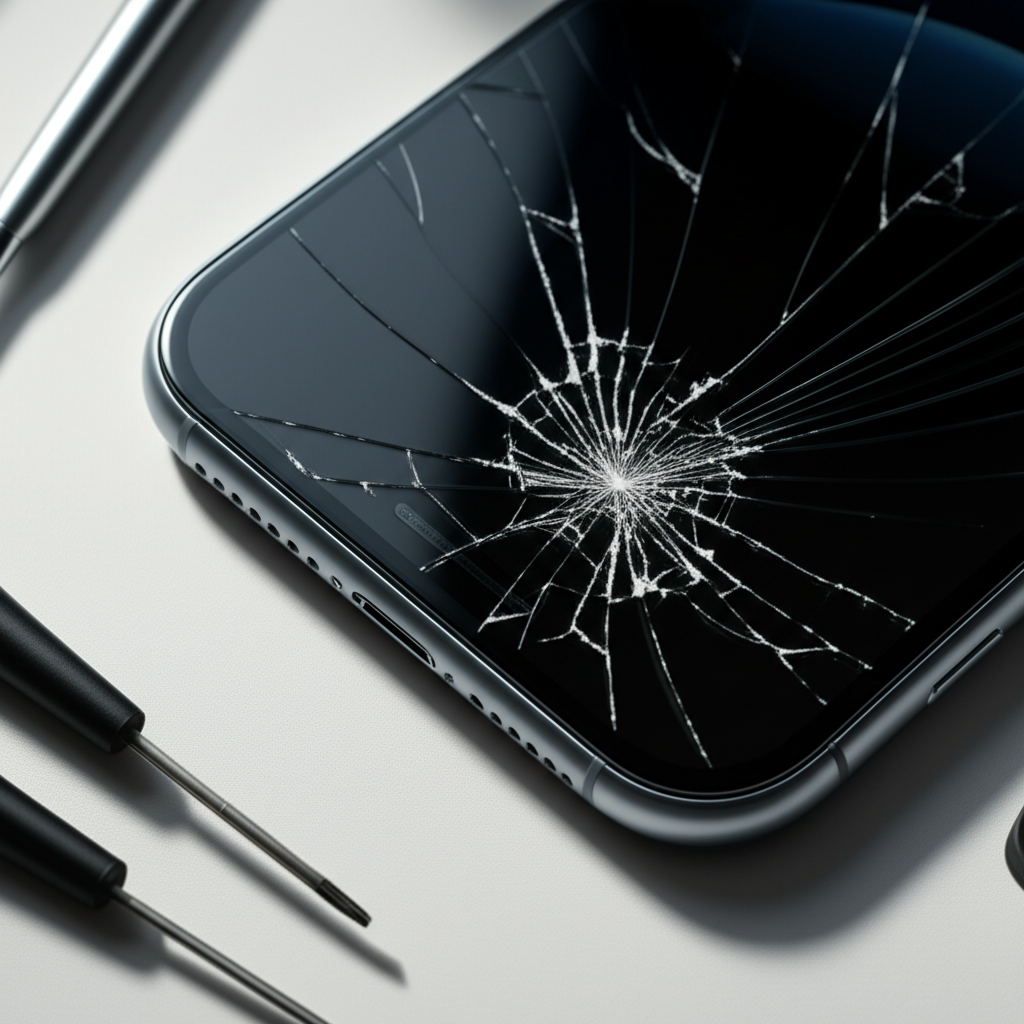
Cracked iPhone screens are a common frustration. It happens to the best of us. You drop your phone, and suddenly the display looks like a spiderweb. This can make using your iPhone difficult or even impossible. Knowing how much screen repair for your Apple device costs is important. This guide will help you understand the factors involved. We will break down the costs. You will learn about your repair options. This will help you make an informed decision.
Understanding Apple Screen Repair Costs
The price you pay for an Apple screen repair depends on several key things. These include your iPhone model and whether you have AppleCare+. Third-party repair shops also offer different pricing. Understanding these elements helps you find the best deal for your needs.
Factors Influencing Your Apple Screen Repair Price

Several elements affect the final cost of repairing your iPhone screen. The most significant factors are the specific iPhone model you own and your AppleCare+ coverage status. The type of repair service you choose also plays a big role.
iPhone Model: Newer iPhone models have more advanced displays. These displays are also more expensive to replace. An iPhone 14 Pro Max screen costs more than an iPhone SE screen.
AppleCare+ Coverage: If you have AppleCare+, your repair cost will be much lower. AppleCare+ is an insurance plan that covers accidental damage, including screen repairs. It significantly reduces out-of-pocket expenses.
Warranty Status: If your iPhone is still under its standard one-year warranty and the damage is not accidental (e.g., a manufacturing defect), Apple might cover the repair for free. However, accidental drops are not covered by the standard warranty.
Repair Provider: You have options for who repairs your screen. Apple offers official repairs. Independent repair shops and third-party services also exist. Their prices can be lower but may have different warranty terms or use non-genuine parts.
Apple’s Official Screen Repair Pricing
Apple offers direct screen repair services for iPhones. This is often the safest option for ensuring genuine parts and quality work. However, it can be more expensive than other methods.
Official Apple Repair Costs by iPhone Model
Apple’s pricing for screen repairs varies significantly by model. Older iPhones are generally cheaper to fix than the latest Pro models. Apple provides clear pricing on its website for out-of-warranty repairs.
Older Models (e.g., iPhone 8, SE): Screen repairs for these models typically cost less. You might expect prices in the range of $100 to $150.
Mid-Range Models (e.g., iPhone 11, 12): These models fall in the middle. Prices can range from $150 to $200.
Pro Models (e.g., iPhone 13 Pro, 14 Pro Max): The latest and most advanced models are the most expensive to repair. Screen replacements can cost $250 to over $300.
These prices are for out-of-warranty repairs. They do not include any additional damage to the device. If other components are damaged, the cost will increase.
AppleCare+ and Screen Repair
AppleCare+ significantly reduces the cost of screen repairs. It acts like an insurance plan for your iPhone. For accidental damage like a cracked screen, AppleCare+ usually has a service fee.
Screen Repair Service Fee with AppleCare+: For most iPhone models, the service fee for a screen repair is a flat rate. This fee is typically around $29. This is a massive saving compared to out-of-warranty prices.
Other Damage: If your iPhone has damage beyond just the screen, the service fee might be higher. This covers issues like back glass damage or other internal problems.
AppleCare+ offers great value if you are prone to accidental damage. It provides peace of mind for a predictable cost.
Third-Party and Independent Repair Options
Many independent repair shops and third-party services can fix your iPhone screen. These options can be more affordable than going directly through Apple. However, it is crucial to choose a reputable provider.
Benefits of Third-Party Screen Repairs
Third-party repair services often compete on price. They can be a good choice for budget-conscious individuals. Many offer quick turnaround times as well.
Lower Costs: Prices at independent shops are frequently lower than Apple’s official rates. This can save you a substantial amount of money.
Convenience: Many independent shops are locally accessible. You might get your phone fixed the same day.
Wider Availability: You can find these shops in many towns and cities. They are not limited to Apple Stores or authorized service centers.
Risks and Considerations with Third-Party Repairs
While cost-effective, third-party repairs come with potential risks. It is important to be aware of these before proceeding. Using non-genuine parts or unqualified technicians can cause issues.
Part Quality: Some third-party shops may use aftermarket or refurbished screens. These parts might not be as durable or have the same display quality as original Apple parts. This can affect touch sensitivity or color accuracy.
Warranty: Apple’s warranty may be voided if you use an unauthorized repair service. Some independent shops offer their own warranties, but these vary.
Water Resistance: If your iPhone has water resistance, an unauthorized repair might compromise this feature. Apple’s official repairs are designed to maintain water resistance.
Software Issues: Some iPhones have features tied to specific hardware. Using non-genuine parts can sometimes trigger error messages or disable certain functions.
DIY iPhone Screen Replacement: A Viable Option?
For the technically inclined, replacing an iPhone screen yourself is possible. This can be the cheapest option. It requires patience, the right tools, and a willingness to learn.
The DIY Screen Repair Process
DIY screen replacement involves purchasing a replacement screen and a repair toolkit. You then follow a detailed guide to disassemble your iPhone and swap out the screen. This is a delicate process.
1. Gather Your Tools: You will need a specific iPhone repair toolkit. This usually includes small screwdrivers, spudgers, prying tools, and suction cups. ESD (Electrostatic Discharge) protection is vital to prevent damage to sensitive components.
2. Purchase a Replacement Screen: You can buy replacement screens from various online retailers. Ensure you get a screen compatible with your exact iPhone model.
3. Follow a Repair Guide: Websites like iFixit offer detailed, step-by-step guides with pictures and videos. These guides are invaluable for DIY repairs.
4. Perform the Repair: Carefully follow the instructions. Disconnect the battery first for safety. Then, remove the old screen and connect the new one.
5. Test and Reassemble: Test the new screen before fully reassembling your iPhone. Ensure touch functionality and display are working correctly.
Costs and Risks of DIY Repair
The cost of a DIY screen repair is primarily the price of the replacement screen and toolkit. These can range from $30 to $100, depending on the model and quality of parts. The biggest risk is damaging your iPhone further.
Potential for Damage: It is easy to make a mistake. You could tear a ribbon cable, strip a screw, or damage other internal components. This can lead to a more expensive repair or render the phone unusable.
No Warranty: If you mess up, you have no warranty to fall back on. You might have to buy a new phone.
Time Investment: DIY repair takes time and concentration. It is not a quick fix.
Comparing Repair Costs: Apple vs. Third-Party vs. DIY
To make the best decision, let’s compare the typical costs. This table provides an overview. It helps you see the potential savings and risks.
| Repair Option | Estimated Cost Range (USD) | Pros | Cons |
| :——————– | :————————- | :——————————————– | :—————————————————————- |
| Apple Official | $149 – $329+ | Genuine parts, maintains warranty/water resistance, skilled technicians | Most expensive, may require appointment/shipping |
| AppleCare+ Repair | $29 (service fee) | Very affordable, genuine parts, reliable | Requires purchasing AppleCare+ upfront |
| Third-Party Shop | $70 – $180 | More affordable, faster turnaround possible | Part quality varies, may void Apple warranty, water resistance lost |
| DIY Replacement | $30 – $100 | Cheapest option | High risk of further damage, no warranty, requires technical skill |
Note: Prices are estimates and can vary by region and specific iPhone model.
As you can see, AppleCare+ offers the lowest cost for screen repair. Third-party repairs are a good middle ground. DIY is cheapest but riskiest.
Choosing the Right Repair Service for Your iPhone
The best repair service for you depends on your priorities. Consider cost, quality, speed, and risk. A certified technician can help guide your choice.
When to Choose Apple Official Repair
You should opt for Apple’s official repair service if:
You have AppleCare+: This is the most cost-effective option by far.
Your iPhone is under warranty: If the screen issue is a defect, Apple may fix it for free.
You want genuine parts: Apple uses only original, high-quality parts.
You want to maintain water resistance: Official repairs are done to preserve this feature.
You prioritize peace of mind: You know the repair is done to Apple’s standards.
When Third-Party Repair Might Be a Good Fit
Consider a third-party repair shop if:
You are on a tight budget: They are usually cheaper than Apple.
Your iPhone is out of warranty: You have less to lose regarding warranty voiding.
You need a quick repair: Many independent shops offer same-day service.
You have researched and trust the shop: Look for shops with good reviews and certifications.
When DIY Repair Could Work for You
DIY repair is best suited for:
Experienced DIYers: You have a proven track record of fixing electronics.
Those on an extreme budget: You are willing to accept the risks for the lowest cost.
Older iPhones: If the phone’s value is low, the risk of a failed DIY repair is less impactful.
You are patient and meticulous: You enjoy detailed technical tasks.
Understanding Screen Repair vs. Full Device Replacement Costs
Sometimes, a screen repair is not enough. If your iPhone has suffered significant damage, Apple or a repair shop might recommend a full device replacement. This is considerably more expensive than just a screen repair.
When a Full Replacement is Necessary
A full device replacement might be needed if:
The logic board is damaged: This is the “brain” of your iPhone.
The battery is severely compromised: If the battery is swollen or damaged, it’s a safety hazard.
There is extensive water damage: Internal corrosion can affect many components.
The repair cost for just the screen exceeds the device’s value: It might not be economical to repair.
Cost Comparison: Screen Repair vs. Full Replacement
The cost of a full iPhone replacement is much higher. It often approaches the price of a new iPhone.
Screen Repair: As we’ve seen, costs range from $29 (with AppleCare+) to over $300.
Full Device Replacement (Out of Warranty): This can cost anywhere from $200 for older models to $700 or more for the latest Pro Max models.
This highlights why diagnosing the exact damage is crucial before committing to a repair.
Protecting Your iPhone Screen to Avoid Future Repairs
The best way to save money on screen repair is to prevent damage in the first place. Simple precautions can go a long way. Investing in protection upfront saves hassle and money later.
Essential Screen Protection Tools and Accessories
Several accessories can help protect your iPhone screen from drops and scratches. These are relatively inexpensive compared to repair costs.
Screen Protectors: Tempered glass screen protectors are highly recommended. They are designed to absorb impact. If you drop your phone, the protector may crack instead of your actual screen.
Protective Cases: A good quality case with raised edges can cushion your phone during a fall. Cases with reinforced corners offer extra protection.
Proper Handling: Be mindful of where you place your iPhone. Avoid placing it near the edge of tables or in pockets where it can be bent or sat on.
Maintenance Tips for Screen Longevity
Beyond physical protection, basic maintenance can help. Keeping your phone clean and avoiding extreme conditions contributes to its overall health.
Keep it Clean: Regularly clean your screen with a soft, lint-free cloth. Avoid harsh chemicals.
Avoid Extreme Temperatures: Excessive heat or cold can affect the display and battery. Do not leave your phone in direct sunlight or a very cold car.
Regular Software Updates: While not directly screen-related, keeping your iPhone’s software updated ensures optimal performance and can sometimes resolve display glitches.
Frequently Asked Questions About Apple Screen Repair
Here are answers to common questions people have about fixing their iPhone screens.
How much does it cost to replace an iPhone 13 screen?
For an iPhone 13 screen replacement without AppleCare+, expect to pay around $169. With AppleCare+, the service fee is typically $29.
Can I get my iPhone screen fixed for free?
You can get your iPhone screen fixed for free if it is a manufacturing defect and still under the standard one-year warranty. Accidental damage, like cracks from drops, is not covered by the standard warranty.
Is it worth fixing a cracked iPhone screen?
For newer iPhone models, it is usually worth fixing a cracked screen, especially if you have AppleCare+. For older, low-value iPhones, the repair cost might be close to the phone’s worth, making it less economical.
What happens if I use a non-Apple repair service?
If you use a non-Apple-authorized repair service, your iPhone’s warranty may be voided. You might also encounter issues with part quality, water resistance, and future software compatibility.
How long does an iPhone screen repair take?
Apple Store repairs often take a few hours, sometimes requiring you to leave the device for a day. Third-party shops can often do it in an hour or two. Mail-in repairs can take several days to a week.
Does Apple repair cracked back glass?
Yes, Apple can repair cracked back glass. The cost is separate from screen repair. For models with glass backs, it can be as expensive as screen replacement if done out of warranty.
Final Verdict on Apple Screen Repair Costs
Understanding how much screen repair Apple devices cost is essential for budgeting and decision-making. Prices vary widely based on your iPhone model, whether you have AppleCare+, and your chosen repair provider. Apple’s official repairs offer quality and reliability but at a premium price, especially out of warranty. Third-party options present a more affordable alternative, but come with potential risks regarding part quality and warranty. DIY repair is the cheapest but carries the highest risk of further damage. For the best value and peace of mind, especially with newer devices, consider AppleCare+. Otherwise, research reputable third-party shops carefully. Always weigh the cost against the device’s age and your budget. Protect your investment with a good case and screen protector to minimize future repair needs.

Belayet Hossain is a Senior Tech Expert and Certified AI Marketing Strategist. Holding an MSc in CSE (Russia) and over a decade of experience since 2011, he combines traditional systems engineering with modern AI insights. Specializing in Vibe Coding and Intelligent Marketing, Belayet provides forward-thinking analysis on software, digital trends, and SEO, helping readers navigate the rapidly evolving digital landscape. Connect with Belayet Hossain on Facebook, Twitter, Linkedin or read my complete biography.