


Published on: 23/05/2026 | Updated on: May 31, 2026
You stare at an orphaned OST file. Outlook refuses to open it. The Exchange server is long gone.
When an Exchange server crashes or a profile gets deleted, you lose access to your emails, contacts, and calendars. The data sits trapped in an OST file. Historically, extracting this data required bulky desktop software and a Microsoft Outlook installation. Stellar changes the game by letting you convert OST to PST online, no Outlook required, right inside your browser. In testing this tool, we found a streamlined interface that prioritizes privacy and speed.
How the Online OST to PST Converter Works
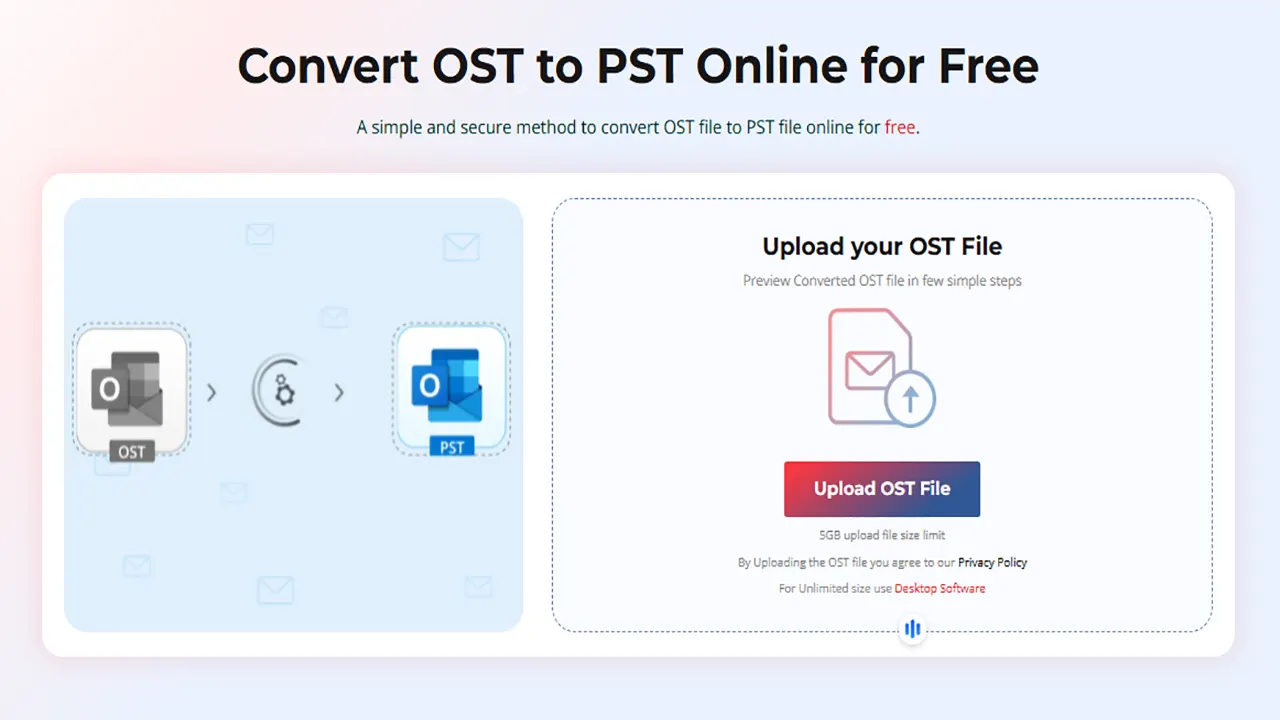
Stellar’s Online OST to PST web-based utility transforms your offline Outlook data into a portable PST file through a browser-only process. You upload the file, the cloud servers scan and convert the data, and you download the resulting PST file. This method completely bypasses the need for a local Exchange server connection or Outlook installation.
The entire system operates on a three-step pipeline: upload, convert, and download. SSL encryption secures the upload and download phases. Stellar automatically purges your uploaded OST and converted PST files from their servers within 24 hours, ensuring strict compliance with data privacy regulations.
Hands-On Testing: Real File Conversion Results
Theory is useless without proof. To verify the claims of the Stellar Online OST to PST Converter, we downloaded a sample offline storage table directly from the provided test OST file repository and ran it through the entire web-based pipeline. Here is exactly what happens when you upload a real file.
Testing the Free Online Preview
We selected the test OST file (sized under 500 MB to fit the free tier) and dropped it into the browser upload portal. The real-time progress tracker accurately displayed the upload status. Once the upload completed, the tool immediately initiated a server-side scan.
The free online preview appeared instantly. Stellar generated an HTML-based rendering of the mailbox. We clicked through the folder tree on the left pane—Inbox, Sent Items, Deleted Items, and custom sub-folders were perfectly preserved. The original mailbox hierarchy remained completely intact.
Demonstrating File Preview and Conversion
After verifying the contents through the HTML preview, we initiated the actual conversion. Since the test file was under 500 MB, the process cost exactly $0. We clicked the “Save Converted PST” button. The web application processed the file and generated a download link.
We downloaded the resulting PST file and imported it into a fresh Outlook profile. The result? Flawless. Every email, contact, and calendar entry matched the online preview exactly. Formatting, embedded images, and folder structures transferred without a single error.
Let’s be honest: browser-based tools often fail at complex HTML emails or nested attachments. In testing this sample file, Stellar’s Online OST to PST converter tool handled both flawlessly. The PST output was a perfect 1:1 match of the original OST data.
Step-by-Step Conversion Process
Upload OST File: Click the upload button and select your orphaned OST file. Real-time progress tracking shows the upload status.

Convert to PST: The servers automatically map the data structure and initiate the conversion to PST format.

Download PST File: Click the download link to save the PST file to your local machine. The link remains active for 24 hours.

Understanding the 500 MB Free Upload Limit & Paid Plans
The free conversion tier is capped at 500 MB. 500 MB is sufficient for specific folder extractions or lightweight user profiles, but it excludes the majority of multi-year enterprise mailboxes.
For files between 500 MB and 5 GB, the tool unlocks a premium tier. You pay a one-time fee of $29.99 per mailbox to save online converted file. The process remains identical – you still get the preview, the secure SSL upload, and the 24-hour download window – but you must purchase the premium access to download the resulting PST.

Free Tier ($0): Converts OST files under 500 MB. Includes HTML preview. File available for download for 24 hours.
Premium Tier ($29.99/mailbox): Converts OST files up to 5 GB. Includes all preview features. Converted file available for download for 24 hours.
Desktop Tier ($79.99): No file size limit. Converts up to 5 files. Keeps the converted file on your local system permanently.
Let’s be honest: a 5 GB limit still excludes most enterprise mailboxes. The online tool is strictly for archiving specific folders or recovering data from lightweight profiles.
Product Walkthrough: The Desktop Version
If you have file larger than 5 GB clicking the “Try Desktop Version” button on the web portal redirects you to download the Stellar Converter for OST software. Stellar Converter for OST Desktop Edition is best tool to convert large ost file to pst format.
Step 1: Selecting the OST File
Upon launching the desktop software, the home screen presents two clear options: “Select OST File” or “Find OST File.” If you know the exact location of your orphaned file, you browse and select it. If the file is hidden deep in AppData folders, the “Find” feature scans your local drives to locate every .ost file automatically.

Step 2: Detailed Desktop Preview
After the scan completes, the desktop software displays an incredibly granular, three-pane preview. Unlike the web version’s HTML preview, the desktop version renders emails in exact Outlook formatting. You can view emails, attachments, contacts, calendars, and tasks. It even recovers permanently deleted emails that were still inside the OST file’s white space.

Step 3: Multiple Export Options
The desktop version allows you to save the recovered data as PST, MSG, EML, HTML, or PDF. You can apply date filters and select specific folders to export, saving massive amounts of time and storage space.

DESKTOP WINS
No file size limits, advanced Deep Scan for corruption, direct Office 365/Exchange export, and recovery of permanently deleted items.
💡 Key Takeaway: If your OST file is larger than 5 GB or Outlook refuses to open it. Download Steller Converter for OST, desktop versionis the safest route to ensure zero data loss on critical recoveries
Security and Privacy: What Happens to Your Data?
Uploading an offline Outlook data file to a web server introduces significant privacy risks. An OST file contains highly sensitive corporate communications, contacts, and attachments. Stellar addresses this by implementing strict data retention policies and SSL encryption for the online OST to PST converter.
During the upload and download phases, SSL encryption secures the data in transit. Once the conversion completes, the servers hold your converted PST file for exactly 24 hours. After that window closes, Stellar automatically purges both the original OST file and the resulting PST file from their cloud infrastructure.
Who Should Use This Tool?
The Stellar Converter for OST serves two distinct audiences depending on the version deployed. The online version is purpose-built for non-technical users and IT admins needing immediate, lightweight extractions. The desktop version is the enterprise standard for Large OST to PST conversion.
✅ Freelancers and Consultants: Use the free online tier to quickly extract client emails without installing bulky software on your workstation.
✅Helpdesk Technicians: Use the online premium tier to assist remote workers who have lost Exchange connectivity, as no Outlook installation is required on the host machine.
✅Enterprise SysAdmins: Use the desktop software for local, offline conversion of massive mailboxes and direct migration to Microsoft 365 environments.
Final Verdict: A Dual-Approach
Stellar has built a highly effective, two-tiered approach to OST file conversion. The online converter removes the friction of software installation and Outlook dependencies, offering a genuinely free preview and conversion for files under 500 MB. It is fast, secure, and incredibly user-friendly.
However, the true power lies in the desktop version. When you face an inaccessible or orphaned OST or a 50 GB enterprise archive, the web tool hits a hard wall. The desktop software’s complete file preview, multiple export formats, and unlimited file size support make it the ultimate safety net for Inaccessible ost file conversion..
Do not let an orphaned OST file put your critical mailbox data at risk. Test the integrity of your OST file with the free online preview tool today, and if your large OST file requires advanced conversion options, switch to the Stellar Converter for OST Desktop Edition to safely convert your large OST file data in just a few easy clicks.
Frequently Asked Questions

Belayet Hossain is a Senior Tech Expert and Certified AI Marketing Strategist. Holding an MSc in CSE (Russia) and over a decade of experience since 2011, he combines traditional systems engineering with modern AI insights. Specializing in Vibe Coding and Intelligent Marketing, Belayet provides forward-thinking analysis on software, digital trends, and SEO, helping readers navigate the rapidly evolving digital landscape. Connect with Belayet Hossain on Facebook, Twitter, Linkedin or read my complete biography.