
Published on: 07/11/2025 | Updated on: November 7, 2025
Screen repair for your iPhone can range from $100 to over $300, depending on the model and repair type. This guide explores affordable fixes and essential steps to get your iPhone screen working like new without breaking the bank.
When your iPhone screen cracks, it’s a frustrating moment. You might worry about the cost of fixing it. Many people think a screen repair is very expensive. But it doesn’t always have to be. We’re here to help you understand the costs involved. We will also show you affordable ways to get your iPhone screen repaired. You’ll learn what to expect and how to choose the best option for you.
Understanding iPhone Screen Repair Costs
The price for an iPhone screen repair varies a lot. It depends on your iPhone model. Newer iPhones with advanced screens cost more to fix. Older models are usually cheaper. The type of damage also matters. A simple crack is less costly than a screen that doesn’t respond to touch.
Factors Influencing iPhone Screen Repair Prices

Several things affect how much you’ll pay. The specific iPhone model is a big one. An iPhone 14 Pro Max screen costs more than an iPhone 8 screen. This is due to the display technology used. It also depends on who does the repair. Apple stores are often pricier than third-party repair shops. The quality of the replacement screen also plays a role.
Average Cost Breakdown by iPhone Model
Here’s a general idea of what you might expect. These are estimates and can change.
| iPhone Model Series | Average Screen Repair Cost (USD) |
| :—————— | :——————————- |
| iPhone SE | $70 – $130 |
| iPhone 8 / 7 / 6 | $80 – $150 |
| iPhone X / XS / XR | $150 – $250 |
| iPhone 11 Series | $170 – $280 |
| iPhone 12 Series | $200 – $320 |
| iPhone 13 Series | $220 – $340 |
| iPhone 14 Series | $240 – $360 |
| iPhone 15 Series | $260 – $380 |
Note: These prices are approximate and can vary based on location and service provider.
Apple’s Official Repair Options
Apple offers official repairs for iPhones. This is often the most reliable option. They use genuine Apple parts. This ensures your iPhone works as intended. It also keeps your warranty intact if it’s still active.
AppleCare+ vs. Out-of-Warranty Repairs
If you have AppleCare+, your screen repair cost is much lower. It’s usually a small service fee. Without AppleCare+, you’ll pay the full out-of-warranty price. These prices can be quite high for newer models. You can check your AppleCare+ coverage on Apple’s website.
Finding an Apple Authorized Service Provider
Besides Apple Stores, there are Authorized Service Providers. These are independent businesses. They are trained by Apple. They use genuine parts. They offer a convenient alternative to visiting an Apple Store. You can find one near you using Apple’s locator tool.
Third-Party iPhone Screen Repair Services
Many independent repair shops can fix your iPhone screen. These shops can often be more affordable than Apple. They offer a good alternative, especially for older iPhones. However, it’s important to choose a reputable shop.
Pros and Cons of Third-Party Repairs
Third-party shops can save you money. They often have faster turnaround times. The main drawback is the part quality. Some use aftermarket screens. These might not be as bright or responsive as original Apple screens. Also, using a third-party repair might void any remaining Apple warranty.
Choosing a Reputable Independent Repair Shop
Look for shops with good reviews. Ask friends or check online review sites. A good shop will offer a warranty on their repair work. They should also be transparent about the parts they use. Many use high-quality aftermarket parts that perform well.
DIY iPhone Screen Repair: A Budget-Friendly Approach
For the very budget-conscious, DIY repair is an option. You can buy replacement screens and tool kits online. This requires patience and some technical skill. It’s a rewarding experience if you like tinkering.
Essential Tools for DIY iPhone Screen Repair
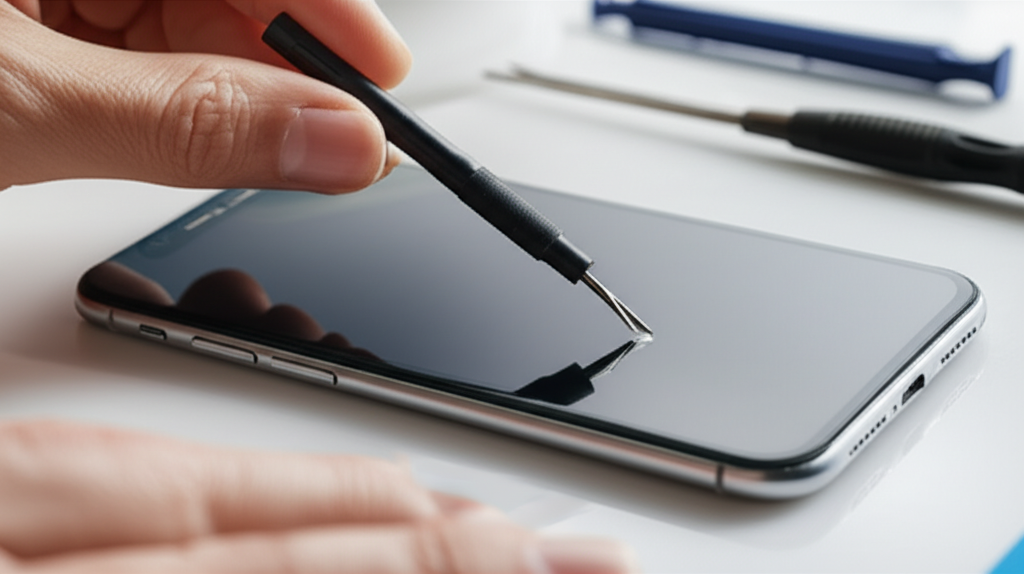
You’ll need a specific toolkit. This usually includes small screwdrivers, spudgers, and suction cups. An ESD (Electrostatic Discharge) wrist strap is crucial. It prevents static electricity from damaging your iPhone’s internal components. You can find comprehensive repair kits online.
Step-by-Step DIY Screen Replacement Guide (General)
1. Power off your iPhone. This is very important for safety.
2. Remove the bottom screws. These are usually Pentalobe screws.
3. Heat the edges of the screen. This softens the adhesive. A hairdryer or heat gun works.
4. Use a suction cup. Lift the screen slightly.
5. Insert a thin tool. Carefully pry the screen open. Be gentle to avoid damaging cables.
6. Disconnect the battery. This is a vital safety step.
7. Disconnect the screen cables. There are usually several.
8. Remove the old screen.
9. Connect the new screen. Test it before fully sealing.
10. Reassemble your iPhone. Replace screws and apply new adhesive if needed.
Always refer to a specific guide for your iPhone model. Videos on sites like iFixit are excellent resources.
Risks and Considerations for DIY Repairs
DIY repair is not for everyone. You could damage your iPhone further. This can lead to more expensive repairs. Make sure you are comfortable with small, delicate parts. It also voids any warranty.
When a Full Screen Replacement Isn’t Necessary
Sometimes, your iPhone screen doesn’t need a full replacement. Minor issues can be fixed more affordably. Understanding the problem helps you choose the right fix.
Dealing with Minor Scratches and Scuffs
Small scratches are often cosmetic. They don’t affect touch sensitivity or display. You can often ignore them. There are screen protectors that can even help hide minor scratches. Some people use toothpaste or baking soda paste, but this is risky and not recommended by professionals.
Fixing Touchscreen Unresponsiveness
If your touch screen is sometimes unresponsive, it might not be the screen itself. It could be a software glitch. Try restarting your iPhone. If that doesn’t work, check for software updates. Sometimes, the digitizer cable might be loose. This is a repairable issue that’s less costly than a full screen.
The Importance of Diagnostics
Before deciding on a repair, get a proper diagnosis. Many repair shops offer free diagnostics. This helps identify the exact problem. It ensures you don’t pay for a repair you don’t need. Accurate diagnostics save you money and time.
Protecting Your iPhone Screen After Repair
Once your iPhone screen is fixed, you want to keep it that way. Using protective accessories is key. This prevents future damage and saves you money on future repairs.
Using Screen Protectors
A good screen protector is essential. Tempered glass protectors offer the best protection. They absorb impact from drops. They also protect against scratches. Many are very affordable. They are a small investment for significant protection.
Investing in a Durable Case
A sturdy phone case is also vital. Choose a case that offers good corner and edge protection. This is where most impact occurs during a fall. A case with a raised lip around the screen adds extra defense. This prevents the screen from touching surfaces when placed face down.
Finding Affordable Repair Deals and Tips
Saving money on iPhone screen repair is possible. Keep an eye out for deals. Compare prices from different providers. Sometimes, waiting for sales can help.
Comparing Repair Costs: Apple vs. Third-Party vs. DIY
| Repair Option | Estimated Cost Range | Pros | Cons |
| :———————- | :——————- | :————————————– | :——————————————- |
| Apple Store/Authorized | $100 – $400+ | Genuine parts, warranty, reliable | Most expensive, can take time |
| Reputable Third-Party | $80 – $250 | More affordable, faster turnaround | Part quality varies, may void warranty |
| DIY (Do It Yourself) | $30 – $100 | Cheapest option, rewarding experience | High risk of further damage, requires skill |
Seasonal Sales and Discounts
Keep an eye on repair shop websites. Many offer seasonal discounts. Holidays or back-to-school sales can be good times to get a deal. Follow your favorite repair shops on social media. They often announce promotions there.
Frequently Asked Questions About iPhone Screen Repair
Q1: How much does it cost to replace an iPhone 13 screen?
The cost to replace an iPhone 13 screen typically ranges from $220 to $340. This depends on whether you use Apple or a third-party repair service. AppleCare+ significantly reduces this cost.
Q2: Can I get my iPhone screen fixed for free?
You can get your iPhone screen fixed for free if it’s covered by AppleCare+ or your warranty. Accidental damage is usually not covered by the standard warranty. Check your specific Apple plan details.
Q3: Is it worth fixing a cracked iPhone screen?
Yes, it’s usually worth fixing a cracked iPhone screen. A cracked screen can worsen over time. It can also affect functionality. Repair costs are often less than buying a new iPhone.
Q4: Will a third-party screen repair affect my iPhone’s performance?
A high-quality third-party screen usually performs well. Some cheaper aftermarket screens might have slightly different color accuracy or touch response. Reputable shops use good quality parts.
Q5: How long does an iPhone screen repair take?
Apple and authorized providers might take a few days. Many third-party repair shops can fix it in 1-2 hours. DIY repair time varies based on your skill level.
Q6: What are Pentalobe screws and why are they on iPhones?
Pentalobe screws are special screws Apple uses. They are found on the bottom of iPhones. This is to prevent unauthorized repairs. You need a special Pentalobe screwdriver to remove them.
Conclusion: Making the Smart Choice for Your iPhone Screen
So, how much screen repair iPhone really costs depends on your choices. You have options from Apple, trusted third-party shops, and even DIY. Each comes with its own price tag and set of benefits. For newer iPhones, Apple’s service is reliable but pricier. Third-party repairs offer savings but require careful selection. DIY is the cheapest but carries the most risk.
Always weigh the cost against the quality and warranty. Protecting your screen with a good case and protector afterward is a smart move. It saves you money in the long run. By understanding your options, you can get your iPhone screen fixed affordably and confidently. Keep your device in top shape without overspending.

Belayet Hossain is a Senior Tech Expert and Certified AI Marketing Strategist. Holding an MSc in CSE (Russia) and over a decade of experience since 2011, he combines traditional systems engineering with modern AI insights. Specializing in Vibe Coding and Intelligent Marketing, Belayet provides forward-thinking analysis on software, digital trends, and SEO, helping readers navigate the rapidly evolving digital landscape. Connect with Belayet Hossain on Facebook, Twitter, Linkedin or read my complete biography.