


Published on: 10/11/2025 | Updated on: November 10, 2025
An iPhone repair adhesive kit is your essential, proven fix for reassembling your device securely after screen or battery replacement. It ensures a factory-like seal, protecting internal components from dust and moisture.
When your iPhone screen cracks or your battery starts to fade, the thought of fixing it yourself can be daunting. You might worry about damaging your phone further or not getting it back together properly. The good news is that with the right tools, you can tackle many iPhone repairs. One of the most overlooked but crucial tools is an iPhone repair adhesive kit. This kit is essential for making your iPhone watertight again after opening it up. It helps you achieve a professional finish and keeps your device safe from the elements. Let’s dive into why this kit is so important and how it can be your proven fix.
What is an iPhone Repair Adhesive Kit?
An iPhone repair adhesive kit contains pre-cut adhesive strips. These strips are specifically shaped for different iPhone models. They are used to re-seal the iPhone’s display assembly and other components when you replace parts. Think of it as the glue that holds your iPhone together. It seals the edges of the screen to the frame. This prevents dust and water from getting inside your phone. A good adhesive kit ensures your repair looks clean and functions like new.
Why is iPhone Adhesive So Important?
iPhones are designed to be water-resistant and dust-resistant. This protection comes from special seals and adhesives. When you open an iPhone for repair, these seals are broken. If you don’t replace them, your phone loses its protection. Dust can get in and damage components. Water can cause short circuits and permanent damage. Using the correct adhesive ensures your iPhone remains protected. It’s a vital step for a lasting repair.
Types of iPhone Repair Adhesives
There are a few main types of adhesives used in iPhone repairs. Most common are the pre-cut, model-specific adhesive strips. These are the easiest to use. They peel off a backing and stick right into place. Some kits might also include liquid adhesive or adhesive tape rolls. However, pre-cut strips are generally preferred for DIY repairs. They offer the best fit and seal for your specific iPhone model.
What’s Inside a Typical iPhone Repair Adhesive Kit?
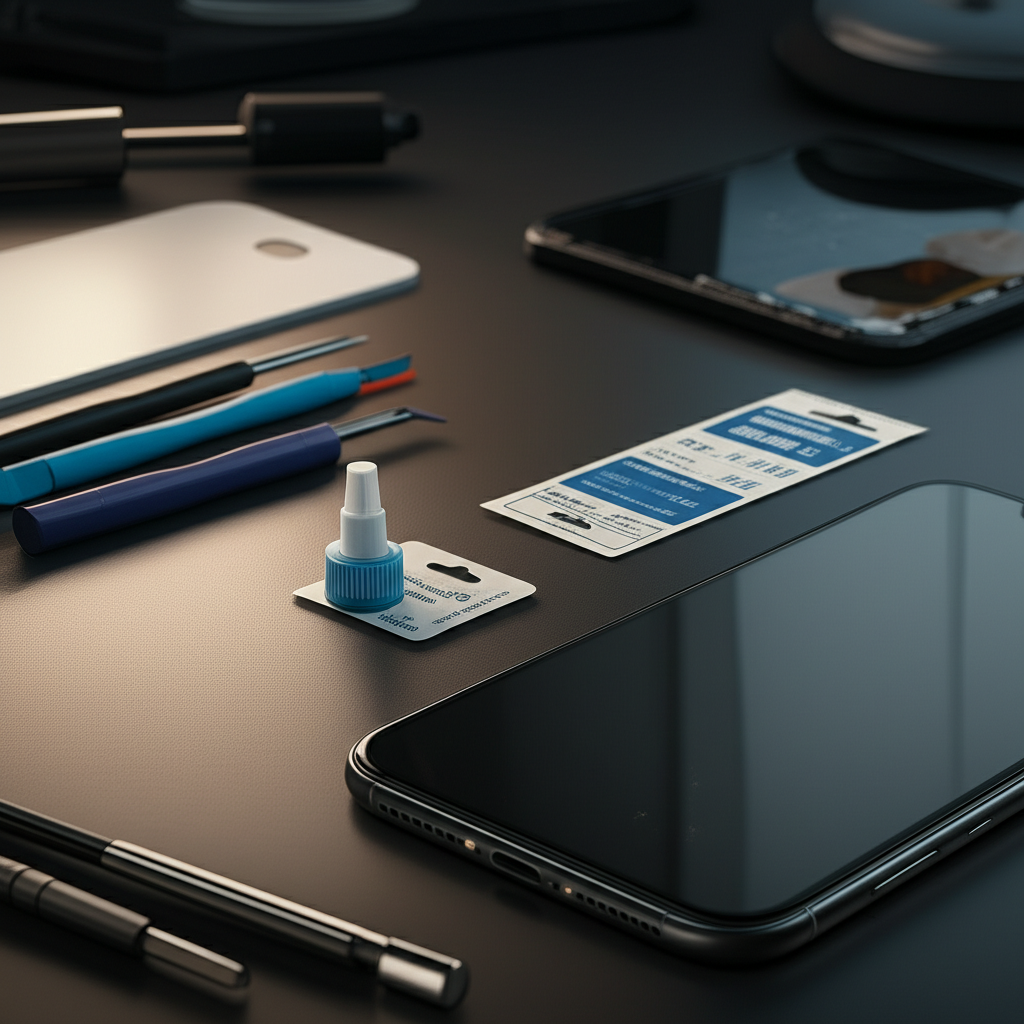
A comprehensive iPhone repair adhesive kit usually includes several key items. You’ll find pre-cut adhesive strips for the screen. Some kits also have adhesive for the battery and other small components. You might also get tools like a plastic spudger or tweezers. Sometimes, an alcohol wipe is included to clean surfaces before applying adhesive. The exact contents can vary by manufacturer. Always check the product description before buying.
How to Use an iPhone Repair Adhesive Kit: Step-by-Step
Using an iPhone repair adhesive kit is straightforward. It requires careful preparation and a steady hand. Follow these general steps for a successful application.
Preparing Your iPhone for Adhesive Application

First, ensure your iPhone is completely clean. Remove any old adhesive residue from the frame. Use a plastic tool or tweezers for this. A clean surface is crucial for the new adhesive to stick properly. You can use a bit of isopropyl alcohol on a lint-free cloth for thorough cleaning. Make sure the phone is dry before proceeding.
Applying the Screen Adhesive
Carefully peel the backing off the correct screen adhesive strip. Align it precisely with the edges of the iPhone frame. Start from one corner and slowly press it down. Avoid touching the adhesive surface with your fingers. This can weaken its stickiness. Smooth out any air bubbles as you go.
Reassembling Your iPhone
Once the adhesive is in place, carefully reattach the iPhone screen. Make sure all cables are connected properly. Gently press the screen down. It should sit flush with the frame. Apply even pressure around the edges. This helps the adhesive bond securely.
Essential Tools for iPhone Repair Beyond Adhesive
While the iPhone repair adhesive kit is vital, other tools are also necessary. You’ll need a set of small precision screwdrivers. These should be compatible with iPhone screws. A set of plastic prying tools, like spudgers and opening picks, is also helpful. These prevent damage to the phone’s casing. ESD (Electrostatic Discharge) protection is also important. This prevents static electricity from harming sensitive internal components. You can use an anti-static wrist strap.
When to Use an iPhone Repair Adhesive Kit
You will need an iPhone repair adhesive kit for most internal iPhone repairs. This includes:
Screen replacement: This is the most common reason.
Battery replacement: You’ll need to remove the screen to get to the battery.
Water damage repair: If your phone has been wet, you’ll need to open it.
Other internal component repairs: Such as replacing the charging port or speaker.
Any repair that requires separating the display from the frame will necessitate new adhesive.
Tips for a Successful iPhone Repair
Here are some tips for a smooth repair process.
Work in a Clean, Well-Lit Area
A clean workspace prevents dust from entering your iPhone. Good lighting helps you see small screws and connectors.
Organize Your Screws
iPhones use different screw sizes. Keep them organized to avoid putting the wrong screw in the wrong place. Use a magnetic mat or a piece of paper with labeled sections.
Be Gentle with Internal Cables
Flex cables are delicate. They can tear easily if pulled too hard. Use a plastic spudger to disconnect and reconnect them.
Test Before Sealing
After replacing parts but before applying the final adhesive and sealing, power on your iPhone. Test the new screen, battery, and any other replaced components. Ensure everything works correctly.
Common Mistakes to Avoid with iPhone Adhesive
One common mistake is reusing old adhesive. It won’t provide a proper seal. Another mistake is applying the adhesive unevenly. This can lead to gaps or a screen that doesn’t sit flush. Rushing the process is also a mistake. Take your time to ensure the adhesive is applied correctly.
Comparing iPhone Repair Adhesive Kits
When choosing an iPhone repair adhesive kit, consider a few factors.
| Feature | Description | Importance for Repair |
| :—————— | :————————————————————– | :——————– |
| Model Specificity | Adhesive cut precisely for your iPhone model (e.g., iPhone 13). | High |
| Adhesive Strength | Strong, reliable bond that lasts. | High |
| Completeness | Includes all necessary adhesive strips (screen, battery). | Medium |
| Included Tools | May come with basic prying or cleaning tools. | Low (if you have tools) |
| Brand Reputation| Trusted brands often offer better quality. | Medium |
User Reviews and Real-World Performance
Verified buyers often praise kits that offer a perfect fit. They mention how the pre-cut strips make the job much easier. Some reviews note that cheaper kits might have slightly misaligned cuts. This can make reassembly tricky. Others highlight the importance of a strong adhesive for maintaining water resistance. For example, many users on Amazon have shared positive experiences with kits that include detailed instructions. They found it crucial for a seamless repair.
The Cost-Benefit of Using a Quality Adhesive Kit
Buying a quality iPhone repair adhesive kit might seem like an extra cost. However, it’s a small price to pay for protecting your investment. Professional screen replacements can cost upwards of $300. A DIY repair with a good kit can save you hundreds of dollars. Plus, it ensures your phone retains its water and dust resistance. This prevents costly future damage.
Frequently Asked Questions About iPhone Repair Adhesive Kits
Q1: Do I really need an iPhone repair adhesive kit?
Yes, you do. It seals your iPhone after repair. This keeps out dust and water. Without it, your phone is unprotected.
Q2: Can I use regular tape or glue instead?
No, you should not use regular tape or glue. They are not designed for electronics. They can damage your iPhone. They won’t provide a proper seal.
Q3: How long does the adhesive last?
The adhesive should last as long as your iPhone. It is designed for permanent bonding. However, it can degrade over time with heat and wear.
Q4: How do I remove old adhesive residue?
Use a plastic tool or tweezers to gently scrape it off. Isopropyl alcohol can help dissolve stubborn residue. Clean the frame thoroughly.
Q5: Will using an adhesive kit make my iPhone waterproof again?
It helps restore water resistance. However, repairs can sometimes compromise factory seals. It’s best to avoid submerging your repaired iPhone.
Conclusion
An iPhone repair adhesive kit is not just an accessory; it’s a necessity for a complete and lasting iPhone repair. It’s the proven fix that restores your device’s integrity and protection. By carefully selecting and using a quality kit, you ensure your iPhone remains safeguarded against the elements. This simple step makes a big difference. It helps you achieve a professional-looking repair and extends the life of your device. Don’t skip this crucial part of your next iPhone repair.
For more in-depth guides on iPhone maintenance and repair tools, explore our other articles on itphobia.com.

Belayet Hossain is a Senior Tech Expert and Certified AI Marketing Strategist. Holding an MSc in CSE (Russia) and over a decade of experience since 2011, he combines traditional systems engineering with modern AI insights. Specializing in Vibe Coding and Intelligent Marketing, Belayet provides forward-thinking analysis on software, digital trends, and SEO, helping readers navigate the rapidly evolving digital landscape. Connect with Belayet Hossain on Facebook, Twitter, Linkedin or read my complete biography.