


Published on: 10/11/2025 | Updated on: November 10, 2025
iPhone repair at home service is now an essential breakthrough. It offers a convenient, affordable, and empowering way to fix your device. This guide covers everything you need to know to tackle common iPhone issues yourself.
Broken iPhones are a common frustration for many. The screen cracks. The battery dies too fast. Buttons stop working. Taking it to a shop can be costly and time-consuming. But what if you could fix it yourself, right at home? This is where the essential breakthrough of iPhone repair at home service comes in. It’s more accessible than ever. This guide will walk you through what you need to know. We’ll cover the tools, the process, and the benefits. You can gain confidence in fixing your own device.
What is iPhone Repair At Home Service?
iPhone repair at home service means fixing your iPhone yourself. You don’t need to go to a store. You use tools and parts you can get online. This service empowers you to take control of your device’s health. It’s a smart choice for many common issues. You save money and learn new skills.
Why Choose At-Home iPhone Repair?
Choosing to repair your iPhone at home offers many benefits. It is often much cheaper than professional repair shops. You also avoid the hassle of scheduling appointments or traveling. Plus, it’s a great way to learn more about your device. You gain a sense of accomplishment when you fix it yourself.
Common iPhone Issues You Can Fix At Home
Many common iPhone problems are fixable at home. Screen replacements are very popular. Battery replacements are also common. Sometimes, charging ports get dirty or damaged. Even some button issues can be resolved with DIY repair. These are usually the first things to fail on a phone.
Essential Tools for At-Home iPhone Repair
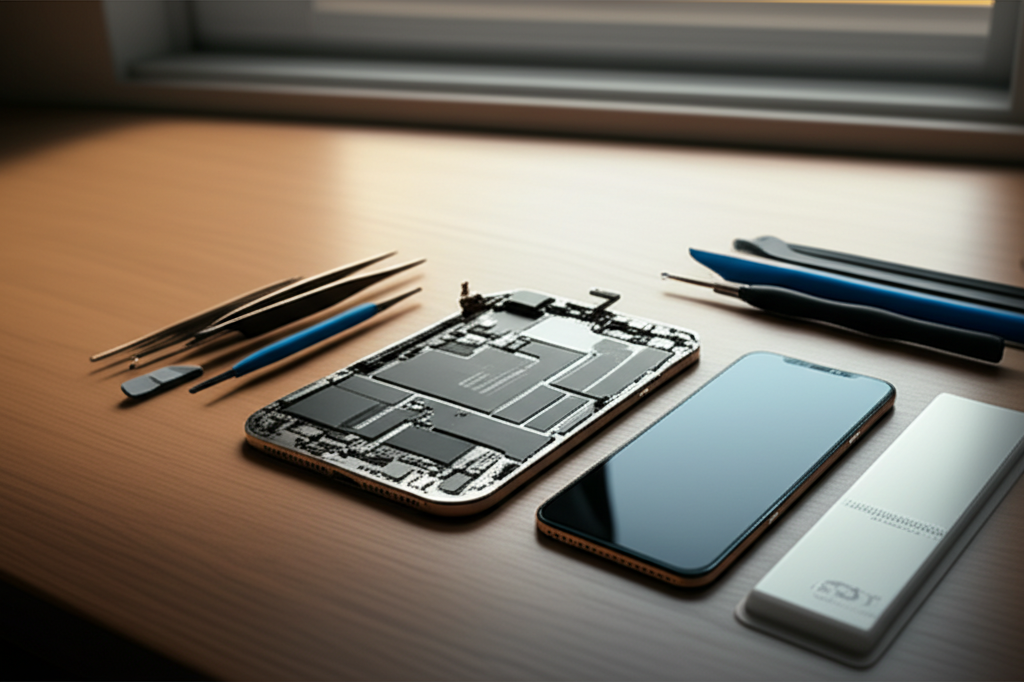
To fix your iPhone at home, you need the right tools. A small screwdriver set is crucial. You’ll need Phillips and Pentalobe bits. A spudger tool helps pry open the phone. Suction cups are good for lifting the screen. An anti-static wrist strap is important. It protects your iPhone from static electricity. A heat gun or hairdryer can soften adhesive.
Here’s a list of common tools:
Precision Screwdriver Set: For various tiny screws.
Spudger and Pry Tools: To safely separate components.
Suction Cup: To lift the screen without damage.
Tweezers: For handling small screws and cables.
Anti-Static Wrist Strap: To prevent electrostatic discharge (ESD).
Heat Gun/Hair Dryer: To loosen adhesive.
Replacement Parts: Like screens or batteries.
Adhesive Strips: To re-seal the phone.
Understanding ESD Protection for Your iPhone
Electrostatic discharge (ESD) can harm your iPhone’s delicate parts. Static electricity can build up on your body. Touching your iPhone without protection can zap these components. An anti-static wrist strap connects you to ground. This safely drains static away. Always use one when working inside your iPhone. It’s like wearing gloves when handling something fragile.
Step-by-Step Guide: Replacing an iPhone Battery
Replacing an iPhone battery at home is a popular repair. First, power off your iPhone completely. You’ll need to remove two pentalobe screws at the bottom. Then, use a suction cup to lift the screen slightly. Carefully use a spudger to disconnect the battery cable. Remove the old battery, often held by adhesive strips. Apply new adhesive and install the new battery. Reconnect everything and reassemble your iPhone.
Step-by-Step Guide: Replacing an iPhone Screen
Screen replacement is another common fix. Power off your iPhone. Remove the bottom pentalobe screws. Use a suction cup and pry tool to lift the screen. You’ll need to disconnect several internal cables. These connect the screen to the logic board. Carefully remove the old screen. Install the new screen and reconnect all cables. Test the new screen before fully reassembling. Finally, reapply adhesive and close your iPhone.
Sourcing Quality iPhone Replacement Parts
Getting good quality parts is key for successful repairs. Look for reputable online retailers. Many specialize in phone repair parts. Read reviews to gauge part quality. Some parts are better than others. Consider buying kits that include tools and parts. This can be more cost-effective. Always check compatibility with your specific iPhone model.
Diagnosing Common iPhone Problems
Before repairing, diagnose the issue correctly. Is the phone not turning on? It could be a battery or charging port problem. Is the screen unresponsive? It might be a display cable issue. Research your specific iPhone model and symptom. Many online resources can help identify the cause. Accurate diagnosis saves time and prevents further damage.
When to Seek Professional Help
While many repairs are DIY-friendly, some are not. Complex issues like logic board damage are difficult. Water damage can be very tricky to fix. If you’re unsure or uncomfortable, seek professional help. Some repairs require specialized equipment. It’s better to pay a professional than risk damaging your phone further.
The Future of At-Home iPhone Repair
The trend for at-home repair is growing. More tools and guides are becoming available. This makes fixing your own devices easier. It’s a sustainable choice. It reduces electronic waste. As technology advances, so will repair options. You can become more self-sufficient with your tech.
Frequently Asked Questions About iPhone Repair At Home Service
Is it safe to repair my iPhone at home?

Yes, it can be safe if you take precautions. Always use an anti-static wrist strap. Follow repair guides carefully. Do not force parts. If you are unsure, stop and seek professional help.
Will repairing my iPhone void the warranty?
Yes, opening your iPhone will likely void the manufacturer’s warranty. However, many common repairs are done after the warranty has expired. Check your warranty terms.
Where can I buy reliable iPhone replacement parts?
You can find reliable parts from specialized online retailers. Look for those with good reviews and return policies. Websites like iFixit are excellent resources for both parts and guides.
How long does it take to repair an iPhone screen at home?
Replacing an iPhone screen typically takes 30 minutes to an hour. This can vary depending on your experience. Following a detailed guide makes the process faster.
What if I break my iPhone during a home repair?
If you accidentally damage your iPhone further, it might require professional repair. Sometimes, a mistake can create a new problem. Assess the damage carefully.
Is iPhone repair at home service cheaper than going to a store?
Generally, yes. The cost of replacement parts is usually much lower than the labor charges at a repair shop. This is one of the biggest advantages.
Can I repair water damage at home?
Water damage repair is very difficult and risky at home. It often requires specialized cleaning and testing. It is usually best to take water-damaged phones to a professional.
Conclusion
iPhone repair at home service is an essential breakthrough. It empowers you to save money and fix your device. With the right tools and guidance, you can tackle common issues. Screen and battery replacements are very achievable. Always prioritize safety and use quality parts. If a repair seems too complex, don’t hesitate to seek expert help. Taking on DIY iPhone repairs can be a rewarding experience. You gain valuable skills and keep your iPhone running longer.

Belayet Hossain is a Senior Tech Expert and Certified AI Marketing Strategist. Holding an MSc in CSE (Russia) and over a decade of experience since 2011, he combines traditional systems engineering with modern AI insights. Specializing in Vibe Coding and Intelligent Marketing, Belayet provides forward-thinking analysis on software, digital trends, and SEO, helping readers navigate the rapidly evolving digital landscape. Connect with Belayet Hossain on Facebook, Twitter, Linkedin or read my complete biography.