
Published on: 10/11/2025 | Updated on: November 10, 2025
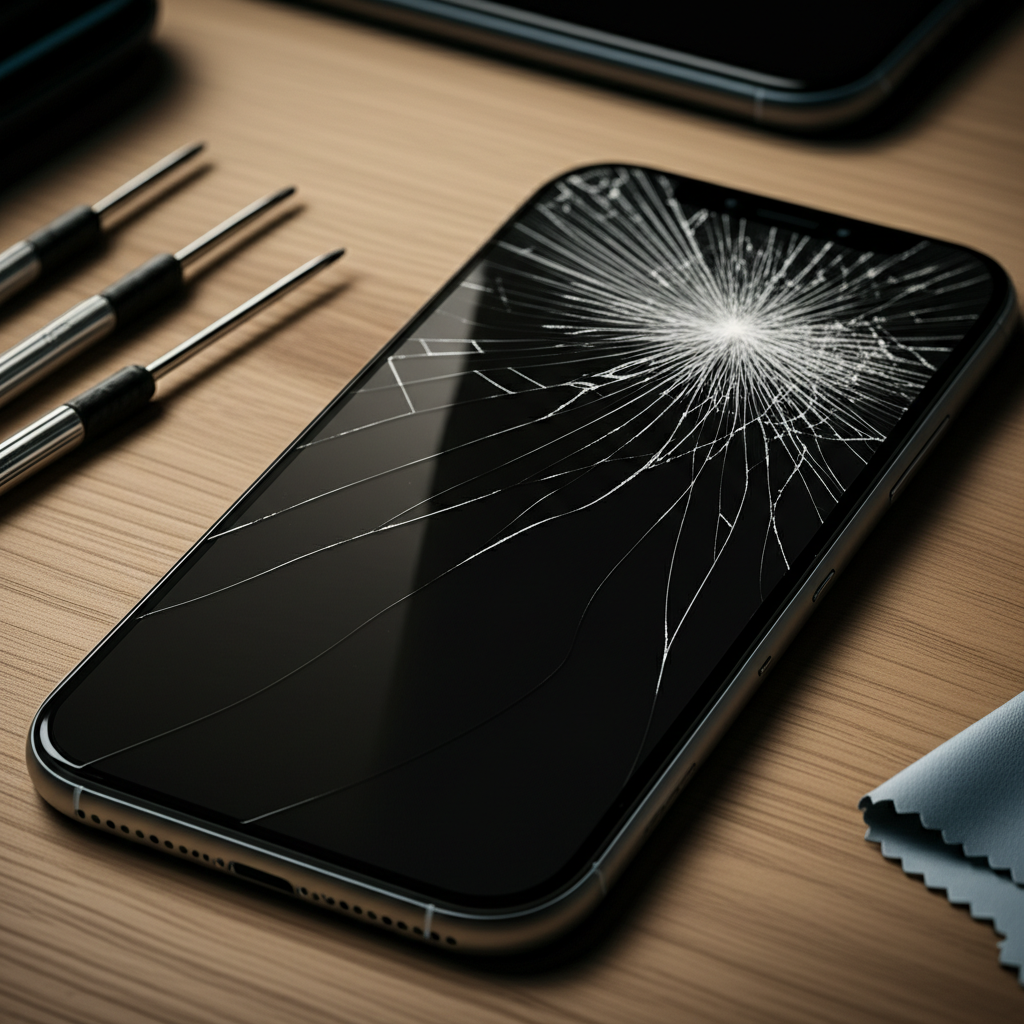
iPhone repair cracked screen cost is a common concern for many Apple users. This guide reveals how to save money on fixing your iPhone’s broken display, covering DIY options, third-party repairs, and Apple’s official services.
A cracked iPhone screen is a bummer. It happens to the best of us. Dropping your phone can lead to a spiderweb of cracks. This makes your phone hard to use. It can also be dangerous to touch. You might wonder how much it costs to fix. You might also worry about finding a good repair shop. This article will guide you. We will explore the costs involved. We will also show you ways to save money. Let’s get your iPhone screen fixed.
Understanding iPhone Screen Repair Costs
The cost to repair a cracked iPhone screen varies. It depends on your iPhone model. Newer models are usually more expensive. The type of damage also matters. Is it just the glass? Or is the display underneath also damaged? Apple’s official repair service is one option. Third-party repair shops are another. Sometimes, doing it yourself is possible. Each option has its own price. Knowing these helps you choose wisely.
Factors Affecting iPhone Cracked Screen Cost

Several things change how much you pay. Your iPhone model is key. An iPhone 14 Pro Max screen costs more than an iPhone SE. The display technology matters too. OLED screens are pricier than LCD. Apple’s pricing is often higher. Third-party shops might be cheaper. However, quality can vary. The technician’s skill is also important.
Official Apple iPhone Screen Repair Prices
Apple offers reliable screen repairs. They use genuine Apple parts. This keeps your iPhone warranty intact. It also ensures the best quality. However, Apple’s prices can be high. For example, an iPhone 14 Pro screen replacement might cost around $329. Older models are less. An iPhone 11 screen replacement could be about $199. These prices do not include AppleCare+. If you have AppleCare+, the cost is much lower, often just a small service fee.
Third-Party Repair Shop Costs
Third-party shops are often cheaper than Apple. They might use aftermarket parts. These parts are not made by Apple. Sometimes they work well. Other times, they might not be as good. Prices can range from $100 to $300. This depends on the shop and your iPhone model. It’s important to choose a reputable shop. Look for good reviews. Check their warranty policy. A bad repair can cost you more later.
The DIY iPhone Screen Replacement Route
For skilled individuals, DIY is an option. You can buy a replacement screen kit. These kits include tools and parts. They are much cheaper. A screen kit might cost $50 to $150. This saves a lot of money. However, it is risky. You need to be careful. You could damage your iPhone further. This requires specific tools. It also needs patience. If you are not handy, this might not be for you.
When Is Screen Repair Necessary?
Sometimes a small crack is okay. But often, it gets worse. A cracked screen can affect touch sensitivity. It might make parts of the screen unreadable. Water can get inside your phone. This can cause more damage. If your screen is badly cracked, repair is needed. It protects your phone. It also keeps it usable.
Identifying Severe Screen Damage
Look for deep cracks. These can cut your finger. If the screen flickers or shows lines, it’s bad. If touch doesn’t work on some areas, repair is needed. If you see colors or weird patterns, the display is damaged. These are signs you need a fix.
Minor Cracks vs. Major Damage
A tiny hairline crack might be ignored. But it can spread. It can catch on things. It can collect dirt. Major damage includes shattered glass. It means the display is failing. Or the touch is not working. It is better to fix major damage. It prevents bigger problems.
Essential Tools for iPhone Screen Repair
If you choose the DIY route, you need tools. These help you open your iPhone. They help you remove the old screen. They help you install the new one. Using the right tools makes the job easier. It also reduces the risk of damage.
The Basic iPhone Repair Toolkit
A good toolkit has a few things. You need small screwdrivers. These fit iPhone screws. You need a suction cup. This lifts the screen. You need a plastic opening tool. This pries open the phone. You also need tweezers. These handle small parts. An anti-static wrist strap is good. It prevents static damage. You can find many kits online.
Specialized Tools for Advanced Repairs
For more complex repairs, you might need more. A heat gun or iOpener helps soften adhesive. A spudger is useful for prying. A guitar pick can slide along edges. A magnetic mat helps organize screws. These are not always needed for screens. But they are helpful for other iPhone repairs.
ESD Protection: A Must-Have
ESD stands for Electrostatic Discharge. It is static electricity. It can damage phone parts. Always use an anti-static wrist strap. Work on a clean, static-free surface. This protects your iPhone’s sensitive components. It is a small step that saves big problems.
Step-by-Step iPhone Screen Replacement Guide (DIY)
This guide is for experienced DIYers. It is a general overview. Specific steps vary by iPhone model. Always find a guide for your exact model.
Step 1: Prepare Your Workspace and Phone
Turn off your iPhone. Remove the SIM card tray. Work on a clean, well-lit surface. Use an anti-static mat if possible.
Step 2: Remove the Screen Assembly
Most iPhones have screws near the charging port. Remove these. Use a suction cup to lift the screen. Pry gently with an opening tool. Open the phone like a book. Be careful of the ribbon cables. Do not pull them.
Step 3: Disconnect the Old Screen
Carefully disconnect the battery cable first. This prevents shorts. Then, disconnect the screen cables. These connect the screen to the logic board.
Step 4: Transfer Components (If Necessary)
Some screens come with parts attached. Others do not. You might need to move the earpiece speaker. You might need to move the front camera. Be very careful with these small parts.
Step 5: Connect the New Screen
Connect the new screen’s ribbon cables. Make sure they click into place. Reconnect the battery cable. Test the new screen before sealing the phone. Check touch. Check brightness.
Step 6: Reassemble Your iPhone
Close the phone carefully. Press the screen into place. Reinstall the screws. Turn on your iPhone. Test everything again.
Saving Money: When to Choose Third-Party or DIY
Choosing the right repair option saves money. Apple repairs are safe but costly. Third-party shops offer savings. DIY is the cheapest but riskiest. Consider your budget. Consider your skill level.
Comparing Repair Costs: A Snapshot
Here’s a look at typical costs. Prices are estimates and can change.
| iPhone Model | Apple Official (No AppleCare+) | Reputable Third-Party | DIY Kit (Approx.) |
| :————— | :—————————– | :——————– | :—————- |
| iPhone 14 Pro Max | ~$329 | ~$200 – $280 | ~$70 – $120 |
| iPhone 13 | ~$219 | ~$150 – $220 | ~$50 – $90 |
| iPhone SE (3rd Gen) | ~$169 | ~$100 – $150 | ~$40 – $70 |
Note: Costs vary by region and specific repair shop.
The Value of Third-Party Warranties
Many third-party shops offer warranties. This is important. It protects you if the repair fails. Ask about their warranty. How long is it? What does it cover? A good warranty adds value. It makes third-party repair safer.
Is DIY Worth the Risk?
DIY saves the most money. But it has risks. You could break your phone more. This would cost more to fix. If you are not confident, do not try it. Watch many videos first. Understand every step.
When to Consider AppleCare+
AppleCare+ is Apple’s protection plan. It covers accidental damage. This includes cracked screens. The cost for AppleCare+ varies. For an iPhone 14 Pro, it’s about $199-$229 for two years. With AppleCare+, a screen repair is only $29. This is a huge saving if you need a repair. It offers peace of mind.
Benefits of AppleCare+
AppleCare+ provides fast repairs. You get genuine parts. It keeps your warranty valid. If you are prone to accidents, it’s worth considering. It covers two incidents of accidental damage.
Cost-Benefit Analysis of AppleCare+
If you get AppleCare+ and break your screen once, it pays for itself. You pay the plan cost plus a small service fee. Without it, you pay the full repair cost. For many users, it’s a good investment.
Exploring Insurance and Other Options
Some phone insurance plans cover screen damage. Check your mobile carrier. They might offer insurance. Credit cards sometimes offer protection. Read the terms carefully. These can be cheaper than Apple. But they might have deductibles.
Mobile Carrier Insurance Plans
Your carrier might offer plans. These often cover accidental damage. They might have deductibles. The process can be slower than Apple. Compare these plans to AppleCare+.
Credit Card Purchase Protection
Some credit cards offer purchase protection. This can cover accidental damage. It usually lasts for a limited time. Check your card’s benefits. This is a hidden saving.
Maintaining Your iPhone to Prevent Future Cracks
The best way to save money is prevention. Protect your iPhone. Use a good case. Use a screen protector. These simple steps help a lot.
Choosing the Right iPhone Case
A sturdy case absorbs impact. Look for cases with raised edges. These protect the screen. Cases made of TPU or silicone are good. They offer shock absorption.
Screen Protectors: A Must-Have
Tempered glass screen protectors are excellent. They are cheap. They take the brunt of impacts. If your phone falls, the protector cracks. Your iPhone screen stays safe. This is a very small cost. It prevents a big expense.
Habits to Avoid Damaging Your Screen
Be mindful when using your phone. Do not put it in your back pocket. Avoid using it near edges. Keep it away from children. These small changes prevent accidents.
Frequently Asked Questions About iPhone Cracked Screen Cost
How much does it cost to fix a cracked iPhone screen without insurance?
The cost varies by iPhone model. For newer iPhones, it can range from $200 to over $300. Older models are cheaper. Third-party shops are often less expensive than Apple.
Is it cheaper to fix an iPhone screen myself?
Yes, DIY screen replacement is usually the cheapest option. You can buy screen kits for $50-$150. However, it requires technical skill and carries the risk of further damage.
Should I use a third-party repair shop or Apple?
Apple offers genuine parts and maintains your warranty. Third-party shops are often cheaper but may use aftermarket parts. Choose a reputable third-party shop with good reviews and a warranty.
Does AppleCare+ cover cracked screens?
Yes, AppleCare+ covers accidental damage like cracked screens. With AppleCare+, you pay a small service fee ($29 for most iPhones) instead of the full repair cost.
What happens if I don’t fix a cracked iPhone screen?
A small crack can spread and worsen over time. It can affect touch functionality. It can allow moisture and dust to enter your phone, causing more serious damage.
Can I trade in an iPhone with a cracked screen?
Generally, you cannot trade in an iPhone with a cracked screen for full value. Some programs might accept it with a significant deduction. It’s usually best to get the screen fixed first.
Final Verdict on iPhone Cracked Screen Costs and Savings
Dealing with a cracked iPhone screen is frustrating. The iPhone repair cracked screen cost can be a significant expense. Understanding your options is key to saving money. Apple offers quality but at a higher price. Third-party repairs offer a good balance of cost and quality. DIY is the cheapest but requires skill and carries risk. Protecting your phone with cases and screen protectors is the best long-term strategy. Always weigh the cost of repair against the cost of prevention. For many, a combination of careful handling and a good protection plan like AppleCare+ offers the best value. If you are considering a repair, research local shops and compare prices.
Looking for more tips on keeping your iPhone in top shape? Check out our guide on iPhone battery health tips for more essential maintenance advice.

Belayet Hossain is a Senior Tech Expert and Certified AI Marketing Strategist. Holding an MSc in CSE (Russia) and over a decade of experience since 2011, he combines traditional systems engineering with modern AI insights. Specializing in Vibe Coding and Intelligent Marketing, Belayet provides forward-thinking analysis on software, digital trends, and SEO, helping readers navigate the rapidly evolving digital landscape. Connect with Belayet Hossain on Facebook, Twitter, Linkedin or read my complete biography.