


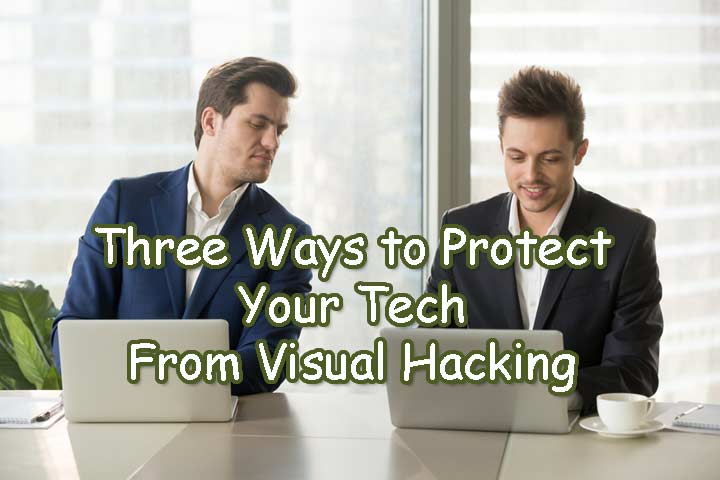
In an age where most of our private and confidential information is stored online, hacking has become a major crisis. From fraudulent malware hacking into your computer, giving you viruses, and stealing your passwords to cybercriminals partaking in identify theft, being aware of how to navigate the web is extremely important. However, what many common computer and phone users fail to realize is that visual hacking poses the same level of threat as does computer hacking. To get an idea of what visual hacking is and how to protect yourself, keep reading below.
What is Visual Hacking?
Many businesses and people invest in time and effort to securely store sensitive information. Passwords, firewalls, anti-virus software, data encryption, complex coding – you name it. With cybersecurity becoming one of the highest concerns for many businesses and people alike, many fail to consider the easiest type of hacking there is: visual hacking. As the name implies, visual hacking is simply the process of viewing sensitive information with your eyes when you’re not supposed to. This low-tech form of theft is more common than you think, and it can happen anywhere, such as in a coffee shop, on an airplane, or even in your own office.
The Ponemon Institute and 3M worked together to conduct a Visual Hacking Experiment in 2016 across the globe. Their findings were astounding. This groundbreaking study found that it took only 15 minutes or less for an undercover visual hacker to obtain sensitive information, whether by glancing at a computer screen, taking a confidential folder off of a desk, or peering at documents on a table. Surprisingly, only 32% of the global undercover visual hackers were stopped, giving 68% of visual hackers the information they needed. To ensure all of your private information is safe and secure, consider these 3 ways to protect your tech from visual hacking.

1. Privacy Screen
One of the easiest ways to keep your online information confidential from wandering eyes is by using a computer privacy screen. A privacy screen is a thin piece of plastic you place on your monitor or display screen to prevent lurkers from viewing the information on your screen. A privacy screen also called a privacy filter, is a great way to keep your website safe and protect your customer data.
A computer privacy screen works just like vertical blinds. When applied, the privacy screen turns your screen to black starting at a 30-degree angle and effectively blacking out at a 60-degree angle. This means the only way to view the information on your screen is head-on. If you’re doing work on the go or simply editing a photo for your Instagram, you can even get privacy screens for your phone that works the same way as a computer privacy screen.
2. Computer Hood
Another way to prevent passersby from gleaning sensitive information from your computer screen is by investing in a computer or laptop hood. Computer hoods are a worthy investment to increase cybersecurity and prevent visual hacking. A computer hood is simply a cover you can place over your screen that increases privacy from adjacent computers or people, and also blocks out light and sun, which reduces glare.
3. Training Staff
Training your staff will go a long way when it comes to preventing visual hacking. Most visual hacking cases go unnoticed because we are unaware of the surroundings around us. Here are a few advices on how to train your staff to become your first line of defense when it comes to visual hacking:
- Identify work stations in highly trafficked areas and relocate or secure the area
- Secure passwords by investing in password trackers
- Enforce a “clean desk” policy where no important files or documents can be left out for anyone to see
- Practice situational awareness so employees know what to look for when they’re working outside of the office in a public space like a library or cafe
- Install security cameras in public office space to identify any potential hackers in case a security breach occurs
The Bottom Line
Visual hacking is no force to be reckoned with. Everyday sensitive information is stolen and used for malicious purposes such as identity theft or stealing money. Up your security game by protecting you, your company’s, and your customers’ private information with these tips on preventing visual hacking.

Belayet Hossain is a Senior Tech Expert and Certified AI Marketing Strategist. Holding an MSc in CSE (Russia) and over a decade of experience since 2011, he combines traditional systems engineering with modern AI insights. Specializing in Vibe Coding and Intelligent Marketing, Belayet provides forward-thinking analysis on software, digital trends, and SEO, helping readers navigate the rapidly evolving digital landscape. Connect with Belayet Hossain on Facebook, Twitter, Linkedin or read my complete biography.