
Published on: 21/10/2025 | Updated on: October 21, 2025
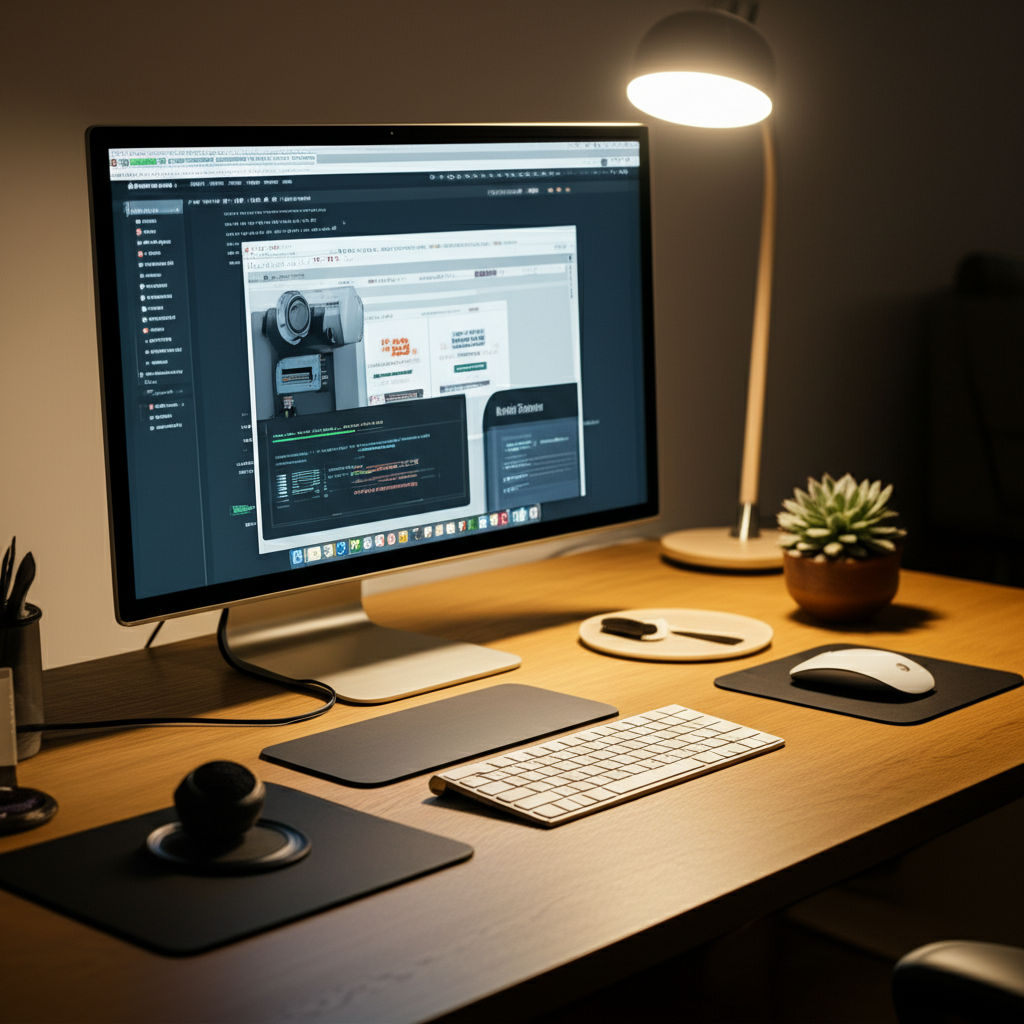
Transform your workspace into a hub of efficiency and joy with these awesome desk gadgets. From smart organizers to productivity boosters, these essential genius tools make every workday smoother and more enjoyable.
The modern desk can easily become a cluttered zone. Piles of papers, tangled wires, and a lack of focus can make work feel like a chore. It’s frustrating when your workspace works against you. But what if your desk could actually help you get more done and feel better doing it? We’ve gathered some truly awesome desk gadgets. These tools are designed to simplify your tasks, boost your mood, and make your office space a place you actually want to be. Get ready to upgrade your workday with genius solutions.
Why Smart Desk Gadgets Matter for Productivity
Smart desk gadgets are more than just cool accessories. They are carefully designed tools that can significantly improve how you work. By automating tasks, organizing your space, or providing helpful information, these devices help you focus better. This leads to fewer distractions and more accomplished tasks. Imagine a desk that helps you stay energized and organized without you even thinking about it. That’s the power of a well-chosen gadget.
These intelligent tools often connect to your existing devices. They can sync calendars, manage notifications, or even control your smart home devices. This seamless integration creates a smoother workflow. You spend less time managing your tools and more time on your actual work. It’s about making technology work for you, not the other way around.
Top Awesome Desk Gadgets for Enhanced Workflow
Finding the right awesome desk gadgets can feel overwhelming. We’ve sorted through many options to bring you the best. These picks focus on practicality, innovation, and genuine usefulness. They cover a range of needs, from keeping your devices charged to organizing your cables. Let’s explore some genius tools that can redefine your desk experience.
1. The Smart Wireless Charging Pad: Power Up Effortlessly

Tired of fumbling for charging cables? A wireless charging pad is a game-changer. You simply place your compatible phone or earbuds on the pad. They start charging automatically. This keeps your desk clutter-free and your devices always ready to go. Many pads can charge multiple devices at once, saving you even more time.
Modern wireless chargers are also designed to be stylish. They often come in sleek materials like brushed aluminum or soft-touch silicone. This adds a touch of elegance to your desk setup. Some even have built-in LED indicators to show charging status. You can find fast-charging models that power up your devices in record time. This is a simple yet incredibly effective way to streamline your daily routine.
2. Cable Management Solutions: Taming the Wire Monster
Visible, tangled cables are a major source of desk clutter. They look messy and can be a tripping hazard. Cable management solutions come in many forms. These include cable clips, sleeves, ties, and raceways. They help you organize and hide your wires neatly. This creates a cleaner, more professional-looking workspace.
Using cable clips can keep your charging cables within easy reach. Adhesive clips stick to the edge of your desk. You can then thread your cables through them. Cable sleeves wrap around multiple wires, bundling them into one neat package. Cable raceways attach under your desk or along walls to hide wires completely. A well-organized cable system reduces visual noise and makes your desk feel more serene.
3. The Ergonomic Keyboard and Mouse: Comfort Meets Performance
Your hands and wrists work hard all day. An ergonomic keyboard and mouse are designed to support natural hand posture. This reduces strain and prevents repetitive stress injuries. They often feature curved designs, cushioned rests, and split key layouts. This makes typing and navigating feel much more comfortable, even for long periods.
Many ergonomic peripherals offer advanced features. You might find customizable buttons for quick access to functions. Silent keys can help maintain a quiet work environment. Wireless connectivity reduces desk clutter. Investing in ergonomic gear is an investment in your long-term health and comfort. It makes long work sessions far more bearable.
4. Smart Lighting: Set the Mood for Focus and Relaxation
The right lighting can dramatically impact your mood and productivity. Smart desk lamps offer adjustable brightness and color temperature. You can set a cool, bright light for focused work. Or, switch to a warm, soft glow for relaxed reading. Many smart lights can be controlled via an app or voice commands. This allows for easy adjustments without interrupting your workflow.
Some smart lamps integrate with your schedule. They can gently brighten in the morning to help you wake up. They might also dim in the evening to signal it’s time to wind down. This feature promotes healthier sleep habits. Good lighting reduces eye strain, a common issue for desk workers. It makes your workspace a more pleasant and inviting place to be.
5. Monitor Light Bars: Reduce Eye Strain and Clutter
A monitor light bar is a genius addition to any desk setup. It hangs over the top of your monitor. It casts light downwards onto your keyboard and desk area. This provides focused illumination without causing screen glare. This is a significant improvement over traditional desk lamps. They often create harsh shadows or reflect directly off your screen.
Monitor light bars are incredibly space-saving. They don’t take up any precious desk real estate. They are perfect for smaller desks or for those who prefer a minimalist look. Many offer adjustable brightness and color temperature settings. This allows you to customize the lighting to your exact needs. Reducing eye strain is crucial for long work sessions.
6. Noise-Canceling Headphones: Your Personal Zone of Silence
Distractions are everywhere in an open office or a busy home. Noise-canceling headphones create a bubble of quiet. They actively block out ambient sounds. This allows you to focus deeply on your work or enjoy your music. They are essential for concentration, especially in noisy environments. Many models also offer excellent sound quality for calls and entertainment.
Modern noise-canceling headphones are also comfortable for long wear. They often feature plush earcups and adjustable headbands. Battery life is typically excellent, lasting for many hours on a single charge. Some headphones have “transparency modes.” This lets you hear your surroundings when needed without removing them. They are a powerful tool for reclaiming your auditory space.
7. A High-Quality Webcam and Microphone: Professional Communication
In today’s world of remote work and virtual meetings, clear communication is key. A good webcam and microphone make a huge difference. They ensure you look and sound professional during video calls. Many built-in laptop webcams and mics are mediocre at best. Upgrading these components can significantly improve your online presence.
Look for webcams with high resolution (1080p or higher) and good low-light performance. A dedicated microphone can offer superior audio clarity. This is especially important for podcasts, streaming, or important client calls. Clear audio and video build trust and make interactions more effective. This makes virtual meetings feel more personal and productive.
8. Desk Organizers and Holders: Everything in Its Place
A tidy desk leads to a tidy mind. Desk organizers come in countless forms. Pen holders, document trays, drawer dividers, and monitor stands all help. They provide dedicated spots for your supplies. This prevents clutter from accumulating. It also makes it easy to find what you need quickly.
Monitor stands can lift your screen to an ergonomic height. Many also include built-in storage or drawers. This adds valuable space under your monitor. Pen holders keep your writing tools organized and accessible. Document trays help manage incoming and outgoing papers. A little organization goes a long way in creating a functional workspace.
9. A Smart Mug or Mug Warmer: Keep Your Drink Perfect
Few things are more frustrating than a lukewarm cup of coffee or tea. A smart mug or mug warmer solves this problem. A mug warmer sits on your desk. It keeps your beverage at a consistent, ideal temperature. Smart mugs actively maintain your drink’s temperature for hours. You can often set the desired temperature via a companion app.
This simple gadget ensures your drink is always ready when you are. It enhances the simple pleasure of a hot beverage during a long workday. It’s a small luxury that makes a big difference in comfort. No more reheating or wasting drinks. This gadget adds a touch of thoughtful convenience to your desk.
10. A Portable SSD or High-Capacity USB Drive: Fast and Reliable Storage
Quick access to your files is crucial for productivity. A portable Solid State Drive (SSD) offers blazing-fast transfer speeds. They are much quicker than traditional external hard drives. This means less waiting time when moving large files. They are also more durable and resistant to shock. A high-capacity USB drive can also be a convenient option for smaller files.
These drives are essential for backups. They also allow you to easily transport large projects between computers. Having your work readily available improves workflow efficiency. It reduces reliance on cloud storage for large assets. Choosing a reliable brand ensures the safety of your important data. This is a foundational tool for any digital professional.
The Role of AI in Awesome Desk Gadgets
While we’re focusing on physical tools, it’s worth noting how smart technology is influencing desk gadgets. Many new devices are incorporating intelligent features. These aren’t always “AI” in the flashy sense. They might be smart algorithms that learn your preferences. Or, they could be sensors that adjust settings automatically. For example, smart lighting might learn your daily routine. It then adjusts its brightness and color temperature without your input.
This integration makes gadgets more intuitive. They adapt to your needs, requiring less manual adjustment. Think of a smart monitor that automatically optimizes its display based on ambient light. Or, a charging station that prioritizes charging for the devices you’ll need most. These subtle enhancements contribute to a smoother, more personalized desk experience. The goal is to make your tools feel less like objects and more like helpful assistants.
Integrating Awesome Desk Gadgets into Your Routine
The best awesome desk gadgets are those you actually use. Simply buying them isn’t enough. You need to integrate them thoughtfully into your daily workflow. Start by identifying your biggest pain points. Are you always searching for your phone charger? Do cables constantly get in your way? Address these specific issues first.
Once you have your gadgets, take a few minutes to set them up correctly. Learn their features and how they can best serve you. For example, customize the buttons on your ergonomic mouse. Set up your smart lamp’s scheduling. The more you interact with your gadgets, the more natural they will feel. This leads to greater long-term adoption and benefit.
Frequently Asked Questions About Awesome Desk Gadgets
Q1: What is the most important awesome desk gadget for a beginner?
For someone just starting to build a better desk setup, a good cable management system is often the most impactful. It immediately reduces visual clutter and makes the space feel more organized. This simple step can make a big difference in how you feel at your desk.
Q2: Can these gadgets really improve my productivity?
Yes, many awesome desk gadgets are specifically designed to boost productivity. By reducing distractions, automating tasks, improving comfort, and organizing your space, they help you focus more effectively. This leads to getting more done in less time.
Q3: Are smart desk gadgets expensive?
The cost of awesome desk gadgets varies widely. You can find very affordable options, like cable clips and basic mug warmers. More advanced items, such as high-end ergonomic keyboards or smart lighting systems, can be more of an investment. It’s best to start with a few key items that address your biggest needs.
Q4: Do I need a lot of technical knowledge to use these gadgets?
Most awesome desk gadgets are designed for ease of use. Wireless chargers, mug warmers, and basic cable management require almost no setup. Smart devices might involve connecting to Wi-Fi or using an app, but instructions are usually straightforward. Many are plug-and-play.
Q5: How many gadgets are too many for a desk?
There’s no hard rule, but the goal is enhancement, not overload. Too many gadgets can create their own clutter and distraction. Focus on tools that solve specific problems or genuinely improve your comfort and workflow. A minimalist approach often works best, prioritizing quality over quantity.
Q6: Where can I find reviews for these types of desk gadgets?
You can find reviews on major online retail sites like Amazon, Best Buy, and Newegg. Technology review websites and YouTube channels also offer in-depth comparisons and hands-on testing. Look for reputable sources that focus on practical user experience.
Conclusion: Building Your Ultimate Workspace
Upgrading your workspace with awesome desk gadgets is an investment in yourself. These essential genius tools can transform a chaotic area into a zone of peak performance and comfort. From the simple elegance of a wireless charger to the focused quiet of noise-canceling headphones, each gadget plays a role. They help reduce friction in your workday. They make tasks easier and more enjoyable.
Consider your personal workflow and daily challenges. Choose gadgets that address those specific needs. Start small and build your ideal setup over time. A well-equipped desk isn’t just about looking good; it’s about working smarter and feeling better. Explore these options and start building the most productive and pleasant workspace you’ve ever had. Follow us for more tips on optimizing your tech setup!

Belayet Hossain is a Senior Tech Expert and Certified AI Marketing Strategist. Holding an MSc in CSE (Russia) and over a decade of experience since 2011, he combines traditional systems engineering with modern AI insights. Specializing in Vibe Coding and Intelligent Marketing, Belayet provides forward-thinking analysis on software, digital trends, and SEO, helping readers navigate the rapidly evolving digital landscape. Connect with Belayet Hossain on Facebook, Twitter, Linkedin or read my complete biography.