


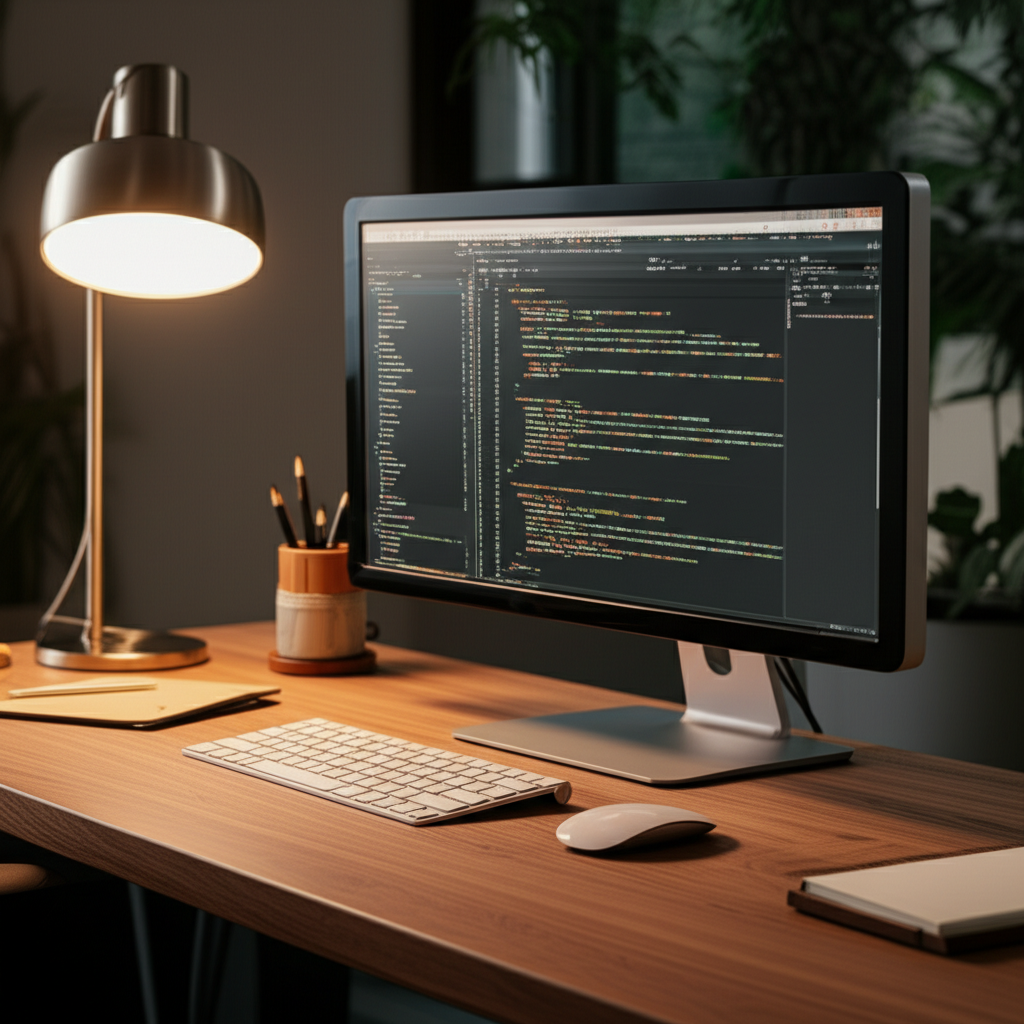
Published on: 28/10/2025 | Updated on: October 28, 2025
Create the best desk setup for your home office with this ultimate guide. Learn about ergonomic essentials, smart tech, and organizational tools for peak productivity and comfort.
Setting up a home office can feel overwhelming. You want a space that’s both functional and comfortable. A poorly designed desk area can lead to strain and distraction. This guide will walk you through building the best desk setup for your home office. We’ll cover everything from ergonomic basics to smart tech. Get ready to transform your workspace into a productivity haven.
Why Your Home Office Desk Setup Matters
Your home office desk setup significantly impacts your workday. It’s where you’ll spend many hours. A good setup boosts focus and reduces physical discomfort. It can also make your work more enjoyable. Let’s explore how to get it right.
A well-planned desk setup helps you work better. It supports your body and mind. This means less fatigue and more done.
The Foundation: Choosing the Right Desk
The desk is the heart of your setup. Its size and type are crucial. Consider your available space and work needs. A standing desk offers flexibility. A fixed desk provides stability.
Look for a desk that fits your room. It should be deep enough for your monitor and keyboard. Also, ensure it’s tall enough to work at comfortably. This prevents slouching and neck strain.
Standing Desks: The Active Option

Standing desks allow you to switch between sitting and standing. This movement is good for your health. It can increase energy levels. Standing desks come in various styles.
Some are fully electric and adjustable. Others are manual. You can also find converters that sit on your existing desk. These offer a more affordable entry into standing work.
Fixed Desks: Classic and Reliable
Fixed desks are a traditional choice. They are sturdy and often more budget-friendly. You can find them in many materials and designs. Think wood, metal, or glass.
A fixed desk works well if you prefer to sit. Ensure its height matches your chair. This allows your arms to rest naturally.
Ergonomics: Your Body’s Best Friend
Ergonomics is about designing your workspace for efficiency and comfort. It minimizes strain on your body. This is vital for long workdays. Good ergonomics prevents pain and injury.
Focus on your posture, monitor height, and keyboard position. These elements work together. They create a healthier work environment.
The Ergonomic Chair: Your Throne of Comfort
A good chair supports your back. It should have adjustable height and armrests. Your feet should rest flat on the floor. Your knees should be at a 90-degree angle.
Look for lumbar support. This helps maintain the natural curve of your spine. A comfortable chair means you can focus on tasks. It reduces the urge to fidget or shift uncomfortably.
Monitor Placement: Eye Level is Key
Your monitor should be at eye level. This prevents neck strain. The top of your screen should be just below your eye line. You shouldn’t have to look up or down.
Use a monitor stand or stack books if needed. If you use multiple monitors, arrange them closely. Keep them within your line of sight. This avoids excessive head turning.
Keyboard and Mouse: Natural Hand Position
Your keyboard and mouse should be close to you. Your elbows should be bent at about 90 degrees. Your wrists should be straight and relaxed. Avoid bending them up or down.
Consider an ergonomic keyboard. Some have a split design. This can help keep your wrists straighter. A supportive wrist rest can also help.
Essential Tech for Your Home Office Desk
Modern home offices benefit from smart tech. These tools enhance productivity and connectivity. They can automate tasks and improve communication.
Think about your computing needs. A reliable computer is fundamental. Then, add peripherals that streamline your workflow.
The Computer: Powering Your Productivity
Your computer is your main tool. Choose one that meets your workload demands. For general tasks, a good laptop or desktop is fine. For demanding work like video editing, you need more power.
Consider processor speed, RAM, and storage. SSDs are much faster than traditional hard drives. A good graphics card is important for visual tasks.
Display Brilliance: Monitors for Every Need
A good monitor makes a big difference. For productivity, a larger screen is often better. Consider a 27-inch or 32-inch monitor. Ultrawide monitors are great for multitasking.
If you work with detailed visuals, look for high resolution. 4K monitors offer sharp images. Some monitors have built-in USB hubs. This reduces desk clutter.
Input Devices: Keyboard and Mouse Choices
Beyond ergonomics, choose keyboards and mice you like. Mechanical keyboards offer a satisfying typing feel. Wireless options reduce cable mess. Gaming mice offer high precision.
Consider the responsiveness and feel of each device. You’ll be using them all day. Make sure they feel comfortable and accurate.
Connectivity: Internet and Peripherals
A stable internet connection is non-negotiable. Consider a high-speed plan. A good Wi-Fi router is essential. You might also need a Wi-Fi extender.
For peripherals, USB-C is becoming standard. It allows for faster data transfer and charging. Ensure your computer has enough ports. A USB hub can expand your connectivity.
Lighting Your Workspace for Success
Proper lighting is crucial for eye comfort and focus. It reduces eye strain and headaches. Natural light is best. Position your desk to take advantage of windows.
If natural light is limited, use artificial light strategically. Avoid glare on your screen. Layer your lighting.
Natural Light: The Healthiest Option
Position your desk so natural light comes from the side. Avoid having the window directly in front of you. This can cause glare. Don’t have it directly behind you either. This can create shadows on your work.
Open blinds or curtains during the day. This maximizes natural light. It also boosts your mood.
Artificial Lighting: Task and Ambient
Use a desk lamp for focused light. This is your task lighting. It should be adjustable. Position it to illuminate your work area without causing glare.
Ambient lighting provides overall room illumination. This could be an overhead light. It makes the space feel more comfortable. Consider a smart bulb. You can change its color temperature.
Organization and Storage: Taming the Clutter
A tidy desk promotes a tidy mind. Organization tools help keep things in order. This reduces distractions. It also makes finding items easier.
Think about what you use daily. Keep those items within easy reach. Less frequently used items can be stored away.
Desk Organizers: Small Wonders
Desk organizers come in many forms. Pen holders, trays, and drawer dividers are useful. They keep small items sorted. Cable clips can manage charging cords.
A monitor stand with built-in storage is also a good idea. It raises your monitor and provides space underneath. This helps clear your main desk surface.
Storage Solutions: Beyond the Desk
Consider shelves or cabinets for larger items. File cabinets are great for documents. Bookshelves can hold reference materials. Wall-mounted shelves save floor space.
Keep your storage solutions accessible. This makes it easy to put things away. A clean workspace starts with good storage habits.
Smart Tech Enhancements for the Modern Home Office
Smart devices can make your home office more efficient. They can automate tasks and improve your environment. Consider how technology can help you.
Smart plugs can control your devices. Smart speakers can manage your schedule. These gadgets can simplify your workflow.
Smart Lighting: Control and Customization
Smart bulbs and lamps offer great control. You can adjust brightness and color temperature. This is perfect for matching your mood or task. Use an app or voice commands to control them.
This technology can also help with energy savings. Schedule lights to turn off automatically. This is a small step that adds up.
Smart Plugs and Outlets: Power Management
Smart plugs let you control ordinary devices. You can turn lamps or fans on and off remotely. Schedule devices to power up or down. This is convenient and can save energy.
Many smart plugs work with voice assistants. You can control them with your voice. This adds another layer of convenience.
Productivity Apps and Software: Digital Assistants
Software is just as important as hardware. Task management apps help you stay organized. Note-taking apps capture your ideas. Cloud storage ensures file access anywhere.
Explore tools like Evernote for notes. Use Trello for project boards. These digital tools are powerful allies.
The Importance of a Dedicated Home Office Space
Having a dedicated space is crucial for focus. It signals to your brain that it’s time to work. This separation helps maintain work-life balance. Even a small corner can work.
Try to choose a quiet area. Minimize distractions from household activities. This dedicated zone is key to productivity.
Creating Boundaries: Physical and Mental
When you’re in your office space, you’re working. When you leave it, you’re not. This mental shift is important. Physical separation reinforces this.
If you can’t have a separate room, use screens or dividers. This creates a visual boundary. It helps mentally separate work from home life.
Minimizing Distractions: Sound and Sight
Reduce visual clutter in your workspace. Keep it clean and organized. This helps you focus on tasks. Minimize noise distractions as much as possible.
Consider noise-canceling headphones. They are excellent for blocking out ambient sound. This is especially useful in busy households.
Cable Management: The Unsung Hero
Visible cables can be unsightly and distracting. They also pose a tripping hazard. Effective cable management makes your desk look cleaner. It also makes cleaning easier.
There are many simple solutions available. They don’t have to be expensive. Good cable management is a game-changer.
Cable Sleeves and Ties: Bundling Power
Use cable sleeves to group multiple cables together. This creates a neater bundle. Cable ties, both reusable Velcro and zip ties, secure cables.
These simple tools prevent tangles. They make it easy to manage cords behind your desk. You can also label cables for easier identification.
Under-Desk Solutions: Hidden Havens
Mounting a power strip under your desk is a great idea. It keeps plugs off the floor. Use cable clips or raceways to guide cords along the desk legs.
This keeps the floor clear. It also makes it easy to plug and unplug devices. Your desk will look much tidier.
Personalizing Your Best Desk Setup for Home Office
Your workspace should reflect your personality. Add elements that inspire you. This makes your office a more enjoyable place to be.
Consider plants, artwork, or photos. These personal touches can boost morale. They make your space feel truly yours.
Adding Greenery: Plants for Well-being
Plants can improve air quality. They also add a touch of nature. This can reduce stress. Choose low-maintenance plants for your desk.
Snake plants or ZZ plants are good options. They don’t need much light or water. A small plant can make a big difference.
Inspiring Decor: Art and Photos
Display artwork or photos that make you happy. A motivational quote can be inspiring. Choose items that spark creativity. Keep it professional but personal.
Avoid overcrowding your desk with decor. Balance personal items with functional space. The goal is inspiration, not distraction.
Frequently Asked Questions About Home Office Desk Setups
What is the most important ergonomic feature for a home office chair?
The most important feature is adjustable lumbar support. It helps maintain your spine’s natural curve. This prevents back pain during long work sessions.
How high should my monitor be for the best desk setup for home office?
Your monitor should be at eye level. The top of the screen should be just below your eye line. This prevents neck strain. Use a monitor stand if needed.
Should I get a standing desk or a traditional desk?
This depends on your preference and health. Standing desks promote movement, which is good. Traditional desks offer stability. Many people find a height-adjustable desk offers the best of both worlds.
What are essential tech gadgets for a home office?
Essential tech includes a reliable computer, a good monitor, and comfortable input devices. A stable internet connection is also vital. Consider a webcam and microphone for clear communication.
How can I manage cables effectively?
Use cable sleeves, ties, and under-desk mounts. These tools bundle and hide cords. This keeps your workspace tidy and safe.
Is it worth investing in a good desk lamp?
Yes, a good desk lamp is crucial. It provides task lighting. This reduces eye strain and improves focus. Adjustable lamps are best.
What makes a home office setup “AI-first”?
An AI-first setup integrates smart technology. This includes voice assistants, smart lighting, and productivity apps. These tools automate tasks and enhance efficiency.
Conclusion: Crafting Your Ultimate Home Office Desk Setup
Building the best desk setup for your home office is an investment. It’s an investment in your health, productivity, and well-being. By focusing on ergonomics, smart technology, and organization, you create a space that supports your best work. Remember to tailor your setup to your specific needs and preferences. A comfortable and efficient workspace can transform your entire workday. Start with the foundation of a good desk and chair, add essential tech, manage your cables, and personalize your space. Your productive and comfortable home office awaits.

Belayet Hossain is a Senior Tech Expert and Certified AI Marketing Strategist. Holding an MSc in CSE (Russia) and over a decade of experience since 2011, he combines traditional systems engineering with modern AI insights. Specializing in Vibe Coding and Intelligent Marketing, Belayet provides forward-thinking analysis on software, digital trends, and SEO, helping readers navigate the rapidly evolving digital landscape. Connect with Belayet Hossain on Facebook, Twitter, Linkedin or read my complete biography.