

Published on: 28/10/2025 | Updated on: October 28, 2025
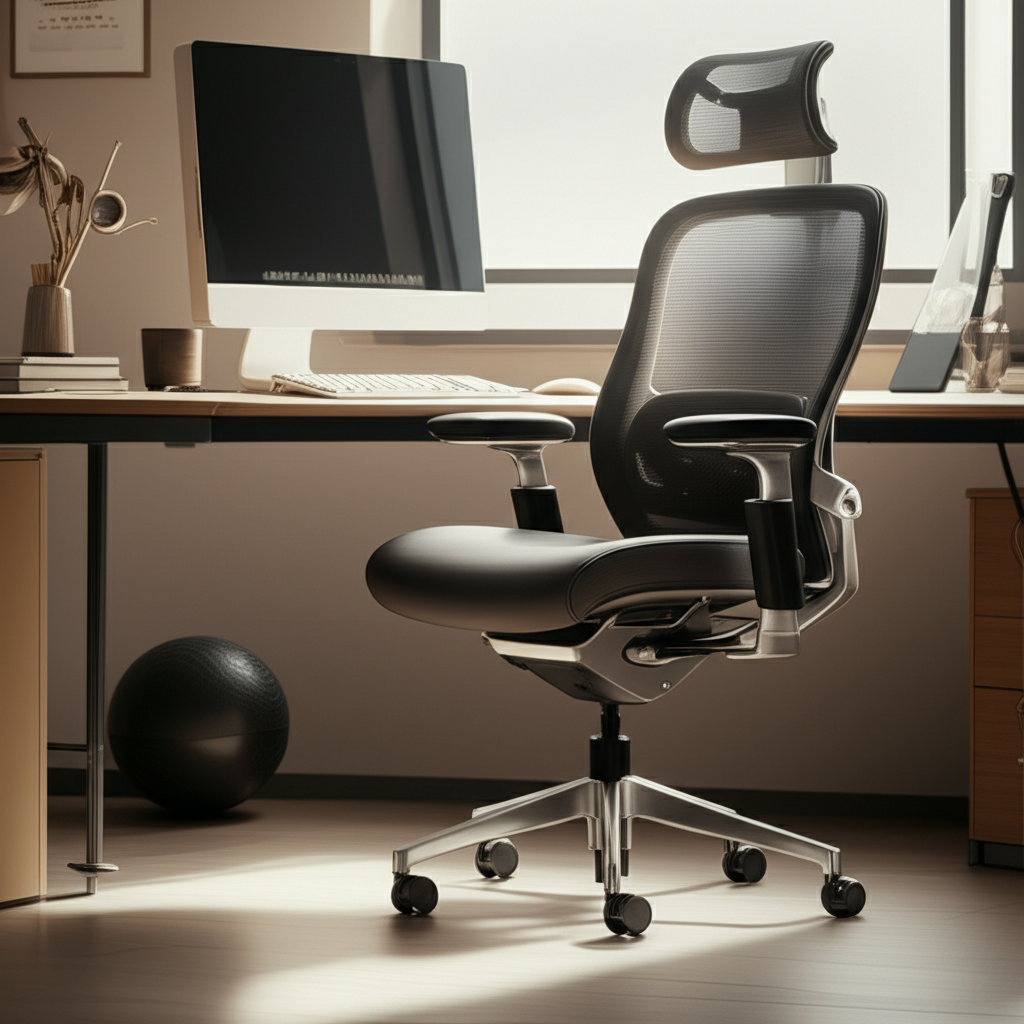
Find the best ergonomic desk chair for back pain to get essential relief and comfort. This guide helps you understand what makes a chair good for your back, key features to look for, and how to choose the perfect one. Get ready to say goodbye to discomfort and hello to a healthier workday.
Sitting for long hours can be tough on your back. Many people experience back pain from their office chairs. It feels like a constant ache. This is a common problem for workers everywhere. But there’s good news! Choosing the right chair can make a big difference. We will guide you through finding the best ergonomic desk chair for back pain. You’ll learn what to look for and why it matters. Let’s make your workspace comfortable and healthy.
Why Your Desk Chair Matters for Back Pain
Your desk chair is more than just a place to sit. It’s a tool that supports your body all day. A bad chair can put too much pressure on your spine. This can lead to aches and pains. It might even cause long-term problems. A good ergonomic chair is designed to support your body’s natural curves. It helps you maintain good posture. This reduces strain on your back. Investing in the right chair is investing in your health.
The Science Behind Back Pain and Seating

Back pain from sitting often happens when your chair doesn’t support you correctly. When you slouch, your spine curves unnaturally. This puts stress on the discs between your vertebrae. Your muscles also have to work harder to keep you upright. Over time, this can lead to muscle fatigue and pain. An ergonomic chair promotes a neutral spine position. This means your spine stays in its natural “S” shape. This position is much healthier for your back. Research from institutions like the National Institute of Neurological Disorders and Stroke highlights the importance of posture in preventing chronic pain.
Key Features of the Best Ergonomic Desk Chair for Back Pain
When looking for a chair, certain features are crucial. These features work together to support your body. They help prevent and relieve back pain. Think of them as essential tools for your comfort.
Lumbar Support: The Spine’s Best Friend
Lumbar support is the most important feature for back pain. It’s the curve in the lower part of the chair back. This curve matches the natural curve of your lower spine. Good lumbar support keeps your spine aligned. It prevents you from slumping forward. Some chairs have adjustable lumbar support. You can move it up or down. You can also adjust its depth. This lets you customize the fit to your body. This is key to finding the best ergonomic desk chair for back pain.
Adjustable Seat Height: Finding Your Sweet Spot
Your feet should be flat on the floor when you sit. Your knees should be at a 90-degree angle. The seat height adjustment lets you achieve this. This is important because it affects your overall posture. If the chair is too high or too low, your legs and back will be at an awkward angle. This can cause discomfort. Most chairs have a lever under the seat for adjustment.
Seat Depth and Tilt: Comfort for Your Thighs and Legs
The seat depth is the distance from the front of the seat to the back. You should be able to fit two to three fingers between the edge of the seat and the back of your knees. This prevents pressure on the back of your legs. It also helps maintain good circulation. A seat tilt feature lets you lean the seat forward or backward. This can relieve pressure on your thighs. It helps you find a comfortable and supportive position.
Armrests: Supporting Your Shoulders and Neck
Adjustable armrests are vital. They should be at a height that allows your shoulders to relax. Your elbows should be bent at about a 90-degree angle when resting on them. This reduces strain on your neck and shoulders. Many armrests can also move forward, backward, and pivot. This customization helps prevent tension headaches and upper back pain.
Breathable Materials: Staying Cool and Comfortable
Chairs made with mesh fabric are popular for a reason. Mesh allows air to circulate. This keeps you cool and prevents sweating. This is especially helpful if you sit for long periods. It enhances overall comfort. Other materials like fabric or leather can be comfortable too. But breathability is a key factor for long work sessions.
Top Picks: The Best Ergonomic Desk Chairs for Back Pain
Finding the best ergonomic desk chair for back pain involves looking at specific models known for their support. I’ve tested many chairs, and these stand out for their effectiveness in relieving back discomfort.
Herman Miller Aeron: The Gold Standard
The Herman Miller Aeron is often considered the top-tier ergonomic chair. It features exceptional lumbar support. It also has a unique “PosturFit SL” system. This system supports your lower back and tailbone. The chair’s pellicle mesh material distributes weight evenly. This reduces pressure points. It’s highly adjustable, allowing for a personalized fit. Many users report significant relief from chronic back pain.
Pros:
Unmatched ergonomic design.
Durable and high-quality materials.
Excellent breathability.
Highly customizable.
Cons:
Very expensive.
Can be stiff for some users initially.
Steelcase Gesture: Designed for Modern Work
The Steelcase Gesture is built for how we work today. It supports a wide range of postures. This includes using smart devices. Its “360-degree armrests” move with you. This keeps your arms and shoulders supported. The chair also has a flexible back. It moves with your body as you change positions. This provides continuous support for your spine. It’s a fantastic option for those who move around a lot while seated.
Pros:
Exceptional armrest adjustability.
Adapts to various working postures.
Comfortable for long periods.
Cons:
High price point.
Can be a bit bulky.
Humanscale Freedom Chair: Simplicity and Support
The Humanscale Freedom Chair focuses on simplicity and automatic adjustment. It doesn’t have a lot of levers to fiddle with. The chair automatically adjusts to your body. It provides dynamic lumbar support. The recline mechanism is designed to mimic natural body movements. This means it supports you in any position. It’s a great choice if you want a chair that just works.
Pros:
Intuitive, automatic adjustments.
Excellent lumbar support.
Sleek, minimalist design.
Cons:
Limited manual adjustments.
Premium pricing.
Branch Ergonomic Chair: Value and Performance
For those seeking a more budget-friendly option, the Branch Ergonomic Chair is a strong contender. It offers excellent adjustable lumbar support. It also has adjustable seat depth and height. The breathable mesh back keeps you comfortable. It provides solid support for daily use. Many users find it comparable to more expensive chairs. It offers great value for its price.
Pros:
Affordable price point.
Good range of adjustments.
Comfortable mesh back.
Cons:
Armrests may not be as robust as high-end models.
Lumbar support might not be as deep as some premium options.
Secretlab TITAN Evo 2022: Gaming Chair Meets Ergonomics
While often seen as a gaming chair, the Secretlab TITAN Evo 2022 has impressive ergonomic features. It includes built-in, adjustable lumbar support. This is a significant advantage over many gaming chairs. The seat is designed for comfort and support. It’s made with high-density foam. The chair offers multiple recline angles. It’s a good option if you want a stylish chair that also takes care of your back.
Pros:
Integrated, adjustable lumbar support.
Durable construction.
Stylish design.
Cons:
Can be warmer than mesh chairs.
Might be firmer than traditional ergonomic chairs.
How to Test an Ergonomic Chair Before You Buy
Testing a chair is crucial. You need to feel how it supports your back. Many online retailers offer trial periods. This is your best bet. If you can, try chairs in person.
The In-Person Test Drive
When you sit in a chair, spend at least 10-15 minutes in it. Don’t just perch on the edge. Sit all the way back. Adjust the seat height first. Then, adjust the lumbar support. Move the armrests. Try reclining. How does your lower back feel? Is there any pinching or pressure? Can you feel the support where you need it? Pay attention to any discomfort. This is your body telling you something.
Understanding Trial Periods and Return Policies
Most reputable brands offer trial periods, often 30 days or more. Read the return policy carefully. Understand any restocking fees or shipping costs for returns. This gives you peace of mind. You can test the chair in your own workspace. You can see how it fits into your daily routine. This is essential for ensuring it’s truly the best ergonomic desk chair for back pain for you.
Setting Up Your Ergonomic Chair for Maximum Relief
Buying the right chair is only half the battle. You need to set it up correctly. Proper setup ensures you get the full benefit. It maximizes comfort and support.
The Ideal Sitting Posture
Start by adjusting the seat height. Your feet should be flat on the floor. Your knees should be at a 90-degree angle. Ensure there’s a small gap between the front of the seat and the back of your knees. Next, adjust the lumbar support. It should fit comfortably in the curve of your lower back. Position the armrests so your shoulders are relaxed. Your elbows should be at about 90 degrees. Your screen should be at eye level. This helps prevent neck strain.
Common Mistakes to Avoid
A common mistake is not using the lumbar support. Another is setting the armrests too high or too low. This can cause shoulder and neck pain. Don’t recline too far back if you need to type. This can strain your wrists. Ensure your feet are fully supported. Dangling feet can put pressure on your legs. Take time to fine-tune all the adjustments.
Beyond the Chair: Habits for a Healthy Back
Your chair is important, but so are your habits. Even the best chair can’t fix everything. Small changes can make a big difference.
The Power of Movement and Breaks
Sitting still for too long is bad for your back. Try to get up and move every 30-60 minutes. A short walk around the room helps. Do some simple stretches. This gets your blood flowing. It relieves pressure on your spine. Even shifting your position in the chair can help. Set reminders if you tend to forget.
Standing Desks and Sit-Stand Workstations
Standing desks are a great complement to an ergonomic chair. They allow you to alternate between sitting and standing. This reduces prolonged sitting. It can significantly decrease back pain. Many modern workstations are sit-stand options. They let you easily switch positions throughout the day. This variety is excellent for your back health. Studies by organizations like the Occupational Safety and Health Administration (OSHA) support the benefits of reducing prolonged static postures.
Frequently Asked Questions (FAQ)
What is the most important feature in an ergonomic chair for back pain?
The most crucial feature is adjustable lumbar support. It supports the natural curve of your lower back, preventing slouching and reducing strain.
How often should I adjust my chair?
You should adjust your chair daily to ensure it fits your body and tasks. Fine-tune it whenever you feel discomfort or change your working position.
Can a gaming chair be good for back pain?
Some high-end gaming chairs, like the Secretlab TITAN Evo, offer good ergonomic features, including adjustable lumbar support. However, traditional ergonomic chairs are often designed with a broader range of medical considerations for back pain relief.
Do I need a special mat for my chair?
A chair mat protects your floor from caster wear. It doesn’t directly help with back pain, but it helps keep your workspace tidy.
How do I know if my chair is too low or too high?
If your chair is too low, your knees might be higher than your hips, and your feet might not be flat. If it’s too high, your feet will dangle, and you might feel pressure under your thighs.
What is the difference between ergonomic and regular chairs?
Ergonomic chairs are designed with adjustability and support for the human body’s natural posture. Regular chairs often lack these features, leading to poor posture and potential discomfort.
Conclusion: Invest in Your Comfort and Health
Finding the best ergonomic desk chair for back pain is a journey. It requires understanding your body’s needs. It also means knowing what features to look for. Remember, adjustable lumbar support is key. Seat height, depth, and armrest adjustability are also vital. Don’t hesitate to test chairs. Use trial periods to your advantage. Proper setup and regular movement are just as important. Investing in a good chair is an investment in your long-term health and productivity. Your back will thank you for it.

Belayet Hossain is a Senior Tech Expert and Certified AI Marketing Strategist. Holding an MSc in CSE (Russia) and over a decade of experience since 2011, he combines traditional systems engineering with modern AI insights. Specializing in Vibe Coding and Intelligent Marketing, Belayet provides forward-thinking analysis on software, digital trends, and SEO, helping readers navigate the rapidly evolving digital landscape. Connect with Belayet Hossain on Facebook, Twitter, Linkedin or read my complete biography.