


Published on: 30/10/2025 | Updated on: October 30, 2025
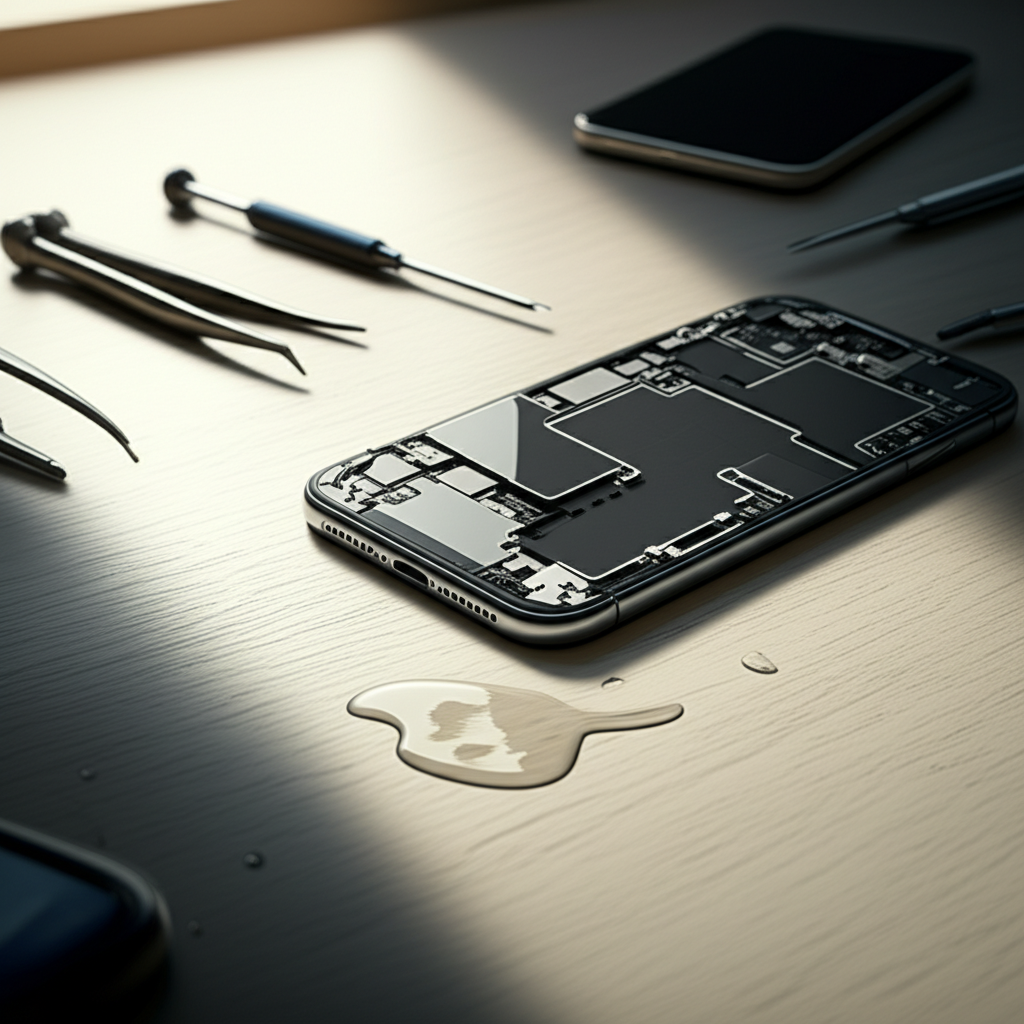
The cost of iPhone repair for water damage varies greatly, from free basic checks to hundreds of dollars for component replacements. Understanding common issues, DIY tips, and professional options is crucial for fixing your wet iPhone.
Oh no, your iPhone took an unexpected dip! It’s a common and frustrating problem. Water, or any liquid, can wreak havoc on the delicate electronics inside your iPhone. The good news is that not all hope is lost. Many water-damaged iPhones can be saved, but it often comes with a cost. This guide will walk you through everything you need to know about the cost of iPhone repair for water damage, what fixes are essential, and what you can expect. We’ll cover DIY steps, professional repair options, and how to prevent future mishaps.
Understanding iPhone Water Resistance: What You Need to Know
Modern iPhones have some level of water resistance, but it’s not a guarantee against all liquid damage. Apple rates their iPhones using the IP (Ingress Protection) standard. This rating tells you how well the device is protected against dust and water. For example, an IP67 rating means it’s protected against dust and can be submerged in up to 1 meter of water for 30 minutes. An IP68 rating means it can be submerged in up to 1.5 meters for 30 minutes or even deeper depending on the model.
However, these ratings are for fresh water under controlled lab conditions. Saltwater, chlorinated pool water, or other liquids can be more damaging. Also, water resistance can decrease over time with normal wear and tear, or if the iPhone has been dropped. It’s important to remember that Apple’s warranty typically does not cover liquid damage, even if your iPhone is water-resistant.
Immediate Steps After an iPhone Drenching: Save Your Device
If your iPhone gets wet, acting fast is key to minimizing damage and potentially reducing repair costs. The first thing you should do is turn it off immediately. Do not try to turn it on, charge it, or plug anything into it, as this can cause short circuits. Remove any protective case and wipe down the exterior with a soft, dry cloth. Gently shake out any excess water from ports like the charging port and speaker grilles.
Do not use a hairdryer or place your iPhone in rice. Heat can damage internal components, and rice dust can get into ports. Instead, place your iPhone in a well-ventilated area to air dry. You can prop it up so water can drain out of the ports.
Common iPhone Water Damage Issues and Their Impact
When water gets inside your iPhone, it can cause a variety of problems. The most common issue is corrosion. Minerals and impurities in water can eat away at the metal components and solder points on the logic board. This corrosion can lead to components failing over time, even if the phone seems to work initially.
Other issues include screen malfunctions, such as flickering or dead pixels, and audio problems with speakers or microphones. Battery issues are also common, with the battery draining faster or not holding a charge. In severe cases, the iPhone may not turn on at all.
DIY vs. Professional Repair: Weighing Your Options
When faced with water damage, you have two main paths: attempting a DIY repair or seeking professional help. DIY repairs can be tempting to save money, but they carry significant risks. You need specialized tools and a deep understanding of iPhone internals to avoid causing further damage. If you’re not experienced, you could end up with a non-functional phone and still need professional repair, often at a higher cost.
Professional repair services, whether from Apple or a third-party shop, offer expertise and often come with a warranty on their work. While more expensive upfront, they provide a higher chance of a successful repair and peace of mind. The decision often hinges on your comfort level with electronics and the severity of the damage.
The Cost of iPhone Repair Water Damage: A Detailed Breakdown
The cost of repairing water-damaged iPhones varies widely. For newer iPhone models, especially those with advanced features and complex internal designs, repairs can be more expensive. Apple’s out-of-warranty service fees for water damage can range from around $150 for older models to over $500 for the latest Pro Max versions. These fees typically involve a full unit replacement rather than a component repair.
Third-party repair shops might offer component-level repairs, which can be cheaper. For example, replacing a corroded logic board component might cost $100-$250. However, not all third-party shops are equipped to handle complex water damage, and their repairs may not be covered by a warranty. Always get a clear quote before proceeding.
Apple’s Official Repair Costs (Out-of-Warranty)

If your iPhone is out of warranty and suffers water damage, Apple will treat it as accidental damage. They don’t typically repair water-damaged iPhones; instead, they offer an out-of-warranty service replacement. This means you’ll get a refurbished iPhone of the same model.
| iPhone Model Series | Out-of-Warranty Service Fee (USD) |
| :—————— | :——————————– |
| iPhone 14 / 14 Plus | $399 – $499 |
| iPhone 14 Pro / Pro Max | $499 – $599 |
| iPhone 13 / 13 mini | $349 – $459 |
| iPhone 13 Pro / Pro Max | $479 – $549 |
| iPhone SE (3rd gen) | $279 |
| Older Models | Varies ($150 – $350) |
Note: These prices are estimates and can change. Always check Apple’s official website for the most current pricing.
Third-Party Repair Shop Costs
Third-party repair shops can sometimes offer more affordable solutions, especially for specific component replacements rather than full unit replacements. Prices vary greatly depending on the shop’s location, expertise, and the specific damage.
Diagnosis: $0 – $50 (often free if you proceed with repair)
Cleaning and Corrosion Removal: $50 – $150
Screen Replacement (if damaged by water): $70 – $200
Battery Replacement (if affected): $50 – $100
Logic Board Repair/Component Replacement: $100 – $300+
Full Water Damage Repair: $150 – $400+
It’s crucial to find a reputable third-party repair service. Look for shops with good reviews, experienced technicians, and a warranty on their repairs. Some specialized shops focus on micro-soldering and logic board repair, which can be effective for severe water damage.
Signs Your iPhone Has Suffered Water Damage
Even if your iPhone seems to be working after getting wet, there might be hidden damage. Look out for subtle signs. These can include a battery that drains much faster than usual, unexpected shutdowns, or apps crashing frequently. You might also notice distorted audio from the speakers or microphone, or touch screen unresponsiveness.
Sometimes, your iPhone might display an “Accessory Not Supported” message, even without an accessory connected. Liquid contact indicators (LCIs) inside the iPhone also change color when they come into contact with moisture, which can be a tell-tale sign for technicians. These indicators are usually small white or blue dots that turn red when wet.
Preventing Future Water Damage: Best Practices
The best way to deal with the cost of iPhone repair water damage is to avoid it altogether. While iPhones have water resistance, it’s not foolproof. Avoid exposing your iPhone to water unnecessarily. This means being cautious around pools, beaches, and even in the bathroom.
Consider using a waterproof pouch or case if you frequently use your iPhone in wet environments. Always ensure your iPhone is properly sealed after any repairs. If you do get your iPhone wet, remember to act fast and turn it off immediately to prevent further damage.
When Is It Not Worth Repairing a Water-Damaged iPhone?
Sometimes, the cost and effort of repairing a water-damaged iPhone outweigh the benefits. If your iPhone is an older model, the repair cost might be close to or even exceed the price of a used or refurbished replacement. Furthermore, if the water damage is extensive and has affected multiple critical components, a repair might not be successful or could lead to ongoing issues.
A good rule of thumb is to get a diagnosis and quote from a reputable repair service. If the quote is more than 50% of the phone’s current value, or if the technician expresses low confidence in a successful repair, it might be time to consider a replacement. Data recovery might still be possible even if the phone itself is beyond repair.
Data Recovery from a Water-Damaged iPhone
Even if your iPhone is too damaged to be repaired, it might still be possible to recover your precious data, like photos, contacts, and messages. If you regularly back up your iPhone to iCloud or your computer, you can restore your data to a new device. This is the easiest and safest method.
If you don’t have recent backups, specialized data recovery services can sometimes retrieve data directly from a water-damaged iPhone. These services use advanced techniques to access the flash memory chip. This can be an expensive process, often costing several hundred dollars, but it’s your best bet if your data is irreplaceable and you have no backups.
Frequently Asked Questions About iPhone Water Damage Repair
Can a water-damaged iPhone be repaired?
Yes, many water-damaged iPhones can be repaired, but success depends on the type of liquid, how long it was submerged, and how quickly you acted. Cleaning corrosion and replacing damaged components are common fixes.
Does Apple repair water-damaged iPhones for free?
No, Apple’s standard warranty does not cover accidental damage, including water damage. They offer out-of-warranty service replacements for a fee.
What is the average cost to fix a water-damaged iPhone?
The average cost can range from $150 to over $500. This depends heavily on the iPhone model and whether you choose Apple’s service replacement or a third-party repair.
Should I put my wet iPhone in rice?
No, putting your iPhone in rice is not recommended. Rice dust can enter ports and cause further problems, and it’s not an effective drying method. Air drying or using silica gel packets is better.
How can I tell if my iPhone has liquid damage?
Look for signs like unusual battery drain, unexpected shutdowns, screen issues, or distorted audio. Your iPhone also has liquid contact indicators (LCIs) that turn red when exposed to moisture.
Can I claim water damage on my phone insurance?
If you have AppleCare+ or a third-party insurance plan that covers accidental damage, you might be able to get your iPhone repaired or replaced for a deductible, which is usually much lower than out-of-warranty fees.
Conclusion: Navigating the Cost of iPhone Repair Water Damage
Dealing with the cost of iPhone repair for water damage can be a stressful experience. The expenses can range from a few dollars for basic drying efforts to hundreds for professional component replacements or full unit exchanges from Apple. Understanding the risks associated with DIY fixes versus the costs of professional services is paramount.
Always act swiftly by powering off your device and drying it externally. For serious damage, reputable third-party repair shops may offer more cost-effective solutions than Apple’s out-of-warranty replacements. Remember to check for insurance options like AppleCare+ that can significantly reduce your out-of-pocket expenses. Prioritizing data recovery if the phone is beyond repair is also a wise consideration. By following these steps and preventative measures, you can better manage the situation and potentially save your iPhone and your wallet.

Belayet Hossain is a Senior Tech Expert and Certified AI Marketing Strategist. Holding an MSc in CSE (Russia) and over a decade of experience since 2011, he combines traditional systems engineering with modern AI insights. Specializing in Vibe Coding and Intelligent Marketing, Belayet provides forward-thinking analysis on software, digital trends, and SEO, helping readers navigate the rapidly evolving digital landscape. Connect with Belayet Hossain on Facebook, Twitter, Linkedin or read my complete biography.