


Published on: 04/11/2025 | Updated on: November 4, 2025
Learn how to fix your iPhone charger with these proven, step-by-step methods. This guide covers common issues and solutions, from cleaning ports to identifying cable damage, ensuring your iPhone gets the power it needs.
A dead iPhone charger is a common frustration. Your iPhone won’t charge, and you can’t use your device. This often happens at the worst times. Luckily, many charging problems have simple fixes. You don’t always need a new charger. This guide will show you exactly how to fix your iPhone charger. We will cover common problems and easy solutions.
Why Isn’t My iPhone Charger Working?
Many things can stop your iPhone charger from working. It’s usually a simple issue. The cable might be worn out. The charging port on your iPhone could be dirty. Sometimes, the power adapter is the problem. It could even be a software glitch on your iPhone. Understanding the cause helps you find the right fix.
Common iPhone Charger Problems and Symptoms
Your iPhone might show several signs of a charging issue. The charging icon might not appear. The phone may charge very slowly. It might disconnect randomly while charging. Sometimes, the iPhone shows an “Accessory Not Supported” message. These are all signals that your charging setup needs attention.
Troubleshooting Your iPhone Charging Cable
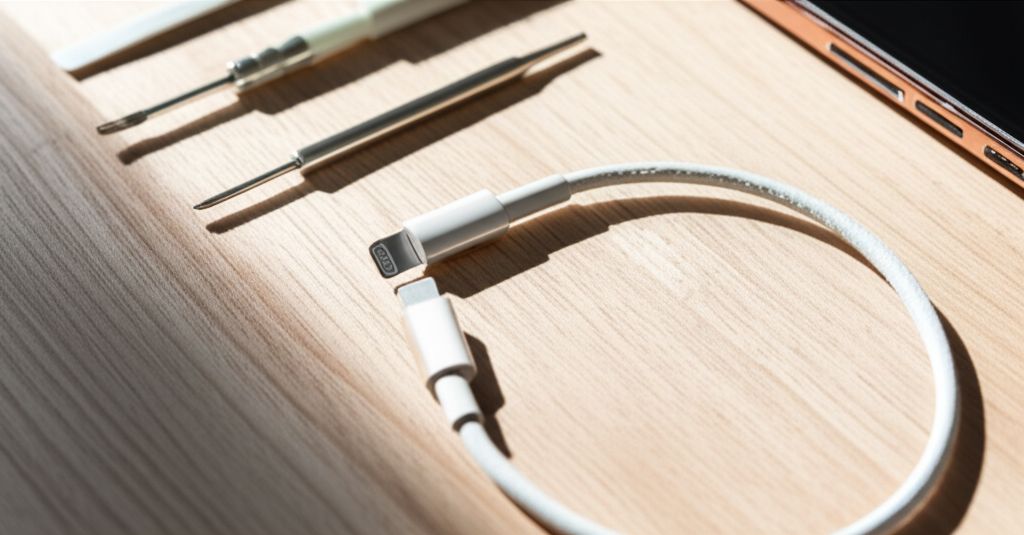
The iPhone charging cable, also called a Lightning cable, is often the culprit. These cables can fray, especially near the connectors. Check both ends for visible damage. Look for bent pins or exposed wires. If you see damage, the cable is likely broken. Using a damaged cable can also harm your iPhone.
Inspecting the Lightning Cable for Damage

Carefully examine the entire length of the cable. Pay close attention to where the cable meets the connectors. This area experiences the most stress. Gently bend the cable at these points to check for internal breaks. If the cable feels stiff or has hard spots, it might be damaged inside.
Testing with a Different Lightning Cable
The best way to rule out a cable issue is to test another one. Use a known working Lightning cable. If your iPhone charges with the new cable, the old one was the problem. This is a quick and easy diagnostic step. You can borrow one from a friend or family member.
Cleaning Your iPhone’s Charging Port
A dirty charging port is a very common reason for charging problems. Lint, dust, and debris can get stuck inside. This prevents the cable from making a good connection. Cleaning it carefully can often solve the issue. Always be gentle when cleaning the port.
Tools for Cleaning the Charging Port
You don’t need fancy tools. A toothpick is often the best choice. Its wood or plastic material is less likely to cause damage. You can also use a can of compressed air. Some repair kits come with small brushes. Never use metal objects like paperclips.
Step-by-Step Port Cleaning Guide
Gently insert a toothpick into the charging port. Carefully scrape around the edges. You’ll likely see dust or lint come out. Do this for a few minutes. Then, use compressed air to blow out any remaining debris. Make sure the port is dry before plugging in the cable.
Checking the Power Adapter (Wall Charger)
The power adapter is the part that plugs into the wall. It converts wall power for your iPhone. These adapters can also fail. Sometimes, the USB port on the adapter is dirty. Other times, the adapter itself is broken.
Inspecting the Power Adapter
Look for any visible damage on the adapter. Check the prongs that go into the wall outlet. Ensure they are not bent or damaged. If the adapter has a USB port, check inside for dirt or debris. You can clean it with compressed air.
Testing with a Different Power Adapter
Similar to the cable, testing with another adapter is key. Use a different USB power adapter. Make sure it has enough power output for your iPhone. Most iPhones work well with 5W or 12W adapters. If your iPhone charges with a different adapter, the original one is likely faulty.
Addressing Software-Related Charging Issues
Sometimes, the problem isn’t with the hardware. Your iPhone’s software can interfere with charging. A simple restart can often fix these glitches. It refreshes the phone’s system. This can clear temporary errors.
Restarting Your iPhone
Turn off your iPhone completely. Wait for about 30 seconds. Then, turn it back on. Try charging it again after the restart. This process is simple but surprisingly effective for many issues. It’s a good first step for any iPhone problem.
Updating iOS
Ensure your iPhone is running the latest iOS version. Software updates often include bug fixes. These can sometimes relate to power management. Go to Settings > General > Software Update. Download and install any available updates. This process requires a stable internet connection.
When to Consider Replacement Parts
If you’ve tried all the above steps, your charger might be beyond repair. This often means the cable or adapter is faulty. Replacing these parts is usually the most cost-effective solution. Genuine Apple parts or MFi-certified accessories are recommended.
Identifying a Faulty Charger
If a different cable and adapter work, your original charger is likely bad. If your iPhone still doesn’t charge with known good parts, the issue might be with the iPhone itself. This could be the charging port on the phone or internal components.
Where to Buy Replacement iPhone Chargers
You can buy chargers directly from Apple. Look for MFi (Made for iPhone) certified accessories. These are tested to meet Apple’s standards. Reputable electronics stores also sell them. Avoid extremely cheap, uncertified chargers. They can be unreliable or even harmful.
Advanced iPhone Charger Troubleshooting (For Repair Pros)
For those comfortable with more technical repairs, advanced steps exist. These involve checking the iPhone’s logic board. This requires specialized tools and knowledge. It’s generally recommended to seek professional help for these issues.
Testing Charging Circuitry
Advanced diagnostics involve testing the charging IC (Integrated Circuit) on the iPhone’s motherboard. This requires a multimeter and schematics. It’s a complex process. Mistakes can cause permanent damage to the iPhone.
Professional Repair Services
If your iPhone is still under warranty, contact Apple support. If not, consider a reputable third-party repair shop. They have the expertise and tools for complex repairs. Many offer diagnostics to pinpoint the exact problem.
Protecting Your iPhone Charger for Longevity
Preventing future charging problems is key. Proper care ensures your charger lasts longer. Simple habits can make a big difference. Always handle your cables and adapters with care.
Best Practices for Cable Care
Avoid bending cables sharply. Do not wrap them too tightly. Keep them away from pets and extreme temperatures. Store them loosely when not in use. Consider using cable protectors at the connector points.
Safe Charging Habits
Use certified chargers and cables. Avoid charging your iPhone in extreme heat or cold. Don’t charge your phone on soft surfaces like beds. This can block ventilation and cause overheating. Ensure the charging port is clean before plugging in.
Frequently Asked Questions (FAQ) About iPhone Chargers
Here are answers to common questions about fixing iPhone chargers.
Q1: My iPhone charger stopped working suddenly. What should I do first?
A: First, check for visible damage on the cable and adapter. Try cleaning your iPhone’s charging port. Then, test with a different cable and adapter. This helps isolate the problem.
Q2: Can I use any USB-C charger for my iPhone?
A: Newer iPhone models use USB-C. You can use a USB-C charger, but ensure it meets your iPhone’s power requirements. Using a charger with insufficient wattage may result in slow charging.
Q3: How do I know if my iPhone charging port is broken?
A: If your iPhone doesn’t charge with multiple known working cables and adapters, the port might be damaged. Also, if the cable feels loose in the port, it could indicate wear.
Q4: What does “Accessory Not Supported” mean?
A: This message usually means your iPhone doesn’t recognize the connected accessory. It could be a faulty cable, an uncertified accessory, or a problem with the iPhone’s charging port.
Q5: Is it safe to use a third-party iPhone charger?
A: It is safe if the charger is MFi certified. Uncertified chargers may not meet safety standards and can damage your iPhone or pose a fire risk. Always look for the MFi logo.
Q6: How can I clean my iPhone’s charging port without damaging it?
A: Use a non-metallic tool like a wooden toothpick or a soft brush. Gently dislodge debris. Compressed air can also help. Avoid using metal objects or liquids.
Conclusion
Fixing a non-working iPhone charger is often straightforward. By following these diagnostic steps, you can identify the issue. Check your cable, adapter, and iPhone’s port. Simple cleaning and testing with replacement parts can save you money. If the problem persists, professional help might be needed. Keep your charging gear clean and handle it with care to prevent future issues. For more repair guides and tool reviews, explore itphobia.com.

Belayet Hossain is a Senior Tech Expert and Certified AI Marketing Strategist. Holding an MSc in CSE (Russia) and over a decade of experience since 2011, he combines traditional systems engineering with modern AI insights. Specializing in Vibe Coding and Intelligent Marketing, Belayet provides forward-thinking analysis on software, digital trends, and SEO, helping readers navigate the rapidly evolving digital landscape. Connect with Belayet Hossain on Facebook, Twitter, Linkedin or read my complete biography.