


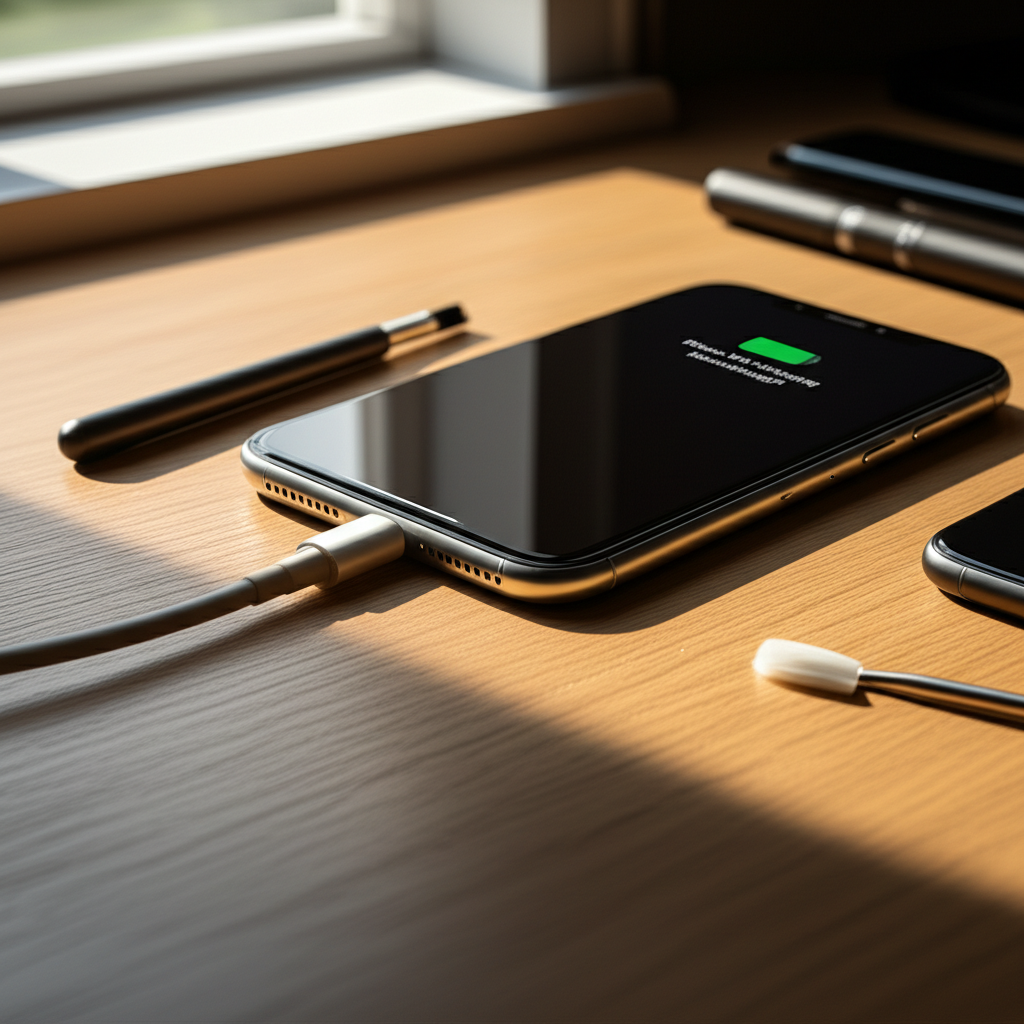
Published on: 04/11/2025 | Updated on: November 4, 2025
Learn how to fix an iPhone that’s not charging with simple, effective steps. This guide covers common causes and solutions, from checking the cable to advanced repairs.
Your iPhone is a lifeline. When it stops charging, it’s a real problem. Many people face this frustrating issue. It can happen suddenly or over time. This guide will help you figure out why your iPhone won’t charge. We will walk you through easy fixes you can try at home. We will also cover when you might need professional help. Let’s get your iPhone powered up again.
Why Your iPhone Might Not Be Charging
Several things can stop your iPhone from charging. It’s often a simple fix. Sometimes, it’s a bit more complex. Understanding the common reasons helps you find the right solution. This knowledge saves you time and money.
Common Symptoms of an iPhone Not Charging

You’ll notice a few things when your iPhone isn’t charging. The battery icon might show no charging symbol. The phone may shut down unexpectedly. It might also charge very slowly. Sometimes, the screen stays black even when plugged in. These signs point to a charging problem.
Identifying the Root Cause: Software vs. Hardware
The issue can stem from software glitches or physical hardware problems. Software bugs can sometimes interfere with charging. This is usually easier to fix. Hardware issues involve physical damage to the charging port, battery, or internal components. These often require more advanced steps.
Step-by-Step Troubleshooting: Simple Fixes to Try First
Before diving into complex repairs, try these basic solutions. They resolve most iPhone charging problems. These steps are safe and easy for anyone to perform.
1. Check Your Charging Cable and Adapter
A damaged charging cable is a frequent culprit. Inspect your Lightning cable for fraying or bent pins. Try a different, known-good cable. Also, test a different power adapter. Ensure the adapter is MFi-certified by Apple. Cheap or damaged accessories can prevent charging.
2. Clean the iPhone Charging Port
Dirt, lint, and debris can build up in the charging port. This blockage prevents the cable from making a proper connection. Use a small, dry, non-metallic tool. A toothpick or a SIM ejector tool works well. Gently scrape out any visible debris. Be very careful not to damage the pins inside.
3. Restart Your iPhone
A simple restart can fix temporary software glitches. Press and hold the side button and either volume button. Slide to power off. Wait 30 seconds. Then, press and hold the side button again. This restarts your iPhone. Sometimes, this is all it takes to restore charging.
4. Try a Different Power Source
The wall outlet or USB port you’re using might be faulty. Plug your iPhone into a different wall outlet. Try charging from a computer’s USB port. Ensure the computer is on and not in sleep mode. This helps determine if the power source is the problem.
Advanced Solutions for Persistent Charging Issues
If the basic steps don’t work, you might need to try more advanced methods. These require a bit more care. They can address deeper software or hardware concerns.
5. Force Restart Your iPhone
A force restart is different from a regular restart. It can resolve more stubborn software issues. The method varies by iPhone model. For iPhone 8 or later: press and quickly release Volume Up. Then, press and quickly release Volume Down. Finally, press and hold the Side button until you see the Apple logo. This action can clear memory and fix charging problems.
6. Update iOS Software
Outdated software can sometimes cause charging issues. Ensure your iPhone has the latest iOS version installed. Go to Settings > General > Software Update. If an update is available, download and install it. Make sure your iPhone has at least 50% battery or is plugged in. Software updates often include bug fixes.
7. Check for Battery Health Issues
Your iPhone battery degrades over time. Old batteries can struggle to hold a charge. Go to Settings > Battery > Battery Health. If “Maximum Capacity” is significantly reduced, the battery might be failing. Apple recommends replacing batteries when capacity drops below 80%. A worn-out battery can affect charging performance.
When to Consider Professional Repair or Replacement
If you’ve tried all the above steps and your iPhone still won’t charge, it’s time to look at professional help. Hardware issues often require expert attention.
8. Inspecting the Battery and Internal Components
Sometimes, the battery itself is swollen or damaged. This is a serious issue. A swollen battery can damage other parts of your iPhone. You might notice the screen bulging. Never try to repair a swollen battery yourself. It’s dangerous. Professional inspection is crucial here.
9. Professional Diagnostics and Repair Services
For hardware problems, a certified repair technician is your best bet. They have specialized tools and knowledge. They can diagnose issues with the charging port, battery, or logic board. Services like Apple’s official repair service or reputable third-party shops can help. They can replace faulty components safely.
10. Exploring iPhone Repair Tools and Kits
For DIY enthusiasts, specific repair kits are available. These kits often include screwdrivers, spudgers, and prying tools. They are useful for replacing components like the battery or charging port. Always use ESD-safe tools to protect sensitive electronics. iFixit offers comprehensive guides and tools for iPhone repairs. Ensure you follow safety precautions, like disconnecting the battery before working on internal parts.
Essential Tools for iPhone Charging Port Repair
Fixing a charging port often requires precision tools. These help you work safely and effectively. Using the right tools prevents further damage.
Specialized Tools for Port Cleaning and Repair
Precision Screwdriver Set: Small Phillips and Pentalobe bits are needed for iPhone screws.
Plastic Prying Tools (Spudgers): Used to gently separate components without scratching.
Tweezers: For handling small screws and connectors.
Anti-static Wrist Strap: Prevents electrostatic discharge (ESD) damage to internal parts.
Magnifying Glass or Microscope: Helpful for inspecting tiny components and port connections.
These tools allow for careful disassembly and cleaning. They are essential for any serious DIY repair.
Understanding ESD Safety in Phone Repair
Electrostatic discharge (ESD) can damage sensitive phone components. It’s like a tiny static shock you can’t feel. This shock can ruin your iPhone’s logic board or battery. Always use an ESD-safe mat and wrist strap. Work in a clean environment. Avoid carpets and synthetic materials. Protecting your iPhone from ESD is vital during repairs.
Battery Replacement: A Common Solution
If your iPhone’s battery health is poor, replacement is often the answer. A failing battery cannot accept a full charge. It can also cause unexpected shutdowns.
Signs Your Battery Needs Replacement
Rapid Battery Drain: The phone dies quickly even after charging.
Phone Shuts Down Unexpectedly: The iPhone turns off even with battery percentage showing.
Swollen Battery: The phone casing bulges, especially near the screen.
Reduced Maximum Capacity: Reported in Battery Health settings.
Replacing the battery can bring your iPhone back to life. It restores its ability to hold a charge.
DIY Battery Replacement vs. Professional Service
You can replace an iPhone battery yourself with the right kit and guide. This is often cheaper. However, it carries risks. You could damage your phone if not careful. Professional replacement is safer and comes with a warranty. It costs more but ensures the job is done correctly.
Motherboard Issues: The Most Complex Charging Problems
Sometimes, the problem lies deep within the iPhone’s motherboard. This is the main circuit board. Issues here are harder to diagnose and fix.
Common Motherboard Charging Faults
Tristar IC Failure: This chip manages charging. If it fails, the iPhone won’t charge.
Water Damage: Liquid can corrode motherboard components.
Physical Damage: Dropping the phone can damage the board.
Repairing motherboard issues requires advanced soldering skills. It’s usually best left to experienced technicians. They can perform component-level repair.
When to Seek Component-Level Repair
If your iPhone has severe charging issues after other fixes fail, it might be a motherboard problem. Component-level repair involves fixing individual chips or circuits on the board. This is a specialized service. It’s often the last resort before replacing the phone.
Frequently Asked Questions About iPhone Charging Issues
Here are answers to common questions about iPhones not charging.
Q1: My iPhone says it’s charging, but the percentage isn’t increasing. What should I do?
A: Try a different charging cable and adapter. Restart your iPhone. Ensure the charging port is clean. If the problem persists, it might be a software glitch or a battery issue.
Q2: Can I charge my iPhone with a computer USB port?
A: Yes, you can charge your iPhone using a computer’s USB port. However, it charges much slower than using a wall adapter. Make sure the computer is powered on.
Q3: My iPhone got wet and now won’t charge. What’s the fix?
A: Immediately turn off the iPhone. Do not try to charge it. Dry the exterior thoroughly. Then, let it air dry completely for at least 48 hours. Do not use heat. After drying, try charging it. If it still doesn’t charge, it likely has internal water damage. Seek professional repair.
Q4: How do I know if my iPhone battery needs replacing?
A: Check Battery Health in Settings. If Maximum Capacity is below 80%, consider replacement. Also, if your phone drains quickly or shuts down unexpectedly, the battery might be failing.
Q5: Is it safe to use non-Apple chargers?
A: Use MFi-certified (Made for iPhone/iPad) chargers. Uncertified chargers can be unsafe. They might not charge efficiently or could damage your iPhone. Always check for MFi certification.
Conclusion
Fixing an iPhone that’s not charging involves a series of logical steps. Start with simple checks like cables and ports. Move to software solutions like restarts and updates. If these fail, consider hardware issues like battery health or port damage. For complex problems, professional repair is recommended. By following this guide, you can diagnose and often resolve your iPhone’s charging issues confidently.
For more tips on keeping your iPhone in top shape, check out our guides on iPhone maintenance and essential repair tools.

Belayet Hossain is a Senior Tech Expert and Certified AI Marketing Strategist. Holding an MSc in CSE (Russia) and over a decade of experience since 2011, he combines traditional systems engineering with modern AI insights. Specializing in Vibe Coding and Intelligent Marketing, Belayet provides forward-thinking analysis on software, digital trends, and SEO, helping readers navigate the rapidly evolving digital landscape. Connect with Belayet Hossain on Facebook, Twitter, Linkedin or read my complete biography.