


Published on: 04/11/2025 | Updated on: November 4, 2025
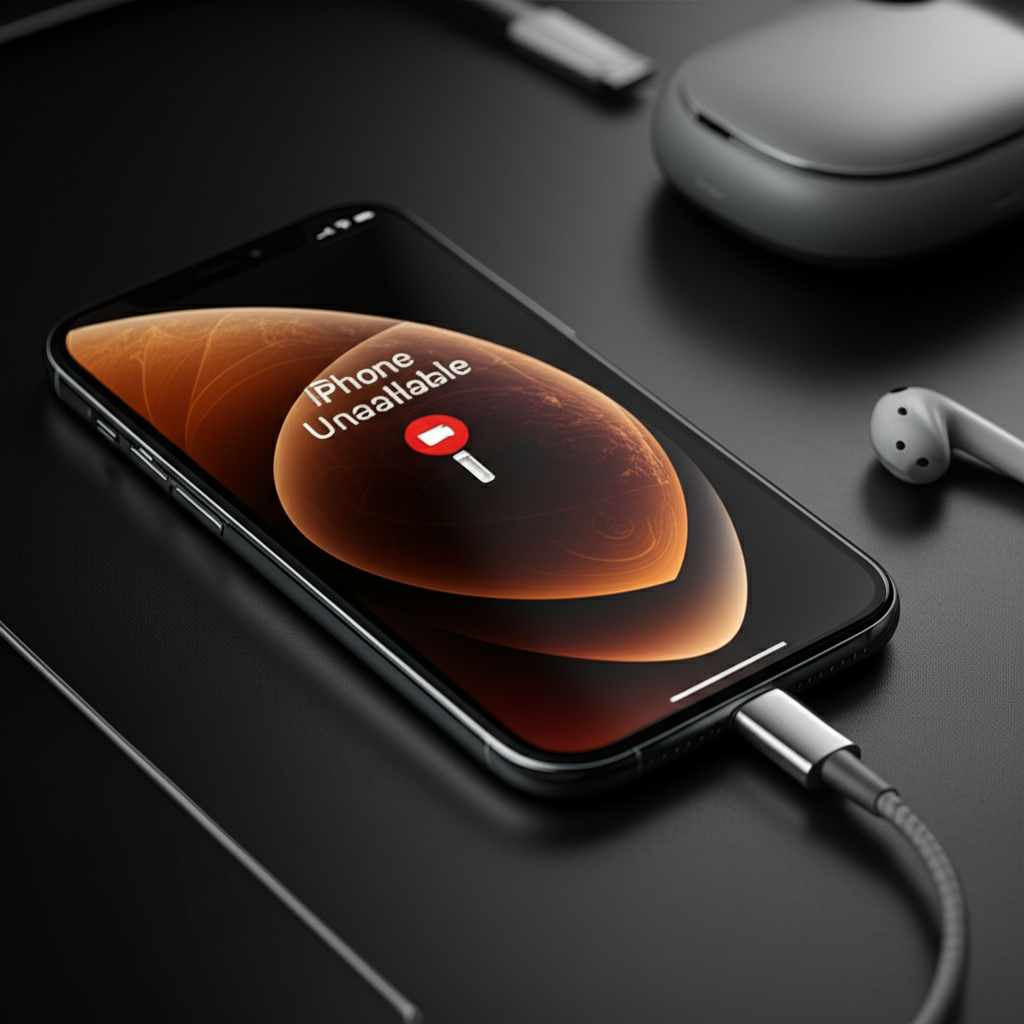
Learn how to fix “iPhone Unavailable” errors with essential, expert-backed solutions. This guide provides clear steps to regain access to your device quickly and safely, preventing data loss and future lockout issues.
Experiencing the “iPhone Unavailable” message can be incredibly frustrating. It locks you out of your device, often after too many incorrect passcode attempts. This can happen to anyone, even if you’re usually careful. Don’t panic; this is a common issue with several reliable fixes. We’ll walk you through everything you need to know. This guide will help you get your iPhone back in working order.
Understanding the “iPhone Unavailable” Message
The “iPhone Unavailable” screen means your iPhone has detected too many wrong passcode entries. Apple does this to protect your data. Each incorrect attempt increases the lockout time. Eventually, it might lead to your iPhone being disabled entirely. This security feature prevents unauthorized access to your personal information.
Why Does “iPhone Unavailable” Happen?
This message usually appears after several incorrect passcode attempts. It could be you, a child, or even a friend who forgot the code. Sometimes, a glitch in the iPhone’s software might trigger it. Persistent incorrect entries are the primary cause of this lockout.
What to Do Immediately: The First Steps
When you see “iPhone Unavailable,” don’t keep guessing the passcode. This will only make the lockout longer. Instead, take a moment and assess the situation. You will need your Apple ID and password later. This is crucial for restoring your device.
Method 1: Erase iPhone via iCloud (If Find My iPhone is Enabled)
If you had “Find My iPhone” set up before the lockout, this is your easiest path. It allows you to remotely erase your iPhone. This removes the passcode and all data. Then, you can restore your data from a backup.
Requirements:
Another Apple device (iPhone, iPad, Mac) or a web browser.
Your Apple ID and password.
Your locked iPhone must be connected to Wi-Fi or cellular data.
Steps:
1. Go to icloud.com/find on another device.
2. Sign in with your Apple ID and password.
3. Click “All Devices” and select your unavailable iPhone.
4. Click “Erase iPhone.”
5. Confirm the erasure. This will wipe your iPhone clean.
6. Once erased, set up your iPhone as new or restore from a backup.
This method effectively bypasses the unavailable screen by resetting the device. It’s a lifesaver if you have a recent backup.
Method 2: Erase iPhone via Recovery Mode (Using a Computer)
If “Find My iPhone” wasn’t enabled or your iPhone isn’t connected to the internet, you can use Recovery Mode. This method requires a computer. It forces your iPhone into a state where you can restore it using Finder (on Mac) or iTunes (on Windows).
Tools Needed:
A Mac or Windows PC.
A USB cable to connect your iPhone to the computer.
Latest version of macOS or iTunes installed.
Steps for iPhone 8 or later (including SE 2nd/3rd gen):
1. Press and quickly release the Volume Up button.
2. Press and quickly release the Volume Down button.
3. Press and hold the Side button until you see the recovery mode screen.
4. Connect your iPhone to your computer.
5. Open Finder or iTunes. Look for your iPhone.
6. You’ll see options to Restore or Update. Choose “Restore.”
7. Your computer will download software and restore your iPhone.
Steps for iPhone 7/7 Plus:
1. Press and hold the Side and Volume Down buttons together.
2. Keep holding until you see the recovery mode screen.
3. Connect your iPhone to your computer.
4. Open iTunes. Look for your iPhone.
5. Choose “Restore.”
Steps for iPhone 6s or earlier (including SE 1st gen):
1. Press and hold the Home and Top (or Side) buttons together.
2. Keep holding until you see the recovery mode screen.
3. Connect your iPhone to your computer.
4. Open iTunes. Look for your iPhone.
5. Choose “Restore.”
Restoring via Recovery Mode is a secure way to fix an unavailable iPhone. It completely reinstalls the iOS software. Remember to have your Apple ID ready for setup.
Method 3: Erase iPhone via DFU Mode (Advanced Users)
DFU (Device Firmware Update) mode is a deeper level of recovery. It allows your iPhone to communicate with iTunes/Finder without loading the operating system. This is useful if Recovery Mode doesn’t work. However, it’s more complex and carries a slightly higher risk if done incorrectly.
Tools Needed:
Mac or Windows PC.
USB cable.
Latest iTunes or Finder.
General DFU Mode Steps (Varies by Model):
1. Turn off your iPhone completely.
2. Connect it to your computer via USB.
3. Follow specific button combinations for your iPhone model to enter DFU mode. Usually, this involves holding Power and Volume buttons for a set time, then releasing Power while holding Volume. The screen should remain black.
4. If iTunes/Finder detects an iPhone in recovery mode, you likely entered Recovery Mode, not DFU. A true DFU mode won’t show any Apple logo or recovery screen on the iPhone itself.
5. Once in DFU mode, iTunes/Finder will prompt you to restore. Click “Restore iPhone.”
Important Note: DFU mode is for advanced users. If you’re unsure, stick to Recovery Mode or iCloud. Incorrect DFU entry can cause further issues. Always consult Apple’s official documentation for your specific model.
What If You Don’t Have a Computer?
If you lack access to a computer, your primary option is erasing via iCloud. Ensure your iPhone is connected to a network. If that’s not possible, you might need to borrow a computer from a friend, family member, or use a public library computer with administrator access. Some third-party repair shops may also offer assistance.
Recovering Your Data After Erasing
After erasing your iPhone, you’ll be prompted to set it up. You can choose to “Restore from iCloud Backup” or “Restore from Mac or PC Backup.” Select the backup that was made most recently before your iPhone became unavailable. This will bring back your apps, settings, photos, and other data.
iCloud Backup: Restores wirelessly from a backup stored on Apple’s servers.
Computer Backup: Restores from a backup saved on your Mac or PC via iTunes/Finder.
If you don’t have a backup, you’ll need to set up your iPhone as new. All your previous data will be lost. This highlights the importance of regular backups.
Preventing Future “iPhone Unavailable” Lockouts
Preventing future lockouts is key. Here are some tips:
Use a memorable passcode: Choose a passcode you won’t forget. Consider using a longer, more complex one if security is a top concern.
Enable Face ID or Touch ID: These biometric options are convenient and secure. They reduce the need to enter your passcode regularly.
Set up Find My iPhone: Always keep “Find My” enabled. This provides a recovery option and helps locate a lost or stolen device.
Regularly back up your iPhone: Use iCloud or computer backups. This ensures your data is safe if you ever need to erase your device.
Be mindful of passcode entry: If you’re unsure of the passcode, ask someone who knows it. Avoid repeated incorrect attempts.
Consistent backups and using biometric security are the best defenses. They minimize the risk and impact of an “iPhone Unavailable” situation.
When to Seek Professional Help
If you’ve tried all the above methods and still can’t access your iPhone, it might be time for professional help. Apple Support is your first point of contact. They can guide you through advanced recovery options or confirm if hardware issues are present.
Apple Support: Visit an Apple Store or contact them online. They have specialized tools and expertise.
Authorized Service Providers: These are third-party repair shops certified by Apple. They can often resolve complex issues.
Professional diagnostic tools can sometimes identify underlying software or hardware problems. If your iPhone is physically damaged, professional repair might be necessary. They can assess if components like the logic board or screen are causing issues.
Essential Tools for iPhone Repair (If You Go DIY)
While this guide focuses on software lockouts, many users might encounter hardware issues. If you’re interested in DIY iPhone repair, having the right tools is crucial. For general maintenance or screen replacements, a good toolkit is essential.
| Tool Name | Purpose | Importance |
| :——————– | :———————————————————————- | :——————————————– |
| Pentalobe Screwdriver | Removes the special screws at the bottom of most iPhones. | Essential for opening the iPhone casing. |
| Phillips Screwdriver | Removes standard screws inside the iPhone. | Necessary for internal component removal. |
| Spudger / Plastic Pry Tool | Safely separates components and lifts connectors without damage. | Prevents damage to delicate internal parts. |
| Suction Cup | Lifts the screen or back glass. | Aids in opening the iPhone casing. |
| Tweezers | Handles small screws and components. | Precision handling of tiny parts. |
| Heat Gun / Hair Dryer | Softens adhesive for screen or battery removal. | Helps in disassembly without excessive force. |
| ESD Wrist Strap | Protects internal components from static discharge damage. | Crucial for preventing electronic damage. |
Always ensure you purchase high-quality tools. Cheap tools can strip screws or damage your iPhone. For detailed repair guides and tool recommendations, resources like iFixit are invaluable. They offer step-by-step tutorials and curated toolkits.
Understanding ESD Safety in Repair
When working on electronics, Electrostatic Discharge (ESD) is a silent killer. It’s a sudden flow of electricity between two objects caused by contact. Even a small zap, often unnoticeable to you, can destroy sensitive microchips inside your iPhone.
How it Happens: Friction creates static. Touching metal can discharge it.
Prevention:
Wear an ESD wrist strap: Connect it to a grounded object.
Work on an ESD mat: This provides a static-free surface.
Avoid carpeted areas: These generate more static.
Handle components by their edges: Don’t touch the circuitry.
Proper ESD protection is vital for any DIY repair. It ensures your iPhone’s internal components remain functional. This is a fundamental aspect of safe electronics maintenance.
Common Misconceptions About “iPhone Unavailable”
Many users believe there’s a secret trick to bypass the lockout without erasing. Unfortunately, this is not true. Apple’s security is robust. Any method claiming to bypass the passcode without data loss is likely a scam or ineffective.
Another misconception is that the iPhone is permanently locked. This is rarely the case. With the correct procedures, you can always regain access. The main trade-off is usually the data if no backup exists.
Troubleshooting Software Glitches
Sometimes, the “iPhone Unavailable” message might be a temporary software glitch. While less common, a force restart can sometimes clear minor issues.
* Force Restart (iPhone 8 and later):
1. Press and quickly release Volume Up.
2. Press and quickly release Volume Down.
3. Press and hold the Side button until the Apple logo appears.
A force restart won’t erase your data. It simply reboots the iPhone’s operating system. If the unavailable message persists after a force restart, it indicates a more serious lockout requiring erasure.
Final Thoughts on Fixing Your iPhone
The “iPhone Unavailable” message is a security feature designed to protect your data. While it can be alarming, it’s usually fixable. By following the steps outlined – whether through iCloud, Recovery Mode, or DFU Mode – you can regain access to your iPhone. Always prioritize backing up your data to avoid loss in such situations.
FAQ: Your iPhone Unavailable Questions Answered

Q1: How long does the “iPhone Unavailable” lockout last?
A: The lockout duration increases with each incorrect attempt. It can range from 1 minute to over an hour. After 10 failed attempts, the iPhone may be disabled, requiring erasure.
Q2: Can I unlock my iPhone without losing data?
A: Only if you have a recent iCloud or computer backup. The lockout requires erasing the device, which removes all data. Restoring from a backup then brings your data back.
Q3: Do I need a computer to fix “iPhone Unavailable”?
A: Not always. If “Find My iPhone” is enabled, you can erase it remotely via iCloud. Otherwise, a computer is needed for Recovery Mode or DFU Mode.
Q4: What is the difference between Recovery Mode and DFU Mode?
A: Recovery Mode allows you to restore iOS. DFU Mode allows your computer to communicate with iPhone firmware without loading the OS, useful for deeper restoration issues.
Q5: Is it safe to use third-party software to fix “iPhone Unavailable”?
A: Be very cautious. Many third-party tools are ineffective or can cause more harm. Stick to official Apple methods or reputable repair services.
Q6: My iPhone is still unavailable after trying everything. What now?
A: Contact Apple Support or visit an Apple Store. They can provide expert assistance and diagnose potential hardware issues.
Q7: Can I change my passcode after fixing the lockout?
A: Yes. Once your iPhone is set up again, you can go to Settings > Face ID & Passcode (or Touch ID & Passcode) to set a new passcode.

Belayet Hossain is a Senior Tech Expert and Certified AI Marketing Strategist. Holding an MSc in CSE (Russia) and over a decade of experience since 2011, he combines traditional systems engineering with modern AI insights. Specializing in Vibe Coding and Intelligent Marketing, Belayet provides forward-thinking analysis on software, digital trends, and SEO, helping readers navigate the rapidly evolving digital landscape. Connect with Belayet Hossain on Facebook, Twitter, Linkedin or read my complete biography.