


Published on: 04/11/2025 | Updated on: November 4, 2025
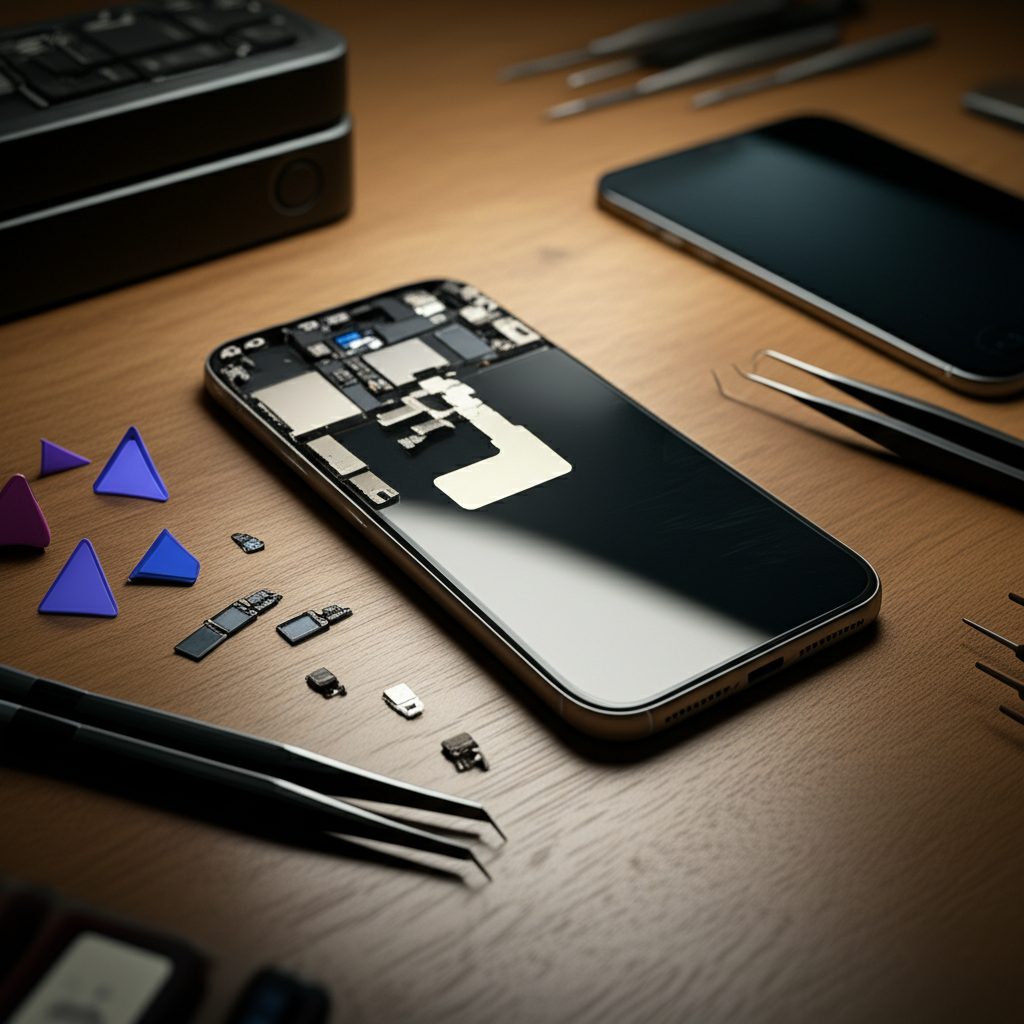
Phone repair difficulty varies greatly. Simple fixes like battery swaps are easy, but complex motherboard issues require advanced skills and tools, making them very hard.
So, you’ve dropped your phone. Maybe the screen cracked. Perhaps the battery is dying fast. You’re wondering, “How hard is phone repair?” It’s a fair question. Many people feel lost when their phone breaks. They worry about high repair costs. They fear losing their data. This guide will break it down. We will look at what makes phone repair easy or hard. You will learn about the tools you might need. We will also cover when it’s best to seek professional help. Get ready to understand phone repair better.
The Real Answer: It Depends on the Problem
The difficulty of phone repair is not a simple yes or no. It’s like asking “How hard is cooking?” Some dishes are very easy. Others need a lot of practice and skill. Fixing a phone is similar. A cracked screen might be straightforward. A damaged charging port can be tricky. A broken motherboard is a whole different challenge. We will explore these differences. This will help you decide if you can tackle a repair yourself.
What Makes Phone Repair Seem Hard?

Several things make phone repair seem daunting. Phones are small. They have tiny parts. They use complex electronics. Many parts are glued together. Special tools are often needed. If you don’t have the right tools, it gets much harder. Also, static electricity can damage sensitive components. This is called ESD. Without proper ESD protection, you risk causing more damage.
What Makes Phone Repair Seem Easy?
Some repairs are quite manageable. Many common issues have clear solutions. Online guides are abundant. Companies like iFixit provide excellent step-by-step instructions. For simpler tasks, like replacing a battery on older models, the process is often logical. You might only need a few basic tools. The satisfaction of fixing your own device is also a big plus.
Understanding Phone Components: A Mini-Lesson
To know how hard repair is, you need to know what’s inside. Phones have many parts. The screen is on top. Underneath are the motherboard, battery, and cameras. There are many small connectors. These connect everything together. Ribbon cables are thin and fragile. They can tear easily. The motherboard is the brain. It has tiny chips and circuits. Damaging these is very difficult to fix.
The Motherboard: The Heart of Your Phone
The motherboard is the most complex part. It holds the main processor, memory, and other vital chips. Repairing a motherboard involves soldering. This means melting tiny wires to fix broken connections. It requires a steady hand. It needs a special soldering iron. It also needs a lot of practice. Most people should avoid motherboard repairs. They are extremely difficult and risky.
Batteries and Screens: The Most Common Repairs
Batteries and screens are the parts that fail most often. Batteries degrade over time. Screens get cracked from drops. Replacing a battery is often a moderate challenge. Many phones require you to remove the screen first. This can be tricky. Some batteries are glued in tightly. Screen replacement can also be difficult. Modern phones have very thin screens. They are easy to break further if not handled carefully.
Essential Tools for Phone Repair
Having the right tools makes a huge difference. For simple repairs, you might need a small screwdriver set. These sets have special bits for phone screws. You will also need a plastic opening tool. This helps pry open the phone case without scratching it. For more advanced repairs, you might need a heat gun. This softens glue. You might also need tweezers and anti-static tools.
The Basic Toolkit: What You Really Need
A good starting toolkit should include:
Precision Screwdriver Set: With Phillips, Torx, and Pentalobe bits.
Plastic Opening Tools: Spudgers and picks to separate parts.
Suction Cup: To lift the screen or back panel.
Tweezers: For handling small screws and connectors.
Anti-Static Wrist Strap: To prevent static damage.
These items are affordable. You can find them online. Companies like iFixit sell excellent starter kits.
Advanced Tools: When Things Get Serious
If you plan to do more complex repairs, you might need:
Heat Gun or Hair Dryer: To loosen adhesive.
Soldering Station: For motherboard repairs.
Microscope: To see tiny components.
Multimeter: To test electrical circuits.
Bending Pliers: For straightening bent connectors.
These tools are more expensive. They require more skill to use. For most users, these are not necessary.
The Repair Process: Step-by-Step Breakdown
Let’s imagine replacing a phone battery. This is a common repair. First, you power off the phone. Then, you remove the screws at the bottom. You use a suction cup to lift the screen slightly. Plastic tools then carefully pry the screen away. You must be gentle. The screen is connected by fragile cables. Disconnect these cables. Now you can access the battery. Remove any screws holding it. Pry the old battery out. It might be stuck with adhesive. Install the new battery. Reconnect the cables. Reattach the screen. Screw everything back together.
Before You Start: Important Preparations
Always prepare before you begin. Back up your phone data. This is crucial in case something goes wrong. Gather all your tools. Find a well-lit workspace. Make sure you have a clean surface. Watch a video tutorial for your specific phone model. This shows you exactly where to put your tools. It highlights any tricky steps.
During the Repair: Be Patient and Careful
Work slowly and deliberately. Do not force anything. If a part doesn’t move, check for hidden screws. Keep track of all screws. They are often different sizes. Use a magnetic mat or labeled containers. This helps you remember where each screw goes. Always use an anti-static wrist strap. Ground yourself often by touching metal.
After the Repair: Testing and Reassembly
Once the new part is in, reconnect cables carefully. Gently place the screen back. Screw everything up. Turn on the phone. Test all functions. Check the new part. Also, test other things like the camera and speakers. If everything works, great job! If not, retrace your steps. Check all connections.
Factors Affecting Repair Difficulty
Several factors influence how hard a repair is. The phone model is key. Some phones are designed for easy repair. Others are sealed tightly. Apple iPhones and Samsung Galaxy phones have different repair difficulties. The specific part being replaced also matters. A simple speaker replacement is easier than a complex logic board fix.
Phone Design: Easy vs. Difficult to Open
Some phones are modular. This means parts are easy to access. You can often remove the back panel. Then, you can swap out batteries or screens easily. Other phones are sealed with strong adhesive. You have to heat them up. You need special tools to open them. These are much harder to repair. For example, many older Samsung phones were easier to fix than newer ones.
Part Availability and Cost
Can you find the replacement part? Is it affordable? For popular phones, parts are usually available. For older or rare phones, parts can be hard to find. This makes repair difficult. The cost of parts also matters. An expensive screen can make a repair not worth it.
When to Call a Professional
Sometimes, a repair is simply too hard for a DIYer. If the phone is very new, it might be risky. If the problem is complex, like water damage, professional help is best. If you lack the tools or confidence, a pro is the way to go. Repair shops have specialized equipment. They also have experienced technicians.
Signs You Should Not DIY
You dropped your phone and it looks badly damaged.
The phone suffered water damage.
The problem is with the motherboard or internal chips.
You don’t have the necessary tools.
You feel nervous or unsure about the process.
Choosing a Repair Shop
Look for reputable repair shops. Check online reviews. Ask friends for recommendations. A good shop will offer a warranty on their work. They should be transparent about costs. Some popular chains include uBreakiFix and CPR. Independent shops can also be excellent.
The Cost of Phone Repair: DIY vs. Professional
Doing it yourself is usually cheaper. You only pay for parts. Professional repair costs more. You pay for parts and labor. For example, a DIY screen replacement might cost $50-$100 for parts. A professional repair could be $100-$300. Battery replacements follow a similar pattern. The cost depends heavily on your phone model.
Saving Money with DIY
If you are comfortable with the process, DIY saves money. You can buy quality parts online. Websites like Injured Gadgets and MobileSentrix offer parts. You can learn valuable skills. It is a rewarding experience. Just remember to weigh the risks.
When Professional Repair is Worth It
Sometimes, the peace of mind is worth the extra cost. If your phone is expensive, a professional repair might be safer. They often guarantee their work. This means if something goes wrong, they fix it. It protects your investment.
Common Phone Problems and Their Difficulty
Let’s look at specific issues.
Cracked Screen: Moderate difficulty. Requires careful prying and cable handling.
Dead Battery: Moderate difficulty. Often glued in, but usually accessible.
Broken Charging Port: Hard difficulty. Requires soldering or intricate connector replacement.
Water Damage: Very Hard difficulty. Requires specialized cleaning and component testing.
Software Glitches: Easy difficulty. Often fixable with resets or updates.
Software vs. Hardware Issues
Software problems are usually easier. They don’t involve opening the phone. You can often fix them through settings. Hardware problems involve physical parts. These require opening the device. They are generally harder to fix.
Advanced Techniques: Soldering and Microsoldering
Soldering is a key skill for advanced phone repair. It involves joining electronic components. Microsoldering is even more delicate. It’s used for tiny circuits on the motherboard. This requires extreme precision. It needs specialized tools like a hot air station and microscope. These repairs are very hard. They are usually done by highly trained technicians.
ESD Protection: A Critical Safety Measure
ESD stands for Electrostatic Discharge. It’s like static shock. This shock can instantly destroy sensitive phone parts. You must prevent it. Always wear an anti-static wrist strap. Work on an anti-static mat. Avoid working on carpet. Ground yourself frequently. This is vital for successful repair.
The Future of Phone Repair
Phone manufacturers are making phones harder to repair. They use more glue. They use proprietary screws. This is to make phones thinner and more water-resistant. However, it increases repair difficulty. There is a growing movement for “right to repair.” This aims to make devices easier to fix. It pushes for access to parts and manuals.
Right to Repair: What It Means for You
The “right to repair” movement wants manufacturers to provide tools and parts. It wants repair manuals to be available. This would make DIY repairs easier. It could also lower professional repair costs. It is a complex issue. But it could change how we fix our phones.
Frequently Asked Questions About Phone Repair
Q1: How hard is it to replace a cracked phone screen?
Replacing a cracked screen is moderately hard. It requires careful work. You need special tools to open the phone. You must disconnect fragile cables. It is doable for beginners with good guides.
Q2: Can I fix my water-damaged phone at home?
Fixing water damage at home is very difficult and risky. It requires immediate cleaning of internal parts. You need special solutions. Often, corrosion has already started. It’s best to take it to a professional.
Q3: What is the easiest phone repair?
The easiest phone repair is often replacing a battery. Some models have very accessible batteries. Other models require more steps. Still, it’s generally simpler than screen or motherboard repair.
Q4: Do I need special tools to fix my phone?
Yes, you usually need special tools. Standard household tools are often too large. You need precision screwdrivers and plastic prying tools. An anti-static wrist strap is also important.
Q5: Is it cheaper to repair my phone or buy a new one?
It depends on the phone and the damage. For minor issues like a battery or screen, repair is often cheaper. For severe damage or older phones, a new device might be more cost-effective.
Q6: What is ESD and why is it important for phone repair?
ESD is electrostatic discharge, like static shock. It can permanently damage tiny electronic parts inside your phone. Using an anti-static wrist strap and mat is crucial to prevent this.
Conclusion
So, how hard is phone repair? It truly depends on the problem and your phone. Simple tasks like battery swaps can be manageable for the determined DIYer with the right guides and tools. However, complex issues like motherboard damage or water intrusion demand expert skills and specialized equipment, making them extremely difficult. Always assess the repair’s complexity against your comfort level and available resources. For most common issues, patience, good instructions, and a few essential tools can lead to a successful repair. But for anything beyond basic fixes, trusting a certified professional is often the wisest and safest choice.
If you found this guide helpful, consider subscribing to our newsletter for more repair tips and tool reviews.

Belayet Hossain is a Senior Tech Expert and Certified AI Marketing Strategist. Holding an MSc in CSE (Russia) and over a decade of experience since 2011, he combines traditional systems engineering with modern AI insights. Specializing in Vibe Coding and Intelligent Marketing, Belayet provides forward-thinking analysis on software, digital trends, and SEO, helping readers navigate the rapidly evolving digital landscape. Connect with Belayet Hossain on Facebook, Twitter, Linkedin or read my complete biography.