
Published on: 07/11/2025 | Updated on: November 7, 2025
Learn how to repair your iPhone screen with this essential guide, offering genius fixes for a cracked display using the right tools and techniques.
A cracked iPhone screen is a common problem. It happens to many of us. Your phone might slip from your hand. It could fall out of your pocket. The glass can shatter easily. This makes your phone hard to use. It can also look bad. But don’t worry! You can fix it. This guide will show you how. We will cover everything you need. You will learn about tools. You will learn about steps. You will fix your iPhone screen.
Why Fixing Your iPhone Screen Matters
Fixing a cracked iPhone screen is important. A damaged screen can cause many issues. It might not respond to touch. Small glass shards can cut your fingers. Water can get inside your phone easily. This can damage other parts. Repairing it saves money. It is cheaper than buying a new phone. It is also better for the planet. Repairing reduces electronic waste. This guide will help you do it safely.
Understanding iPhone Screen Damage: What You’re Seeing
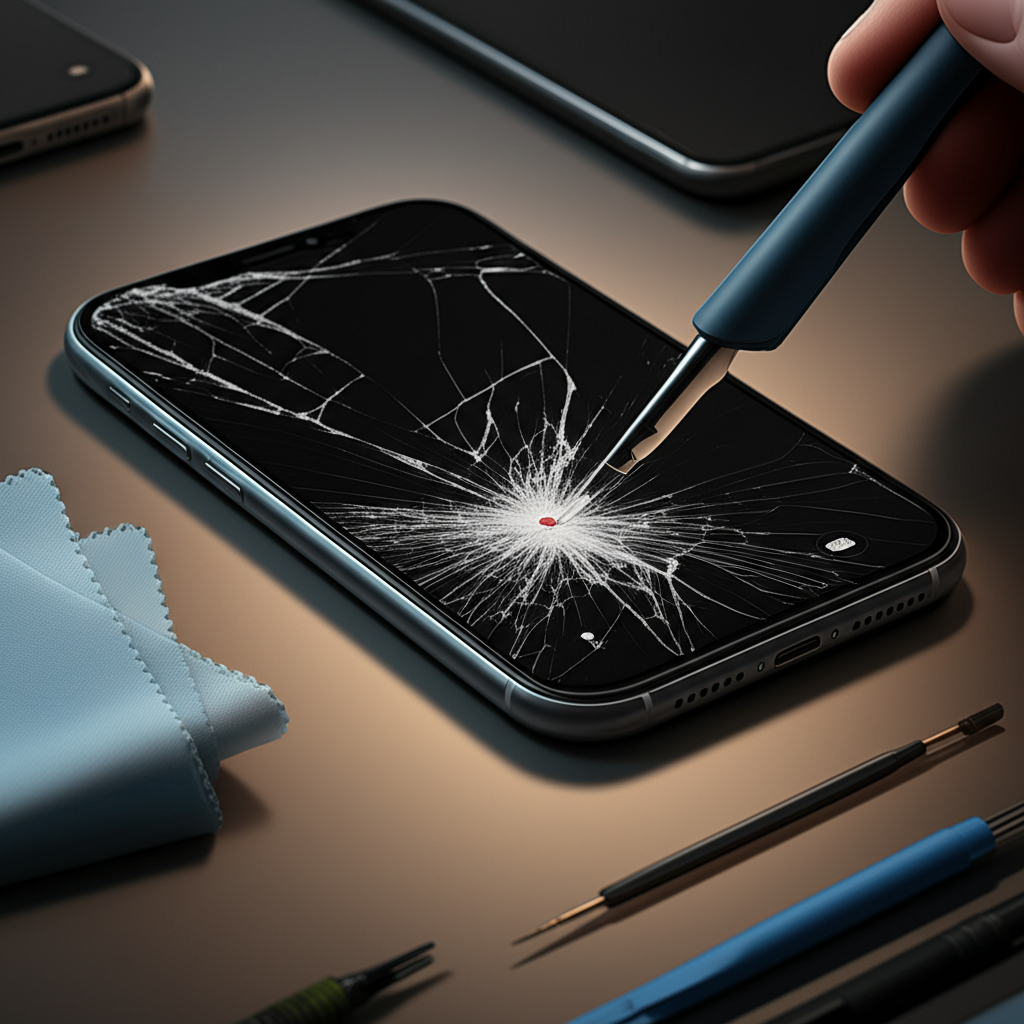
iPhone screen damage comes in different forms. The most common is a cracked glass. You might see spiderweb cracks. Sometimes, the touch screen stops working. This is called digitizer failure. Other times, the display itself is damaged. You might see lines or black spots. This is called LCD or OLED damage. Knowing the type of damage helps you fix it. It guides you to the right parts and tools.
Essential Tools for iPhone Screen Repair
To repair an iPhone screen, you need special tools. These are not common household items. You need a repair kit. These kits usually include small screwdrivers. They have prying tools. They also have suction cups. You will need a heat gun or a hair dryer. This warms up the adhesive. It helps separate the screen. ESD (Electrostatic Discharge) protection is vital. It prevents static electricity from damaging your phone. A good repair kit makes the job easier. It ensures you don’t damage your phone further.
Here are some key tools:
Pentalobe Screwdriver: For special iPhone screws.
Phillips Head Screwdriver: For other internal screws.
Spudger and Plastic Opening Tools: To gently pry parts apart.
Suction Cup: To lift the screen assembly.
Heat Gun or Hair Dryer: To soften adhesive.
Tweezers: For handling small screws and cables.
ESD Wrist Strap: To prevent static damage.
Replacement Screen Assembly: The new screen for your iPhone.
Step-by-Step: How to Repair Your iPhone Screen
Repairing an iPhone screen involves several careful steps. It is like a puzzle. You must follow the order precisely. This process requires patience. Take your time with each step. Rushing can lead to mistakes. It can also damage your phone more. Always work in a clean, well-lit area.
1. Power Down Your iPhone: Turn off your iPhone completely. This is a critical safety step. It prevents electrical shorts.
2. Remove Bottom Screws: Use a Pentalobe screwdriver. Remove the two screws on either side of the charging port.
3. Heat the Screen Edges: Gently heat the edges of the iPhone screen. Use a heat gun or hair dryer on a low setting. This softens the adhesive holding the screen.
4. Lift the Screen: Place a suction cup on the screen. Pull upwards gently. Use a thin plastic opening tool to slide into the gap. Work your way around the edges. Be careful not to insert the tool too deep.
5. Open the iPhone: Open the iPhone like a book. It usually opens from the left side. Do not pull the screen all the way off yet. There are cables connecting it.
6. Disconnect Battery First: Locate the battery connector. Use a spudger to disconnect it. This is very important. It prevents power surges.
7. Disconnect Screen Cables: Find the cables for the display and digitizer. Carefully disconnect them with a spudger.
8. Remove the Old Screen: Once all cables are disconnected, you can remove the old screen.
9. Transfer Components (If Necessary): Some replacement screens do not include the front camera, earpiece, or home button. You may need to transfer these from your old screen. This is a delicate step.
10. Connect the New Screen: Connect the cables of the new screen assembly. Make sure they click into place.
11. Reconnect Battery: Reconnect the battery cable.
12. Test the New Screen: Before sealing the phone, power it on. Test the touch screen. Check the display for any issues.
13. Seal the iPhone: If everything works, carefully close the iPhone. Align the screen and press down gently. Replace the bottom screws.
This process can vary slightly by iPhone model. Always check a model-specific guide. Resources like iFixit’s repair guides are excellent for detailed instructions.
Common Pitfalls and How to Avoid Them
Many things can go wrong during a screen repair. Knowing these issues helps you avoid them. The most common problem is damaging small cables. These flex cables are very fragile. Be gentle when disconnecting them. Another issue is losing screws. iPhone screws are tiny and different sizes. Keep them organized. A magnetic mat or screw organizer is helpful. Forgetting to disconnect the battery is dangerous. It can fry your logic board. Always disconnect the battery first. Heating the screen too much can damage the phone. Use low heat and move it around.
Choosing the Right Replacement Screen
Not all replacement screens are the same. Quality matters a lot. Some screens have poor color. Some have weak touch response. Others are more prone to cracking. For the best results, choose a high-quality screen. Look for screens from reputable suppliers. Some screens are OEM (Original Equipment Manufacturer). Others are third-party. OEM screens offer the best compatibility. Third-party screens can be cheaper. They might have good quality too. Read reviews before buying.
Consider these factors:
Display Type: LCD vs. OLED. OLED screens offer better colors and contrast.
Touch Sensitivity: Ensure it matches the original.
Color Accuracy: Look for good color reproduction.
Durability: Some screens have stronger glass.
* Included Parts: Does it come with a pre-installed digitizer or other components?
When to Call a Professional
Sometimes, DIY repair is not the best option. If you are not comfortable with small parts. If you have never done electronics repair. It might be best to seek professional help. Apple Stores offer repairs. Independent repair shops are also an option. Professional technicians have the tools and experience. They can fix your phone quickly. They often offer a warranty on their work. This gives you peace of mind. For complex issues beyond a simple screen swap, professional diagnostics are invaluable.
Protecting Your Repaired iPhone Screen
After you repair your iPhone screen, you want to protect it. A screen protector is a must. These add an extra layer of defense. They can prevent future cracks. A good case is also important. A case absorbs impact. It protects the edges and back of your phone. Be gentle with your phone. Avoid placing it in pockets with keys or loose change. These can scratch the screen.
iPhone Screen Repair vs. Replacement: What’s the Difference?
Screen repair usually means replacing the damaged screen assembly. This includes the glass, digitizer, and LCD/OLED. Screen replacement can sometimes refer to replacing the entire phone. When we talk about “how repair iPhone screen,” we mean replacing the screen assembly. This is a common repair for cracked glass or touch issues. Full phone replacement is for severe damage. It is much more expensive.
The Future of iPhone Screen Technology
Apple continues to innovate. Future iPhone screens might be more durable. They could feature self-healing materials. Or perhaps even more advanced display technology. The repair industry also evolves. New tools and techniques emerge. This makes repairs easier and faster. The goal is always to restore functionality. It should be done affordably.
Frequently Asked Questions About iPhone Screen Repair
What is the most common reason for iPhone screen damage?

The most common reason is accidental drops. The phone hits a hard surface. This causes the glass to crack.
Can I fix a cracked iPhone screen myself?
Yes, you can fix many cracked iPhone screens yourself. You need the right tools and a good guide. It requires patience and careful work.
How long does an iPhone screen repair take?
A DIY repair can take 1-3 hours. Professional repair shops can often do it in 1-2 hours.
Is it cheaper to repair or replace an iPhone screen?
It is almost always cheaper to repair an iPhone screen than to replace the entire phone. It is also cheaper than buying a new iPhone.
What is the difference between LCD and OLED screens?
LCD screens use a backlight. OLED screens have pixels that light up themselves. OLED screens offer better contrast and colors.
What is a digitizer?
The digitizer is the layer that detects your touch. It is usually part of the screen assembly. If touch is not working, the digitizer may be faulty.
Should I use an ESD wrist strap when repairing my iPhone?
Yes, it is highly recommended. Static electricity can damage sensitive internal components. An ESD strap protects your phone.
Conclusion
Fixing your iPhone screen yourself is achievable. It requires careful preparation and execution. You need the right tools and knowledge. Following step-by-step instructions is key. Remember to work safely and patiently. Protecting your newly repaired screen is also important. If you feel unsure, professional help is available. With this guide, you are ready to tackle iPhone screen repair. Get your iPhone back to its best condition.
For more repair guides and tool reviews, explore our other articles on itphobia.com.

Belayet Hossain is a Senior Tech Expert and Certified AI Marketing Strategist. Holding an MSc in CSE (Russia) and over a decade of experience since 2011, he combines traditional systems engineering with modern AI insights. Specializing in Vibe Coding and Intelligent Marketing, Belayet provides forward-thinking analysis on software, digital trends, and SEO, helping readers navigate the rapidly evolving digital landscape. Connect with Belayet Hossain on Facebook, Twitter, Linkedin or read my complete biography.