


Published on: 26/09/2025 | Updated on: September 26, 2025
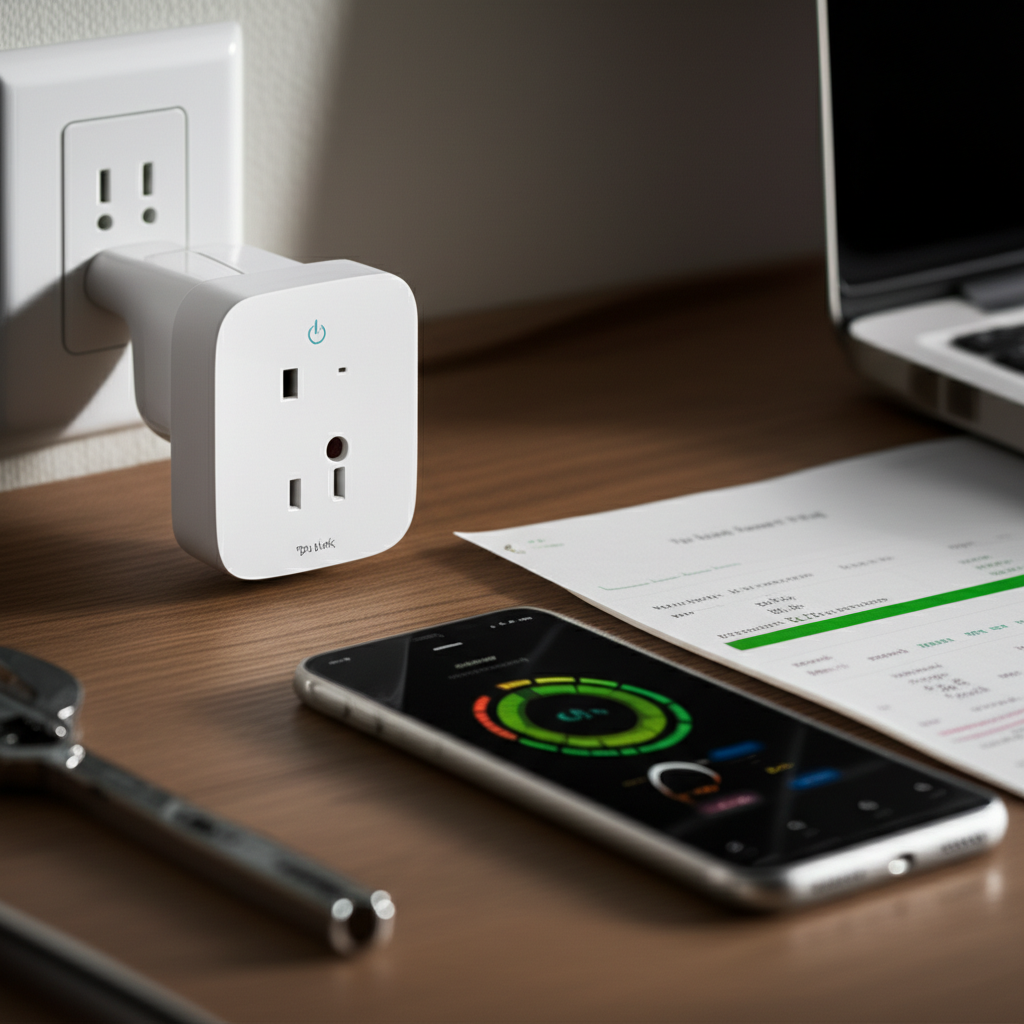
Unlock significant energy savings and smarter home control with the TP-Link Kasa Smart Plug HS110. This device empowers you to monitor and manage your electricity consumption, reduce waste, and lower your utility bills through intelligent automation and real-time insights, making it an essential tool for cost-conscious households.
The electricity bill can be a source of stress for many households, with phantom energy drain and inefficient appliance usage silently increasing costs. It’s frustrating to realize that even when turned off, many devices continue to draw power, leading to wasted energy and higher expenses. Thankfully, smart home technology offers elegant solutions, and the TP-Link Kasa Smart Plug HS110 stands out as a powerful yet simple device to tackle this very issue. This article will guide you through how this smart plug can become your secret weapon for essential energy savings.
The Invisible Drain: Understanding Phantom Power
Phantom power, also known as standby power or vampire drain, is the energy consumed by electronic devices when they are plugged in but not actively in use. This often occurs with devices that have standby modes, such as televisions, computers, chargers, and even coffee makers. While each device consumes a small amount of power, the cumulative effect across multiple appliances can significantly impact your electricity bill over time. Understanding this phenomenon is the first step towards actively reducing it and saving money.
This silent energy consumption is a common problem, but thankfully, with the right tools, you can bring it into the light and take control. We’ll explore how the TP-Link Kasa Smart Plug HS110 directly addresses this issue by giving you visibility and control.
Introducing the TP-Link Kasa Smart Plug HS110: Your Energy Guardian
The TP-Link Kasa Smart Plug HS110 is more than just a remote-controlled outlet; it’s a sophisticated device designed to empower users with actionable data about their energy usage. It plugs into any standard wall outlet, allowing you to connect your appliance and then control that appliance via your smartphone or voice commands. What sets the HS110 apart is its integrated energy monitoring feature, which provides real-time and historical data on the power consumption of connected devices. This granular insight is crucial for identifying energy hogs and optimizing your home’s efficiency.
This smart plug acts as a bridge between your devices and your ability to manage their energy footprint, making it an invaluable addition to any modern home. Its intuitive app interface and straightforward setup make it accessible even for those new to smart home technology.
Key Features of the TP-Link Kasa Smart Plug HS110
The TP-Link Kasa Smart Plug HS110 is packed with features that contribute to its effectiveness in energy management and overall smart home integration. Its robust functionality ensures it’s not just a gimmick but a practical tool for everyday use. Let’s dive into what makes it stand out.
Energy Monitoring: This is the flagship feature, providing real-time power consumption data (in watts) and tracking daily, weekly, and monthly energy usage (in kWh).
Remote Control: Turn connected devices on or off from anywhere using the Kasa Smart app on your smartphone or tablet.
Scheduling: Set timers and schedules to automate device operation, ensuring they only run when needed.
Away Mode: Simulate presence by randomly turning lights on and off when you’re not home, enhancing security.
Voice Control: Seamlessly integrates with Amazon Alexa and Google Assistant for hands-free operation.
No Hub Required: Connects directly to your home’s Wi-Fi network, simplifying setup.
Compact Design: Its small footprint doesn’t block adjacent outlets.
These features combine to offer a comprehensive solution for managing your connected appliances and, crucially, your energy consumption.
The Power of Real-Time Energy Monitoring
The standout feature of the TP-Link Kasa Smart Plug HS110 is its advanced energy monitoring capabilities. The Kasa Smart app provides a clear, easy-to-understand dashboard showing exactly how much power a connected appliance is drawing in real-time. This allows you to identify devices that are consuming excessive energy, even when they are supposed to be off. For instance, you might discover that an older entertainment center or a rarely used kitchen appliance is a significant contributor to phantom power drain.
By visualizing this data, you gain the knowledge needed to make informed decisions about appliance usage and potential replacements. This insight is the foundation for achieving substantial energy savings with the TP-Link Kasa Smart Plug HS110.
Unlocking Savings: How the HS110 Reduces Your Electricity Bill
The TP-Link Kasa Smart Plug HS110 directly contributes to lower electricity bills through several mechanisms. Firstly, by identifying and enabling you to turn off devices that consume phantom power, you eliminate that wasted energy entirely. Secondly, its scheduling feature allows you to automate appliance usage, ensuring that energy-intensive devices like water heaters or chargers are only active when necessary. For example, you can schedule your phone charger to turn off automatically after a few hours, preventing overcharging and unnecessary energy draw.
Furthermore, the data provided by the HS110 can help you understand the energy footprint of different appliances, encouraging more mindful usage patterns. This proactive approach to energy management translates directly into cost savings.
Setting Up Your TP-Link Kasa Smart Plug HS110: A Simple Process
Getting started with the TP-Link Kasa Smart Plug HS110 is remarkably straightforward, designed for users of all technical backgrounds. The entire setup process typically takes just a few minutes and can be completed with your smartphone. You’ll need to download the Kasa Smart app from your device’s app store, plug the HS110 into a wall outlet, and follow the in-app prompts to connect it to your home’s Wi-Fi network. The app guides you through each step, making it intuitive and hassle-free.
Once connected, you can immediately start controlling your appliance and viewing its energy consumption data. This ease of setup means you can begin saving energy without any technical hurdles.
Smart Automation for Enhanced Efficiency
Automation is at the core of smart home technology, and the TP-Link Kasa Smart Plug HS110 leverages this to maximize energy efficiency. The scheduling feature allows you to create custom on/off routines for connected devices. You can set a coffee maker to turn on just before you wake up, or ensure that your gaming console is completely powered down overnight. This eliminates the need to remember to switch off appliances manually, reducing the risk of accidental energy waste.
These automated routines not only save energy but also add a layer of convenience to your daily life. Imagine your home appliances working in harmony with your schedule, all managed effortlessly through your phone.
Integrating with Your Smart Home Ecosystem
The TP-Link Kasa Smart Plug HS110 plays nicely with other smart home devices and platforms, enhancing its utility. It offers seamless integration with popular voice assistants like Amazon Alexa and Google Assistant. This means you can control your connected appliances with simple voice commands, such as “Alexa, turn off the living room lamp” or “Hey Google, what’s the power consumption of my TV?”. This hands-free control adds another layer of convenience and accessibility.
For a more comprehensive smart home setup, you can also integrate Kasa devices into routines with other smart products, creating automated scenarios that respond to your lifestyle. This interoperability makes the HS110 a versatile component of a connected home.
Real-World Applications: Saving Energy with the HS110
The practical applications of the TP-Link Kasa Smart Plug HS110 for energy saving are numerous. Consider these common scenarios:
Entertainment Centers: Many TVs, sound systems, and gaming consoles draw significant power even when in standby mode. Plug them into the HS110 and schedule them to turn off completely when not in use, or remotely shut them down if you forget.
Kitchen Appliances: Refrigerators, microwaves, and coffee makers can contribute to energy waste. Use the HS110 to monitor their usage and potentially schedule non-essential appliances to power down during peak hours or overnight.
Home Office: Computers, monitors, and printers can be significant energy drains. Automate their shutdown via the HS110 to ensure they aren’t running unnecessarily, especially during evenings and weekends.
* Lighting: While many LED bulbs are energy-efficient, leaving them on when not needed still wastes power. Use the HS110 to schedule lights to turn off automatically or to control them remotely.
By strategically placing the TP-Link Kasa Smart Plug HS110 on your most power-hungry or frequently forgotten devices, you can make a tangible impact on your energy consumption.
Troubleshooting Common Issues with the HS110
While the TP-Link Kasa Smart Plug HS110 is generally reliable, like any electronic device, you might encounter occasional issues. The most common problems often relate to Wi-Fi connectivity or app responsiveness. If the plug is unresponsive, first check your Wi-Fi connection to ensure it’s stable. A simple router reboot can often resolve connectivity glitches.
If the energy monitoring data seems inaccurate, ensure the plug is properly seated in the outlet and that the connected appliance is functioning correctly. The Kasa Smart app also receives regular updates, so keeping it current can resolve many software-related bugs. TP-Link’s customer support is also a valuable resource for more complex issues.
TP-Link Kasa Smart Plug HS110 vs. Competitors: A Quick Comparison
When looking at smart plugs with energy monitoring, the TP-Link Kasa Smart Plug HS110 holds its own against competitors. Devices from brands like Wemo and Wyze also offer similar functionality. However, the HS110 often stands out for its user-friendly app interface and the accuracy of its energy monitoring data.
| Feature | TP-Link Kasa Smart Plug HS110 | Competitor A (Example) | Competitor B (Example) |
| :—————— | :—————————- | :——————— | :——————— |
| Energy Monitoring | Yes (Real-time & Historical) | Yes | Limited/No |
| Remote Control | Yes | Yes | Yes |
| Scheduling | Yes | Yes | Yes |
| Voice Assistant | Alexa, Google Assistant | Alexa, Google Assistant | Alexa only |
| Hub Required | No | No | Yes |
| App Ease of Use | Excellent | Good | Moderate |
| Price Point | Mid-range | Varies | Varies |
The HS110 offers a compelling balance of features, performance, and ease of use, making it a top choice for consumers prioritizing energy savings. Its consistent performance and reliable app support contribute to its strong market position.
The Future of Energy Management with Smart Plugs
Smart plugs like the TP-Link Kasa Smart Plug HS110 are paving the way for a more intelligent and sustainable approach to energy consumption. As AI and IoT technologies continue to advance, we can expect even more sophisticated features. This includes predictive energy usage analysis, automated optimization based on grid prices, and seamless integration with smart home energy management systems. The HS110 is an excellent entry point into this evolving landscape, offering immediate benefits while keeping you prepared for future innovations in smart energy.
The evolution of smart home technology promises a future where energy efficiency is not just an option but an integrated aspect of our daily lives. The TP-Link Kasa Smart Plug HS110 is a testament to this progress.
Frequently Asked Questions about the TP-Link Kasa Smart Plug HS110
Can the TP-Link Kasa Smart Plug HS110 be used outdoors?

No, the TP-Link Kasa Smart Plug HS110 is designed for indoor use only. Exposure to moisture or extreme temperatures can damage the device and pose a safety risk. Always ensure it’s used in a dry, indoor environment.
Do I need a separate hub for the HS110?
No, a separate hub is not required. The TP-Link Kasa Smart Plug HS110 connects directly to your home’s 2.4GHz Wi-Fi network, making setup quick and easy.
How accurate is the energy monitoring feature?
The energy monitoring feature on the TP-Link Kasa Smart Plug HS110 is generally quite accurate for consumer-level use. It provides reliable real-time wattage readings and historical kilowatt-hour data that is sufficient for identifying energy consumption patterns and making informed decisions about reducing waste.
Can I control multiple Kasa smart plugs with one app?
Yes, the Kasa Smart app allows you to manage multiple Kasa devices, including various smart plugs, bulbs, and switches, all from a single interface on your smartphone or tablet.
What happens if my Wi-Fi goes down?
If your Wi-Fi connection is interrupted, the smart plug will lose its remote control capabilities. However, the connected appliance will continue to operate as if it were plugged directly into the wall. Once the Wi-Fi is restored, the plug will reconnect automatically.
Is the Kasa Smart app available on both iOS and Android?
Yes, the Kasa Smart app is available for free download on both the Apple App Store for iOS devices and the Google Play Store for Android devices.
Conclusion: A Smart Investment for a Greener, Cheaper Home
The TP-Link Kasa Smart Plug HS110 proves to be an indispensable tool for anyone looking to gain control over their energy consumption and reduce their electricity bills. Its intuitive energy monitoring features provide invaluable insights into phantom power drain and appliance efficiency, empowering you to make informed decisions. Coupled with its easy setup, remote control capabilities, and seamless integration with voice assistants, the HS110 offers a comprehensive and user-friendly solution for smart energy management. By investing in this smart plug, you’re not only saving money but also contributing to a more sustainable future. Make the smart choice for your wallet and the planet with the TP-Link Kasa Smart Plug HS110.

Belayet Hossain is a Senior Tech Expert and Certified AI Marketing Strategist. Holding an MSc in CSE (Russia) and over a decade of experience since 2011, he combines traditional systems engineering with modern AI insights. Specializing in Vibe Coding and Intelligent Marketing, Belayet provides forward-thinking analysis on software, digital trends, and SEO, helping readers navigate the rapidly evolving digital landscape. Connect with Belayet Hossain on Facebook, Twitter, Linkedin or read my complete biography.